CPU Cores and Threads – Unlock CPU Cores and Threads Power
If your system feels slow or struggles with multiple tasks the real issue might be deeper than you think. Understanding how your processor handles workload can completely change your performance.
CPU cores and threads play a critical role in defining how fast and efficiently a computer performs. Many users focus only on surface level specifications like storage or RAM but the real performance comes from how the processor manages tasks internally.
When I first explored this concept it became clear that understanding processor structure can make a big difference in system performance. Modern computing depends on the ability to handle multiple tasks at the same time without slowing down.
This is where processing design becomes important. A well optimized processor ensures smooth multitasking, faster execution and better overall efficiency. Without proper understanding, users often choose hardware that does not match their needs. Learning these concepts helps in making smarter decisions and improving long term performance.
What Are CPU Cores and Threads?
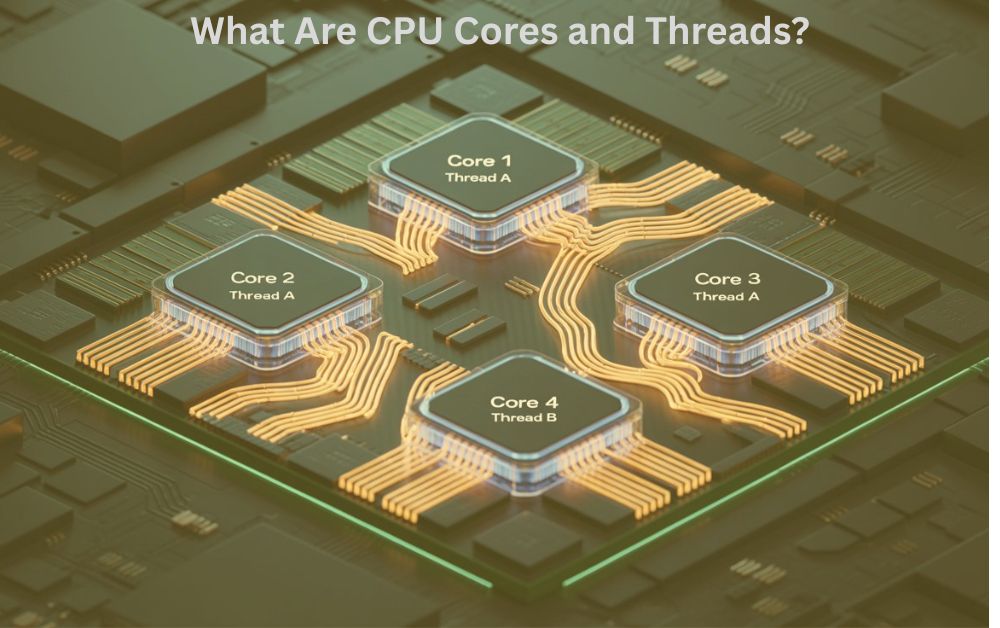
CPU cores and threads are the fundamental components of a processor that directly control system performance. Understanding these two elements is essential for evaluating how a computer handles tasks.
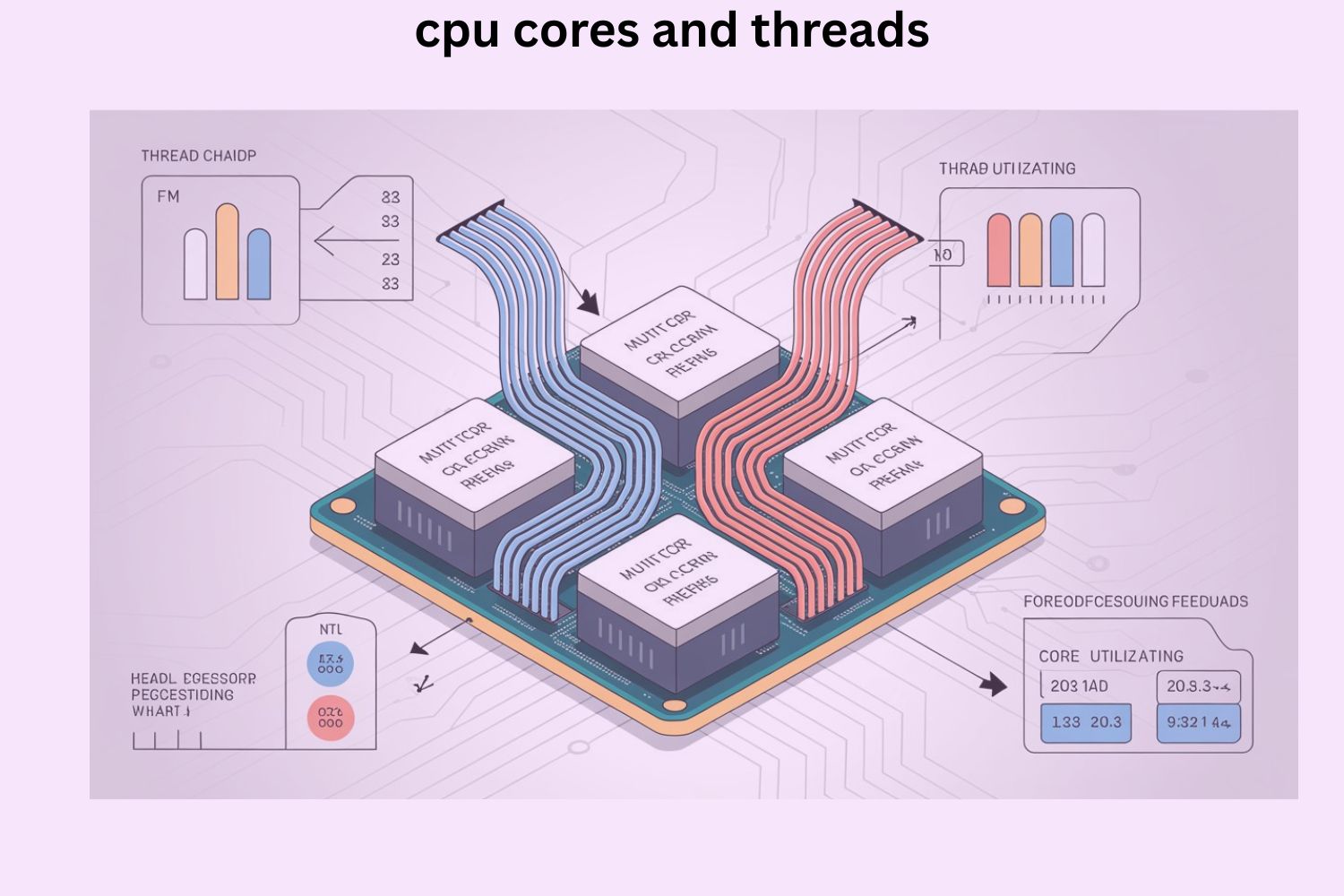
CPU cores are physical processing units inside a processor. Each core is capable of executing instructions independently. A higher number of cores allows a processor to handle more operations at the same time.
Threads are virtual processing units that improve the efficiency of cores. They allow a single core to manage multiple instruction streams increasing overall utilization and reducing idle time. Modern processors combine both cores and threads to deliver better performance especially in multitasking and resource intensive workloads.
How CPU Cores and Threads Work
CPU cores and threads work together to process instructions efficiently. When a task is initiated the processor divides it into smaller parts. These parts are distributed across multiple cores.
Threads further optimize this process by enabling each core to handle more than one sequence of instructions. This creates a parallel execution environment where multiple operations run simultaneously.
This coordinated workflow results in:
- Faster task execution
- Improved multitasking
- Reduced system latency
Efficient task distribution is the key factor that determines how responsive a system feels during heavy usage.
History and Evolution of CPU Cores and Threads
The development of processors has progressed significantly over time. Early processors were limited to a single core which restricted them to handling one task at a time. This created performance limitations as software became more complex. The introduction of multi core processors marked a major advancement.
It allowed systems to execute multiple tasks simultaneously by distributing workloads across different cores. Later multi-threading technology was introduced to enhance efficiency. This enabled better utilization of each core by allowing it to process multiple instruction streams.
Modern processors now use advanced architectures including hybrid designs to balance performance and efficiency.
Common Problems with CPU Cores and Threads
Low Core Count
A processor with fewer cores struggles to handle multiple tasks at once leading to slower performance.
Inefficient Thread Usage
Some applications are not optimized for multi-threading which limits the effective use of available resources.
Overheating
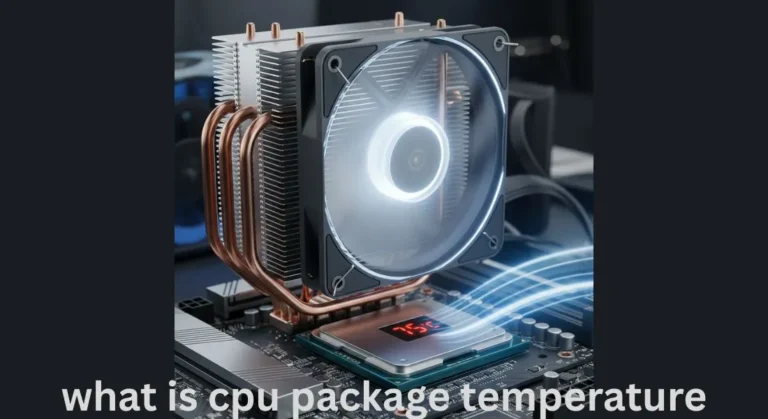
High workloads generate heat which can reduce performance due to thermal throttling.
Performance Bottlenecks
An underpowered processor can restrict the performance of other components, creating system imbalance.
Background Process Load
How to Fix CPU Cores and Threads Issues
Upgrade the Processor
Selecting a processor with more cores and threads improves multitasking and overall performance.
Use Optimized Software
Applications designed for modern processors can utilize resources more effectively.
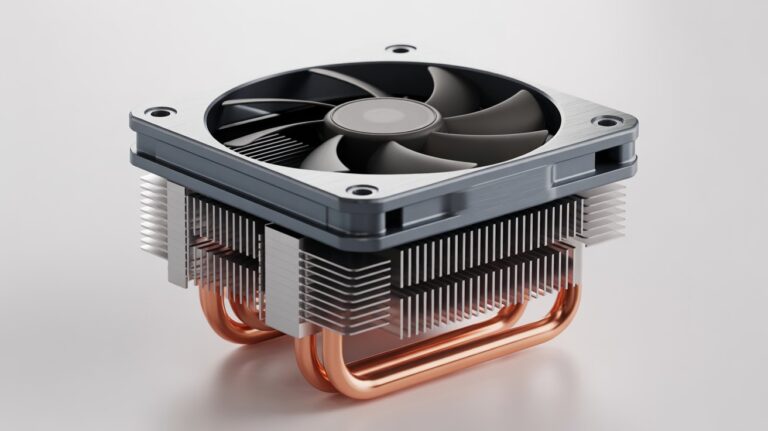
Improve Cooling Solutions
Efficient cooling systems help maintain stable performance under heavy workloads.
System Optimization
Managing startup programs and reducing background processes can significantly improve responsiveness.
Keep the System Updated
Operating system updates often include improvements in task scheduling and resource management.
CPU Cores and Threads Comparison Explained
| Feature | CPU Cores | Threads |
| Type | Physical hardware units | Virtual processing units |
| Function | Execute instructions | Manage instruction flow |
| Performance Impact | High | Moderate |
| Multitasking Role | Direct execution | Supportive optimization |
| Dependency | Independent | Dependent on cores |
| Efficiency Contribution | Primary | Secondary |
Both components play distinct roles and their combined operation determines the overall efficiency of a processor.
Best Use Cases of CPU Cores and Threads
Different workloads require different levels of processing capability.
- Gaming systems require balanced performance with efficient resource distribution
- Video editing and rendering require higher core and thread counts for faster processing
- Office and everyday tasks require moderate processing capabilities
- Development environments benefit from multi core performance for faster compilation
Selecting the right configuration depends on the type of workload and usage requirements.
Factors to Consider Before Choosing CPU Cores and Threads
Core Count
A higher number of cores improves multitasking capabilities.
Thread Count
More threads increase efficiency and allow better resource utilization.
Clock Speed
Higher clock speeds improve single task performance.
Cache Memory
Cache improves data access speed and reduces processing delays.
Power Consumption
Efficient processors consume less power and generate less heat. A balanced combination of these factors ensures optimal performance.
Advantages of CPU Cores and Threads in Performance
- Enhanced multitasking capability
- Improved system responsiveness
- Reduced lag and delays
- Better handling of complex applications
- Increased productivity
- Long term performance stability
These advantages make modern processors more capable of handling demanding workloads.
Future of CPU Cores and Threads
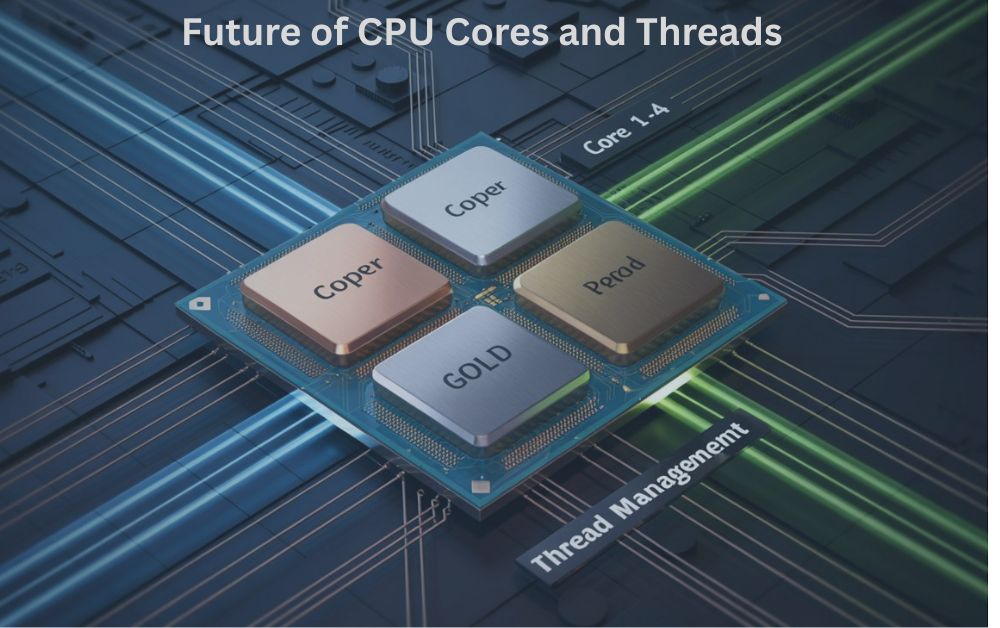
Processor technology continues to evolve with a focus on efficiency and performance. Manufacturers are increasing the number of cores and threads to support advanced computing needs. Hybrid architectures are becoming more common combining different types of cores for optimized performance.
This approach improves both speed and power efficiency. Future processors are expected to integrate artificial intelligence for smarter workload management enabling systems to automatically optimize performance based on usage patterns. These advancements will lead to faster, more efficient and more reliable computing systems.
Conclusion
CPU cores and threads are essential elements that determine the real performance of a computer system. Understanding how they work allows users to make better decisions when selecting or upgrading hardware. A well balanced processor ensures smooth multitasking faster application performance and improved system stability.
Many users overlook this aspect and focus only on basic specifications which can lead to performance issues. From a practical point of view choosing the right processing capability provides better long term value and efficiency.
Systems that are properly configured perform more reliably under heavy workloads. This knowledge not only improves performance but also helps avoid unnecessary expenses. In the end a clear understanding of processor design leads to a faster, more efficient and futureready system.
FAQs
Does processor size affect electricity usage?
Yes more powerful processors usually consume more power depending on their design.
Can a system perform well without upgrading hardware?
Yes proper optimization can improve performance without hardware changes.
Is processor compatibility important when upgrading?
Yes compatibility with motherboard and other components is essential.
Do operating systems impact processor efficiency?
Yes modern operating systems manage resources more efficiently.
Can too many applications affect processing speed?
Yes running too many apps at once reduces available processing power.