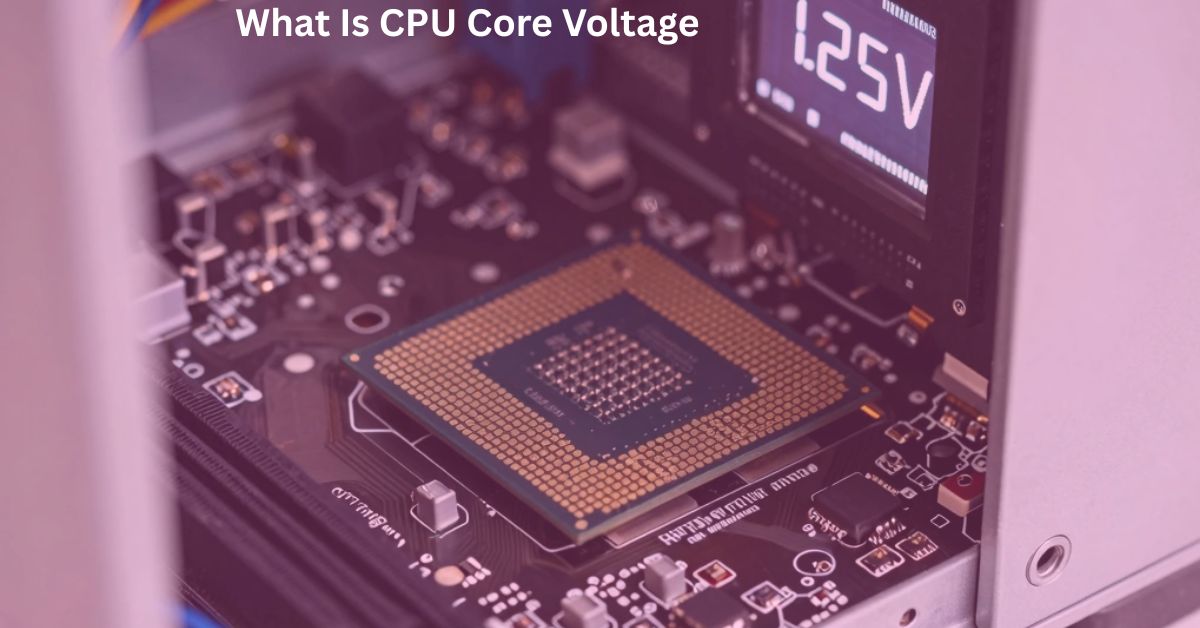
CPU Core Voltage – Tune Your PC Like a Pro
Tuning CPU Core Voltage correctly can boost your PC speed and stability like a pro while keeping your system safe from crashes and overheating.
CPU core voltage is the power that your processor uses to run all tasks smoothly and it plays a key role in overall system performance and stability. If the voltage is too low your PC may crash, freeze or fail to handle heavy tasks properly.
On the other hand if the voltage is too high it can increase heat and reduce the life of your hardware over time. Modern CPUs automatically adjust voltage based on workload but understanding it still helps you maintain a fast stable and safe system.
What Is CPU Core Voltage
CPU core voltage is the electrical power that your processor (CPU) needs to work properly. Every task you do on your computer like opening apps, playing games or browsing needs the CPU to get power. This power is not always the same. It changes depending on how much work your CPU is doing.
- Light work (like browsing) = low voltage needed
- Heavy work (like gaming or editing) = higher voltage needed
CPU core voltage is basically the “fuel” for your processor. Without correct fuel your CPU cannot run smoothly. If voltage is too low your system becomes unstable. If it is too high your CPU gets hot and may get damaged over time.
How CPU Core Voltage Works in Your System
CPU core voltage does not come directly from the power supply. It goes through several steps.
Step-by-Step Power Flow
- Power supply gives electricity to motherboard
- Motherboard controls and filters power
- Voltage regulators (VRM) adjust power
- Final voltage is sent to CPU
Why This System Exists
Because the CPU cannot handle raw electricity. It needs controlled and clean power.
Dynamic Voltage
Modern CPUs do not use fixed voltage. They change voltage automatically:
- When idle → low voltage (saves energy)
- When busy → high voltage (more performance)
This is called dynamic voltage adjustment.
Signs of Incorrect CPU Core Voltage Settings
If voltage is not correct your PC will show clear problems.
Common Symptoms
- PC freezes randomly
- Games crash suddenly
- Blue screen errors (BSOD)
- PC restarts without warning
- System feels slow or unstable
What These Signs Mean
- Too low voltage → CPU cannot get enough power
- Too high voltage → CPU becomes unstable due to heat
So these signs are your warning system.
Common Problems Caused by Wrong Voltage
Incorrect CPU voltage can affect your whole system.
Overheating
High voltage produces extra heat. If the cooling is weak, the temperature rises quickly.
Reduced CPU Life
Long term high voltage can slowly damage CPU parts.
Performance Drops
When the CPU gets too hot it automatically slows down to protect itself. This is called throttling.
System Instability
Low voltage causes sudden crashes or system failure.
How to Check Your CPU Core Voltage Safely
You should always check voltage before making changes.
Method 1: BIOS Check
- Restart PC
- Enter BIOS (DEL or F2 key)
- Find CPU Vcore option
- View current voltage
Method 2: Software Check
Use trusted tools like:
- CPU-Z
- HWMonitor
Why Software Is Better
Because it shows real time voltage while you are using your PC.
Best CPU Core Voltage Settings for Performance
There is no single “perfect” voltage. It depends on your CPU model.
General Understanding
- Default voltage = safest option
- Lower voltage = less heat but may reduce stability
- Higher voltage = better performance but more heat
For Gaming
Slightly higher voltage can improve performance during heavy load.
For Daily Use
Default or slightly optimized voltage is best.
How to Adjust CPU Core Voltage Step by Step
Changing voltage should be done carefully.
Step 1: Enter BIOS
Restart and press BIOS key.
Step 2: Find Voltage Settings
Look for “CPU Core Voltage” or “Vcore”.
Step 3: Make Small Changes
Never change too much at once. Increase or decrease in small steps like 0.01V.
Step 4: Save and Test
Save settings and check system stability.
Step 5: Stress Test
Run heavy tasks or games to confirm stability.
Safe CPU Core Voltage Range for Different CPUs
Each CPU has a different safe limit.
General Safe Range
| CPU Type | Safe Voltage Range |
| Normal CPUs | 1.1V – 1.35V |
| Gaming CPUs | 1.2V – 1.4V |
| Overclocked CPUs | Up to 1.45V (with strong cooling) |
Tools You Can Use to Monitor CPU Voltage
Monitoring is very important for safety.
Popular Tools
- Core Temp
- MSI Afterburner
- HWMonitor
What These Tools Show
- Voltage level
- CPU temperature
- CPU usage
- System load
How CPU Core Voltage Impacts Heat and Power Usage
Voltage directly affects heat and electricity usage.
Heat Impact
More voltage = more electricity passing through CPU = more heat generation.
Power Usage
Higher voltage increases power consumption which can slightly increase electricity cost.
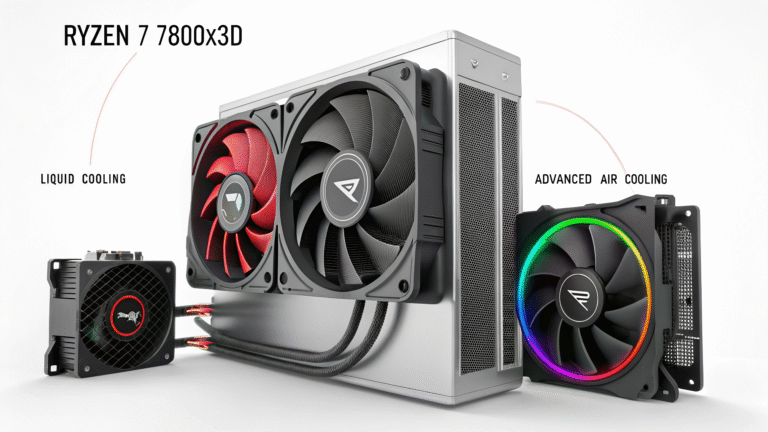
Cooling Requirement
High voltage systems need better cooling:
- Air coolers for normal use
- Liquid cooling for high performance
| Voltage Level | Performance | Heat | Stability | Safety |
| Low Voltage | Low | Low | Unstable | Medium |
| Normal Voltage | Balanced | Normal | Stable | Safe |
| High Voltage | High | High | Stable (with cooling) | Risky |
Conclusion
CPU core voltage is an important factor that affects your PC’s performance stability and temperature. Keeping it at the right level helps your system run smoothly without crashes or overheating issues. Low voltage can make the system unstable while high voltage can damage hardware due to extra heat.
By understanding how it works you can safely tune your PC for better speed and reliability. Always make small adjustments and test your system properly before final settings. In the end balanced CPU core voltage ensures a fast stable and long lasting computer.
FAQs
Can CPU voltage affect gaming performance?
Yes stable voltage helps games run smoother without crashes or lag.
Is it safe to lower CPU voltage?
Yes but only in small steps and with proper testing.
Does CPU voltage increase electricity bill?
Slightly but the difference is usually very small.
Can bad voltage settings damage a PC?
Yes incorrect settings can cause overheating or instability.
Do all processors use the same voltage range?
No every CPU model has its own safe voltage limits.