CPU Cables – Grab CPU Cables
Plug it wrong once and your whole PC build is dead before it even starts. One cable. One mistake. Game over.
You spent hours picking the right CPU. The perfect motherboard and a PSU with enough wattage but one small cable can ruin everything. CPU cables are the most overlooked part of any PC build yet they directly decide whether your system powers on or fails at the very first boot. Most builders only think about CPU cables when something already goes wrong with a PC.
That would not start random shutdowns or that terrifying burning smell. This guide covers everything you need, types specs compatibility pricing and real fixes so you never have to guess again. Whether you are a first time builder or an experienced one this is the only CPU cable guide you will ever need.
What Are CPU Cables?
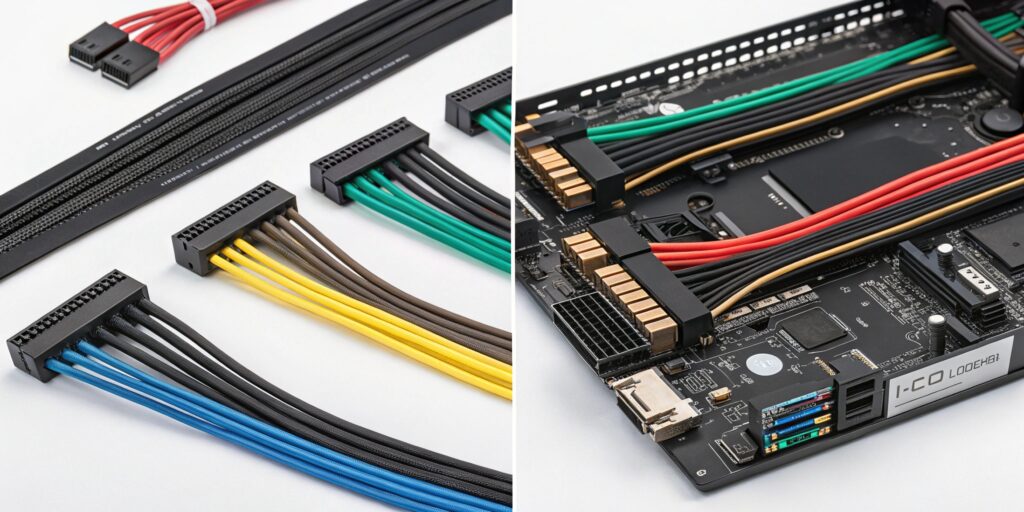
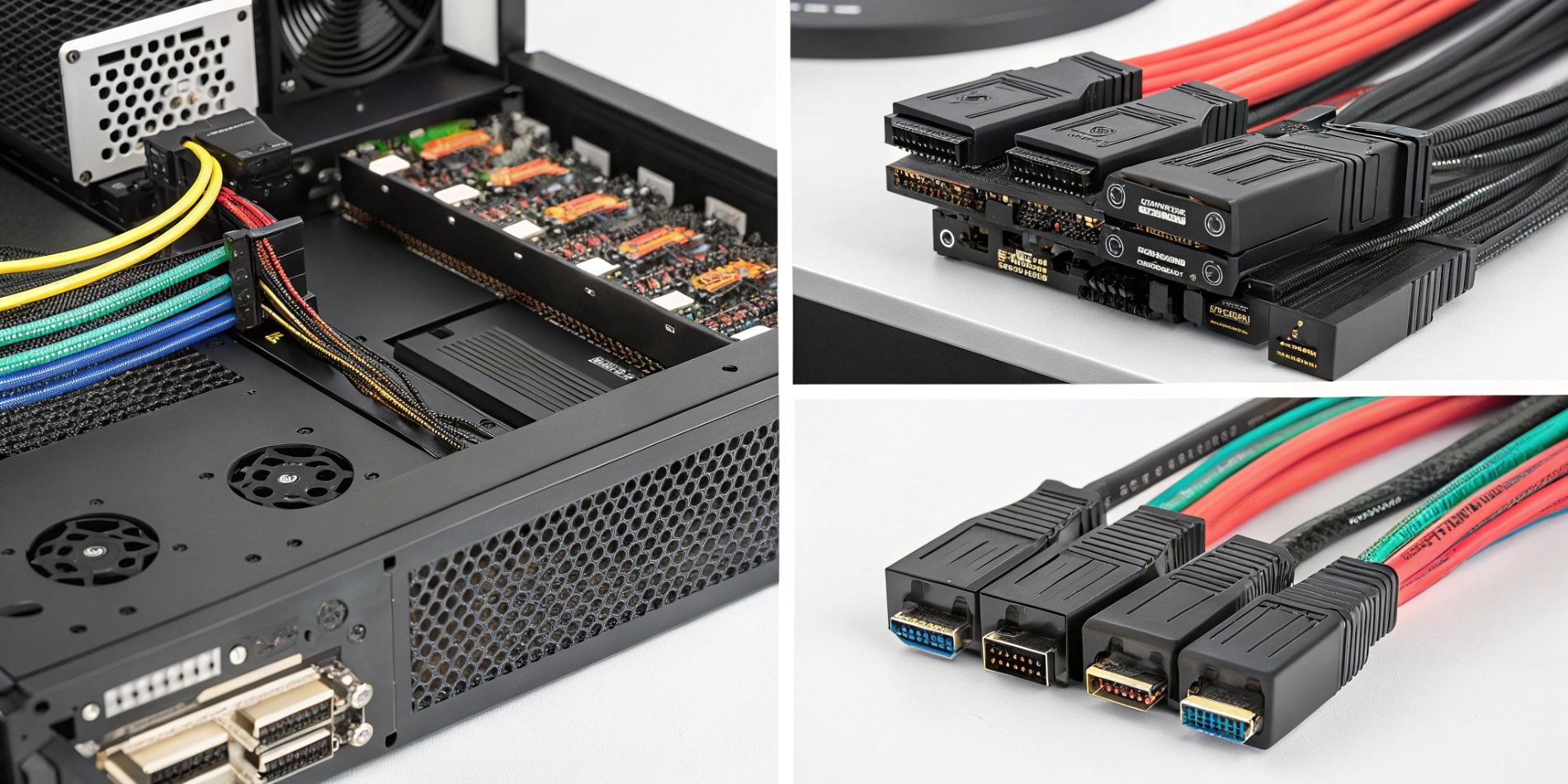
A CPU cable is the power cable that connects your PSU (Power Supply Unit) directly to your motherboard to power the processor. Without it your PC simply would not turn on. Most people confuse CPU cables with other PSU cables but this one has one specific job deliver clean stable power to your CPU.
There are two main types:
- 4-pin CPU cable — used in older or budget motherboards
- 8-pin CPU cable — standard in modern motherboards
- 8+4 pin or dual 8-pin — used in high end motherboards for overclocking
If you skip this cable or plug it in wrong your PC would not POST (Power On Self Test) meaning it would not even reach the BIOS screen.
Types of CPU Cables
Not all CPU cables are the same. Here’s a clear breakdown:
| Cable Type | Pin Count | Best For | Voltage Supported |
| ATX12V | 4-pin | Budget/Old Boards | Up to 65W CPUs |
| EPS12V | 8-pin | Mid range Builds | Up to 125W CPUs |
| EPS12V Dual | 8+8 pin | High end/OC Builds | 150W+ CPUs |
| 8+4 pin | 12-pin combo | Enthusiast Boards | 200W+ CPUs |
4-Pin vs 8-Pin CPU Cable
| Feature | 4-Pin | 8-Pin |
| Power Delivery | Limited | Higher |
| Compatibility | Older boards | Modern boards |
| Overclocking Support | No | Yes |
| Stability | Basic | Strong |
If your motherboard has an 8-pin slot always use an 8 pin cable even if your PSU comes with a 4 pin adapter. It gives cleaner and more stable power.
CPU Cable Specifications Explained
Understanding specs helps you avoid buying the wrong cable or damaging your system.
| Specification | What It Means | Why It Matters |
| Wire Gauge (AWG) | Thickness of copper wire | Lower AWG = thicker wire = better power delivery |
| Connector Type | 4-pin 8-pin EPS | Must match your motherboard socket |
| Cable Length | Usually 55 to 65cm | Must reach from PSU to top of motherboard |
| Sleeving Type | Braided rubber modular | Affects airflow and cable management |
| Amperage Rating | How much current it carries | Higher = safer for powerful CPUs |
What AWG Should You Use?
| AWG Rating | Wire Thickness | Best Use |
| 18 AWG | Thick | High end CPUs overclocking |
| 20 AWG | Medium | Mid range builds |
| 22 AWG | Thin | Budget builds only |
CPU Cables vs Other PC Cables
People often mix up CPU cables with other PSU cables. Here’s how they’re different:
| Cable Type | Powers | Connector Shape | Location on Board |
| CPU Cable (EPS) | Processor | 4 or 8-pin square | Top left of motherboard |
| ATX 24-pin | Motherboard | Long 24-pin | Right side of board |
| PCIe Cable | GPU | 6 or 8-pin | Graphics card |
| SATA Power | Drives | Flat L shape | Hard drives/SSDs |
| Molex | Fans/Accessories | 4-pin round | Various locations |
Key Differences at a Glance
| Feature | CPU Cable | GPU Cable | 24-pin ATX |
| What it powers | CPU only | Graphics card | Whole motherboard |
| Can they be swapped? | No | No | No |
| Required for boot? | Yes | No | Yes |
| Wattage | Up to 300W | Up to 600W | Varies |
Best CPU Cables in 2025
If you are using a modular or semi modular PSU you can upgrade or replace your CPU cable. Here are the best options available right now:
| Cable | AWG | Length | Sleeving | Best For |
| CableMod Pro Series | 18 AWG | 60cm | Paracord braided | Premium builds |
| Seasonic Original EPS | 18 AWG | 65cm | Rubber sleeved | Seasonic PSUs |
| CORSAIR Premium Sleeved | 18 AWG | 61cm | Nylon braided | Corsair PSUs |
| EVGA PowerLink EPS | 16 AWG | 55cm | Flat cable | EVGA PSUs |
| Antec Modular EPS | 20 AWG | 50cm | Basic rubber | Budget builds |
What to Look for When Buying
| Factor | Recommended | Avoid |
| Wire gauge | 18 AWG or better | 22 AWG for powerful CPUs |
| Connector fit | Snug firm click | Loose or forced fit |
| Cable length | 60cm+ for full towers | Too short for cable management |
| Brand | PSU matched or certified | Unknown brands with no ratings |
CPU Cable Color Coding Guide
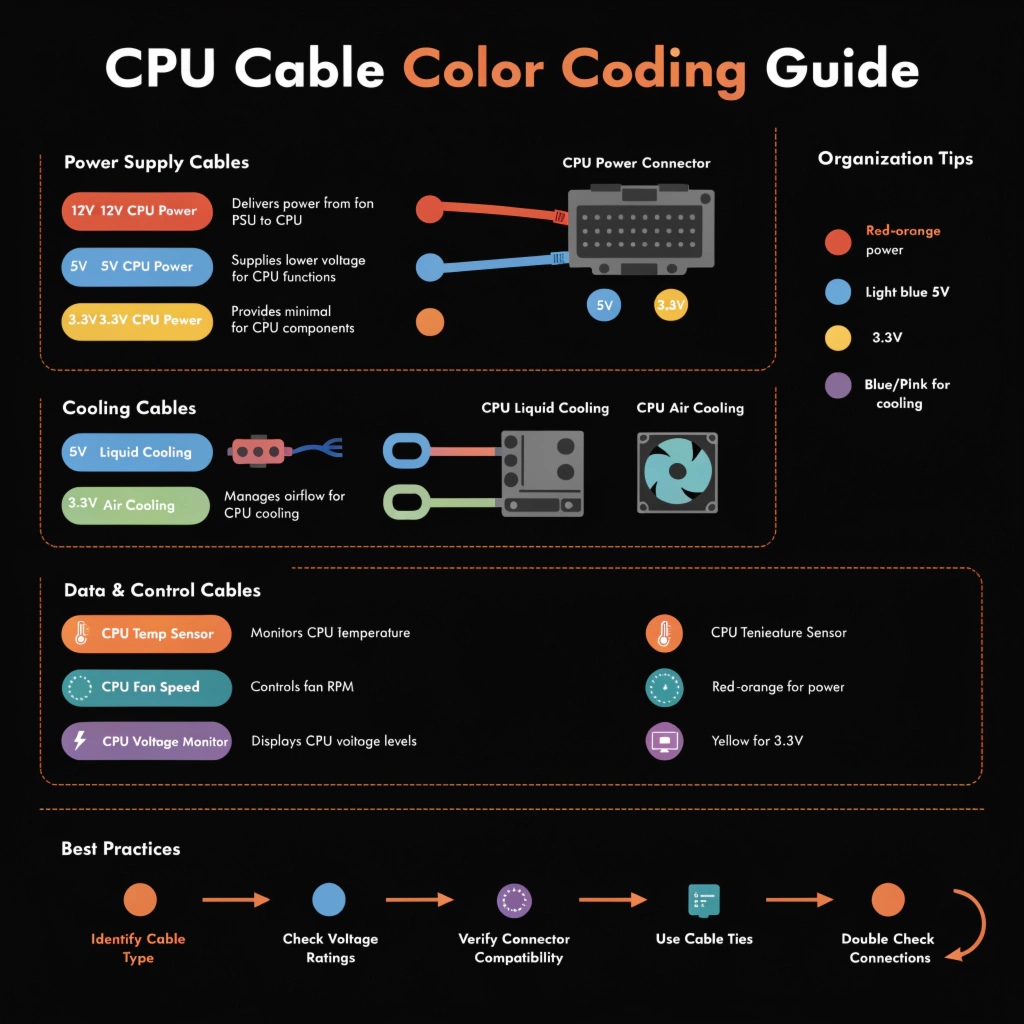
CPU cables follow a standard color code knowing this helps during installation and troubleshooting.
| Wire Color | Meaning | Pin Function |
| Yellow | +12V | Main power delivery |
| Black | Ground | Completes the circuit |
| Red (rare) | +5V sense | Voltage feedback (some older cables) |
EPS 8-Pin Pinout Layout
| Pin Position | Color | Function |
| 1, 2, 3, 4 | Yellow | +12V power |
| 5, 6, 7, 8 | Black | Ground |
If you are using a custom sleeved cable or troubleshooting a dead system knowing pin colors helps you verify correct wiring without guessing.
CPU Cable Compatibility Guide
This is where many builders go wrong. Not every cable fits every PSU or motherboard.
| Scenario | Compatible? | Solution |
| 4-pin cable in 8-pin slot | Partially | Use 4-pin in half of 8-pin slot (check board manual) |
| 8-pin cable in 4-pin slot | No | Do not force it get right cable |
| Different PSU brand cable | Risky | Always use cables from same PSU brand |
| Modular cables from another PSU | Dangerous | Pinouts differ can damage hardware |
Motherboard Socket Compatibility
| Motherboard Type | Required Cable | Notes |
| Budget B-series | 4-pin or 8-pin | Check manual |
| Mid-range Z/X series | 8-pin | Standard |
| Enthusiast HEDT boards | Dual 8-pin | Required for full performance |
| Overclocking boards | 8+4 or dual 8 | Mandatory for stability |
Always match your cable to your PSU, not just your motherboard. Using cables from a different PSU brand is one of the most common causes of hardware failure.
Common CPU Cable Problems & Fixes
| Problem | Likely Cause | Fix |
| PC won’t turn on | CPU cable not plugged in | Check EPS connector on motherboard |
| System powers on then shuts off | Loose CPU cable connection | Re seat the cable firmly |
| PC won’t POST | Wrong cable used | Verify correct EPS cable from your PSU |
| Burning smell | Undersized cable for CPU wattage | Replace with proper AWG cable |
| Intermittent crashes under load | Poor cable quality | Upgrade to 18 AWG sleeved cable |
| Cable too short to reach | Small PSU cable or large case | Buy an EPS extension cable |
Troubleshooting Steps
| Step | Action | Expected Result |
| 1 | Unplug and re seat CPU cable | Fixes loose connection issues |
| 2 | Check PSU label for EPS support | Confirms cable is correct type |
| 3 | Inspect cable for burn marks | Identifies overheating damage |
| 4 | Test with known good cable | Isolates cable as the problem |
| 5 | Check motherboard manual | Confirms pin requirements |
CPU Cable Price Guide
| Cable Type | Price Range (USD) | Who Should Buy |
| Basic OEM EPS Cable | $5 – $10 | Budget builders replacements |
| Sleeved EPS Cable | $15 – $25 | Mid range builds |
| Premium Braided Cable | $25 – $45 | Enthusiast/showcase builds |
| Custom Paracord Cable | $40 – $80 | High end custom rigs |
| EPS Extension Cable | $8 – $15 | Large cases cable management |
Is It Worth Spending More?
| Budget | Best Pick | Why |
| Under $10 | Stock PSU cable | Reliable for standard builds |
| $15–$25 | Sleeved aftermarket | Better airflow + cleaner look |
| $40+ | Custom paracord | Top tier quality + aesthetics |
CPU Cable Maintenance Tips
Most people never think about maintaining their CPU cable but a little care goes a long way.
| Maintenance Task | How Often | Why It Matters |
| Check cable seating | Every 6 months | Vibration can loosen connectors |
| Dust cleaning | Every 3–6 months | Dust buildup causes heat |
| Visual inspection | Yearly | Spot fraying or burn marks early |
| Cable replacement | Every 5–7 years | Rubber degrades over time |
| Re routing check | When adding components | Avoid pinched or bent cables |
Cable Management Tips for CPU Cables
| Tip | Benefit |
| Route behind motherboard tray | Cleaner build better airflow |
| Use velcro ties not zip ties | Easier future access |
| Avoid sharp bends | Prevents wire damage inside sleeve |
| Keep away from hot components | Reduces heat degradation |
| Label modular cables | Saves time during upgrades |
Conclusion
CPU cables are small but their job is critical. No power to the CPU means no PC plain and simple. Understanding which cable your build needs and how to install it correctly can save you from frustrating boot failures and costly hardware damage.
Whether you are on a tight budget or building a premium rig, always match your cable to your PSU and never borrow cables from another brand. Never ignore a loose connection and never underestimate wire gauge for high wattage processors. A well chosen properly maintained CPU cable keeps your system stable safe and running strong for years to come.
FAQs
Can I use any 8-pin cable from my PSU box for the CPU slot?
Not always modular PSUs use brand specific pinouts so using a cable from a different PSU brand can damage your motherboard even if the connector physically fits.
What happens if I only connect a 4-pin cable to an 8-pin CPU slot?
Your PC may still boot but power delivery will be limited this can cause instability during heavy workloads and is not recommended for modern CPUs.
Does cable quality actually affect CPU performance?
Yes a low quality or undersized cable can cause voltage drops under load leading to thermal throttling crashes or reduced CPU performance during demanding tasks.
How do I know if my CPU cable is the reason my PC would not turn on?
Check that the EPS connector is fully seated in the motherboard socket it should click firmly. A loose or missing CPU cable is one of the top reasons a PC would not POST.
Is it safe to use a CPU cable extension?
Yes as long as it matches your PSU’s voltage rating and uses 18 AWG wire cheap extensions with thin wiring can overheat under sustained CPU load.