240mm Liquid CPU Cooler – Ultimate Cooling
Overheating and performance drops during heavy workloads can quietly reduce your PC’s power and stability.
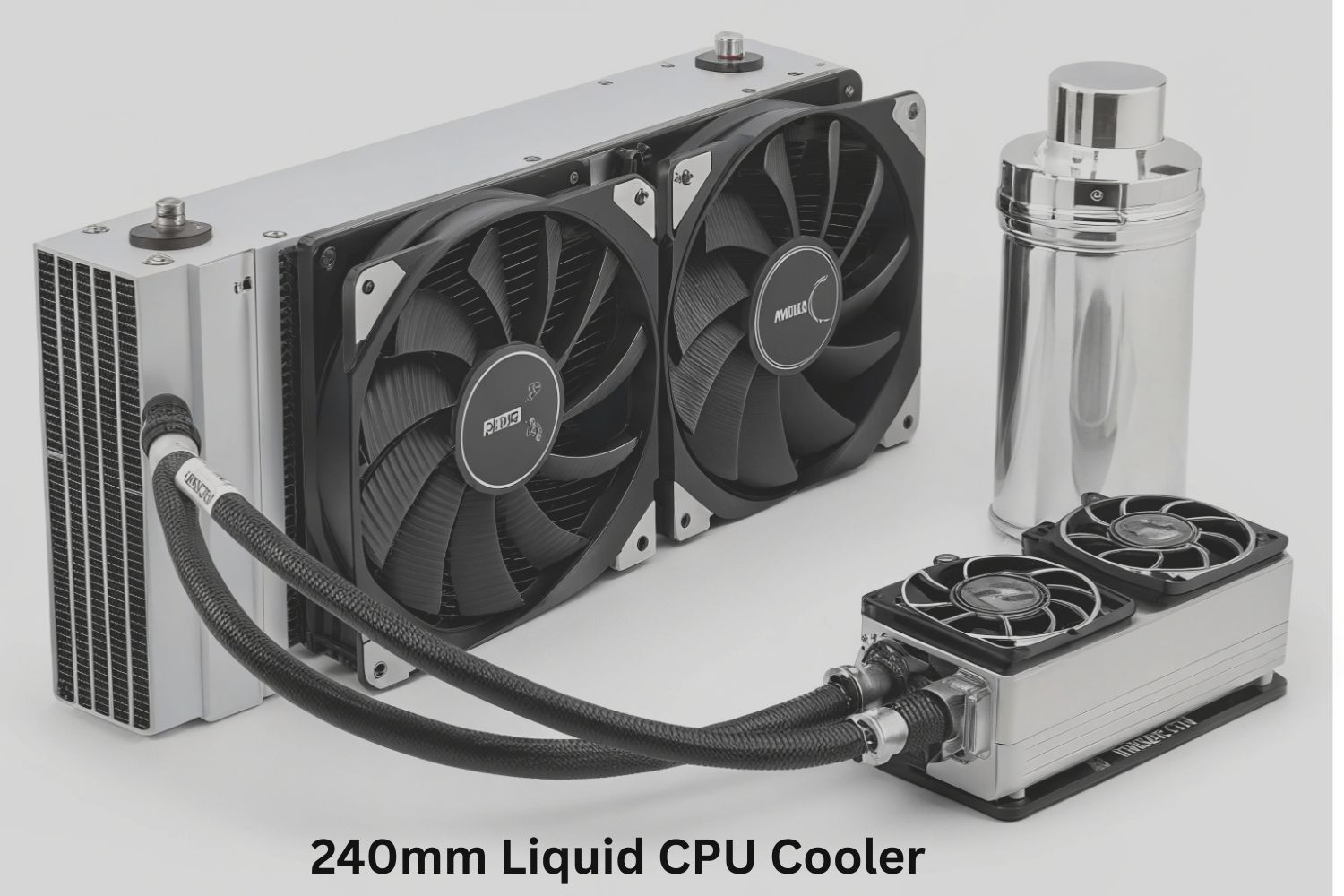
A 240mm liquid CPU cooler is a modern cooling system designed to keep your processor temperature under control during heavy usage. It uses a closed loop liquid system that absorbs heat from the CPU and transfers it to a radiator.
Where dual fans help release that heat quickly into the air. This setup is more efficient than traditional air coolers especially for gaming, video editing and high performance tasks.
It helps maintain stable performance by preventing thermal throttling and reducing system slowdowns. With better heat management and quieter operation this cooling solution improves overall PC stability and extends the life of your processor making it a reliable choice for demanding users.
What is a 240mm liquid cpu cooler
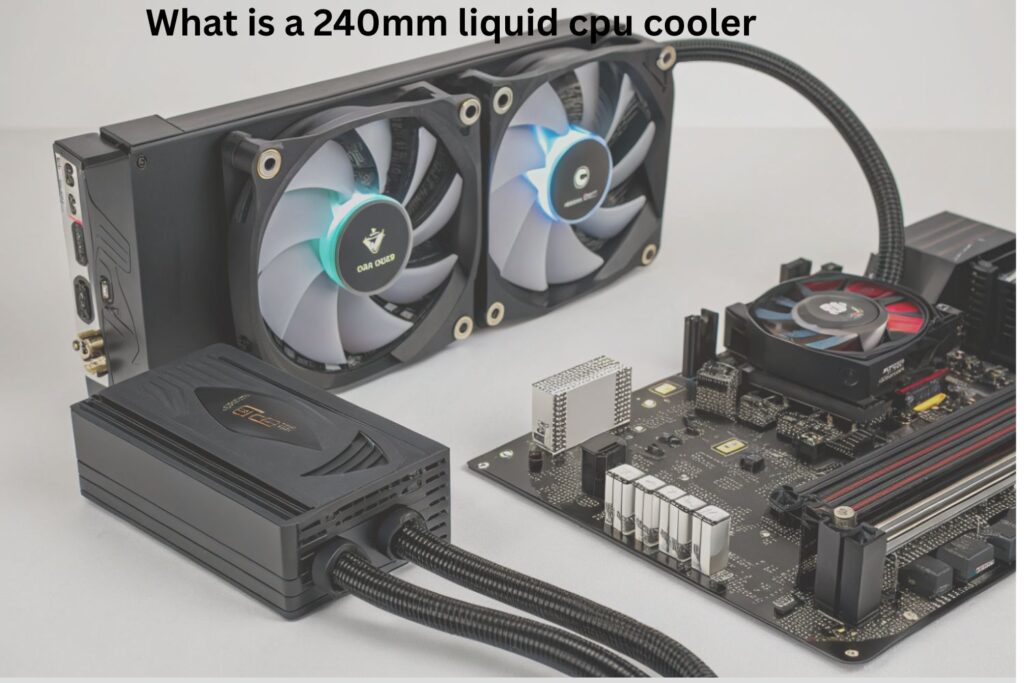
A 240mm liquid cpu cooler is a high performance cooling system used to control CPU temperature more efficiently than traditional air cooling. It works on a closed loop system where liquid flows continuously inside tubes to move heat away from the processor.
When the CPU starts working it produces heat. A small metal plate called a water block sits on the CPU and absorbs this heat. The liquid inside the system takes this heat and carries it toward the radiator.
The radiator then releases this heat into the air with the help of two fans. After cooling the liquid returns back to the CPU and repeats the same process again and again. This continuous cycle keeps the processor temperature stable even during heavy tasks like gaming video editing or multitasking.
Working cycle
- CPU generates heat
- Water block absorbs heat
- Liquid carries heat to radiator
- Fans release heat into air
- Cooled liquid returns to CPU
Why cooling performance matters for your CPU
Cooling performance plays a very important role in overall system speed. When a CPU becomes too hot it automatically reduces its speed to protect itself. This reduces performance and causes lag or slow response.
A strong cooling system helps maintain stable temperature so the CPU can run at full power for a longer time. It also improves system reliability and reduces sudden performance drops during heavy workloads.
Problems caused by poor cooling
- Slow system performance
- Sudden lag during gaming or editing
- Random system freezing
- Reduced CPU lifespan
- High fan noise due to overheating
Good cooling ensures smooth and stable performance in every situation.
Key components inside a 240mm liquid cpu cooler
A liquid cooling system is made of different parts that work together to control heat efficiently.
Main components
- Water block: Directly attached to CPU to absorb heat
- Pump: Moves liquid through the system
- Tubes: Carry liquid between parts
- Radiator: Releases heat into air
- Dual fans: Help cool the radiator faster
Each part has a specific role and all work together in a continuous cycle to maintain low temperature and stable performance.
How liquid cooling is better than air cooling
Comparison Table
| Feature | 240mm Liquid Cooler | Air Cooler |
| Cooling speed | Fast heat transfer | Slower heat transfer |
| Temperature stability | Very stable | Less stable |
| Noise level | Low noise | Medium to high noise |
| Performance under load | Consistent | Drops under pressure |
| Heat handling | Strong | Average |
| Space usage | Compact radiator | Large heatsink |
Liquid cooling is more effective because it transfers heat faster and keeps system performance stable during heavy tasks.
Benefits of using a 240mm liquid cpu cooler in gaming
Gaming creates high CPU load which increases temperature quickly. A liquid cooling system helps manage this heat effectively and keeps performance stable.
Gaming benefits
- Smooth gameplay without lag
- Stable FPS during long sessions
- No overheating issues
- Better system response time
- Consistent performance in heavy games
This makes it a strong choice for gamers who want stable and smooth experience without performance drops.
Role of radiator and dual fans in heat control
The radiator and fans are the main parts responsible for releasing heat. The radiator receives hot liquid from the CPU and spreads it across thin metal fins. These fins increase the surface area so heat can escape easily.
The dual fans push air through these fins helping remove heat faster. After cooling the liquid returns back to the CPU and the cycle continues.
Heat control process
- Hot liquid enters radiator
- Heat spreads through metal fins
- Fans push air to remove heat
- Cooled liquid returns to CPU
This process keeps temperature balanced even under heavy load.
Installation process of a 240mm liquid cpu cooler
Proper installation is very important for correct performance and safety.
Installation steps
- Install backplate on motherboard
- Attach water block on CPU
- Fix radiator inside PC case
- Connect fans to motherboard
- Plug pump power cable
- Check airflow direction
- Start system and test temperature
Correct installation ensures better cooling and prevents issues like overheating or noise problems.
Common problems users face with liquid cooling systems
Even good cooling systems can face issues if not installed or maintained properly.
Common issues
- Pump noise or weak performance
- Air trapped inside tubes
- Dust blocking radiator fins
- Poor airflow inside case
- Incorrect installation pressure
Simple fixes
- Clean radiator regularly
- Maintain proper airflow
- Check pump connection
- Keep system dust free
- Avoid bending tubes too much
Regular care helps avoid most of these problems.
How to maintain a 240mm liquid cpu cooler for long life
Maintenance is important to keep cooling performance stable for a long time. Dust buildup reduces airflow and affects radiator efficiency.
Maintenance guide
- Clean radiator every 2 to 3 months
- Remove dust from fans regularly
- Check pump sound during use
- Ensure proper airflow inside case
- Keep tubes in safe position
Good maintenance improves performance reduces noise and increases system life.
Noise reduction benefits in liquid CPU cooling systems
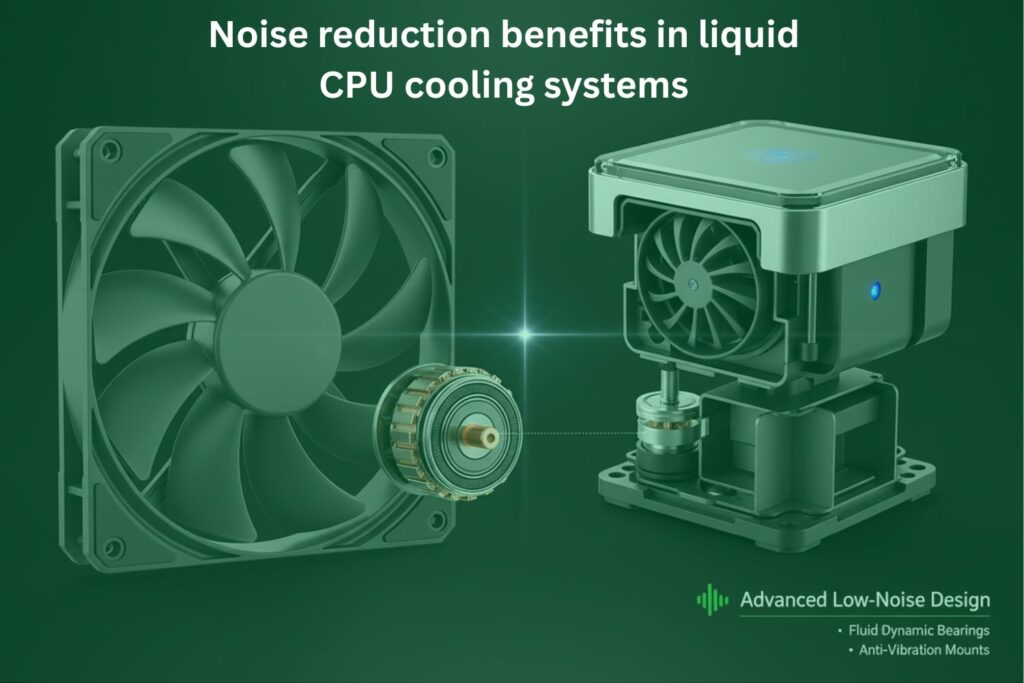
Liquid cooling systems are quieter because they manage heat more efficiently. When temperature stays stable fans do not need to run at high speed all the time. This reduces noise during both normal and heavy usage.
Air cooling systems usually produce more sound because fans constantly adjust speed to control heat.
Why liquid cooling is quieter
- Stable temperature control
- Less fan speed variation
- Efficient heat transfer
- Reduced vibration noise
Noise comparison
| Situation | Liquid Cooling | Air Cooling |
| Idle usage | Very quiet | Low noise |
| Gaming | Stable low noise | Noticeable noise |
| Heavy load | Controlled sound | High fan noise |
This makes liquid cooling ideal for users who want quiet and smooth performance.
Conclusion
A 240mm liquid CPU cooler is a smart and powerful solution for anyone who wants stable performance and better temperature control. It works through a simple but effective process that removes heat quickly and keeps your CPU running smoothly even during heavy tasks like gaming and video editing.
From faster cooling speed to low noise and consistent performance this cooling system clearly offers more reliability than traditional air coolers. It helps prevent common problems like overheating lag and system slowdowns which can affect both performance and hardware life.
With proper installation and regular maintenance a 240mm liquid CPU cooler can give long term benefits. It not only improves system stability but also protects your processor from damage caused by high temperatures.
If you want better performance, quieter operation and a longer lasting PC choosing a 240mm liquid CPU cooler is a strong and practical decision.
FAQs
Is a 240mm liquid CPU cooler safe for long-term use?
Yes it is completely safe if installed correctly. Most modern liquid coolers are sealed units so there is very low risk of leakage. They are designed for long term and stable use.
Can I use a 240mm liquid cooler in any PC case?
No not every case supports it. You need to check if your PC case has space for a 240mm radiator usually at the top or front of the case.
Does a 240mm liquid cooler consume more power?
It uses slightly more power than an air cooler because of the pump and fans but the difference is very small and does not affect overall system performance.
How long does a 240mm liquid CPU cooler usually last?
On average it can last between 3 to 5 years or even more depending on usage and maintenance.
Is a 240mm liquid cooler good for overclocking?
Yes it is a good choice for overclocking because it handles heat better and keeps the CPU temperature stable during high performance tasks.