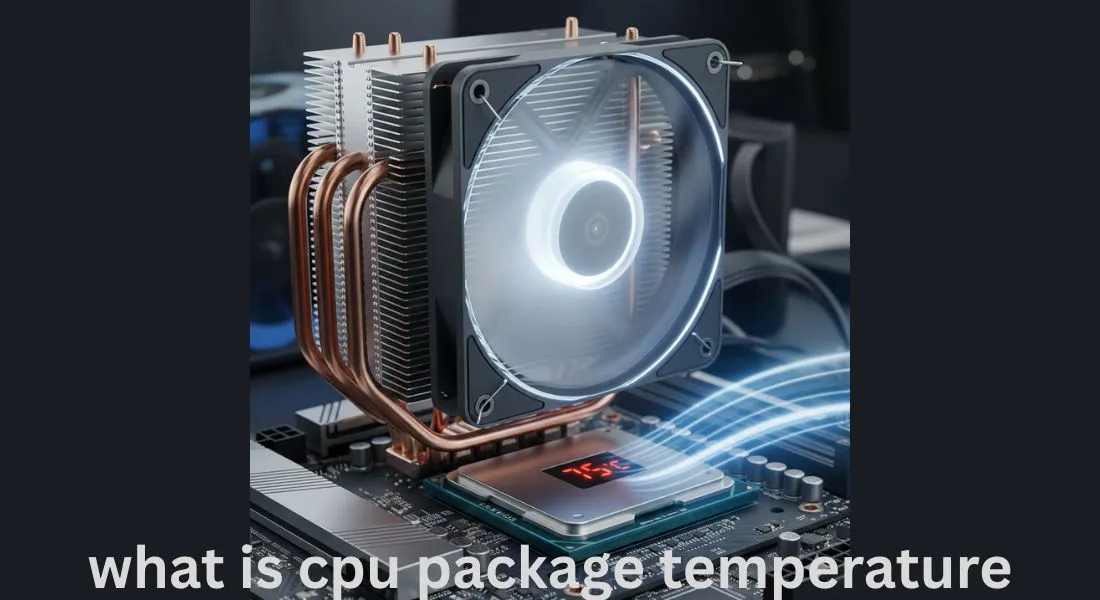
what is cpu package temperature – Protect Your Processor
CPU package temperature shows how much heat your processor produces during daily use. From simple browsing to heavy gaming every task increases CPU heat. If this temperature stays high for long periods.
It can silently reduce performance and shorten processor life. Understanding CPU package temperature helps you prevent overheating, avoid system slowdowns and protect your computer for long term stability.
This article explains what CPU package temperature really means. Why it matters, and how controlling it can save your processor from heat damage.
What Is CPU Package Temperature and Why It Matters
CPU package temperature simply tells you how hot the main part of your processor is while your computer is working. Every action opening apps, gaming, editing, or even browsing creates heat inside the CPU.
This number matters because your processor is sensitive to high temperatures. If the heat stays high for too long the CPU slows down, becomes unstable or in worst cases gets permanently damaged. Understanding this temperature is the first step in protecting your processor and keeping your system healthy for years.
How CPU Package Temperature Helps You Protect Your Processor
CPU package temperature works like a warning system. When it is in a safe range your processor runs smoothly and without stress. But when it starts climbing beyond normal limits it signals that the CPU needs help better cooling more airflow or lower workload.
By checking this temperature regularly you can stop heat from harming your processor. This small habit reduces lag, prevents crashes and increases your CPU’s lifespan.
What a Normal CPU Package Temperature Looks Like
A normal CPU package temperature depends on your processor model room temperature and workload. But in general:
Safe Temperature Range (General Guide)
- Idle / normal work: 35°C to 55°C
- Gaming / heavy tasks: 60°C to 80°C
- Not safe: Above 85°C
- Danger zone: 90°C+
When your CPU stays within safe limits the system stays fast, smooth, and stable. If it regularly crosses 85°C the processor begins to throttle itself to avoid damage and this directly affects performance.
Warning Signs Your CPU Package Temperature Is Not Safe
High CPU temperature doesn’t always show an error message. Instead your PC gives small signals that most people ignore. These warning signs tell you that your processor needs protection:
Common Warning Signs
- Apps taking more time to open
- Games lagging or dropping FPS
- Laptop fan running loudly all the time
- Computer shutting down randomly
- System freezing during simple tasks
- Touching the laptop chassis feels hotter than usual
When these signs appear the CPU package temperature is likely too high and ignoring it can lead to long term damage.
Hidden Reasons Your CPU Package Temperature Gets Too High
Many users assume high temperature means the processor is faulty but in most cases the real reasons are small everyday issues.
Common Hidden Causes
Dust buildup: Dust blocks airflow inside your PC trapping heat.
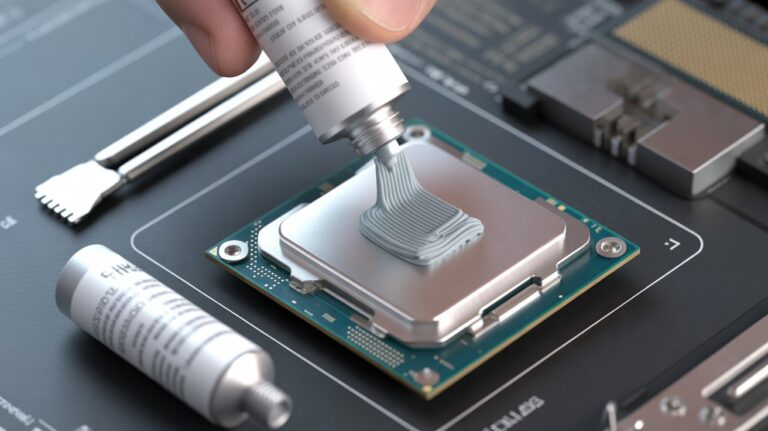
Dry thermal paste: Old or cheap thermal paste fails to transfer heat properly.
Weak airflow: Fans may be placed incorrectly or the case design restricts cool air.
Background apps: Too many apps run silently and load the CPU.
Hot environment: High room temperature automatically increases CPU heat.
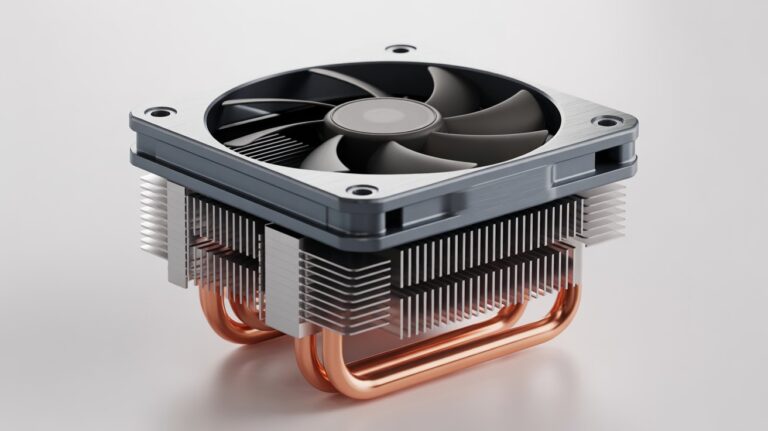
Cheap coolers: Stock coolers often struggle during gaming or editing.
These problems are easy to solve once you know them and fixing them instantly lowers CPU temperature.
How To Check Your CPU Package Temperature in a Safe Way
You do not need advanced tools or technical knowledge to check CPU temperature. Simple free tools can show accurate readings within seconds.
Safe and Easy Tools to Use
- HWMonitor
- Core Temp
- HWiNFO
- MSI Afterburner (good for gamers)
- BIOS/UEFI (built-in temperature reading)
How to Check Safely
- Do not keep too many temperature tools open at once.
- Check temperature during normal work and during heavy tasks.
- Compare idle vs load temperature to understand the health of your CPU.
Monitoring regularly helps you catch heat problems before they damage your processor.
Best Methods To Keep Your CPU Package Temperature Low
Keeping your CPU cool is not difficult but it requires consistent care. Here are methods that genuinely protect your processor and keep temperature under control.
Simple Methods
- Keep your PC free from dust
- Use good quality thermal paste
- Improve case airflow with better fan placement
- Avoid blocking laptop vents
- Use a cooling pad for laptops
- Make sure room temperature is not too hot
- Close heavy apps when not needed
Advanced Methods
- Upgrade to a better air cooler
- Install an AIO liquid cooler
- Add more case fans for airflow
- Undervolt your CPU (safe when done correctly)
Small improvements can drop your CPU temperature by 5°C to 15°C instantly.
Cooling Mistakes That Can Damage Your Processor
People often try to cool their CPU but accidentally make things worse. Avoiding these mistakes can protect your processor from unnecessary heat damage.
Common Cooling Mistakes
Blocking vents: Keeping a laptop on a bed or pillow restricts airflow completely.
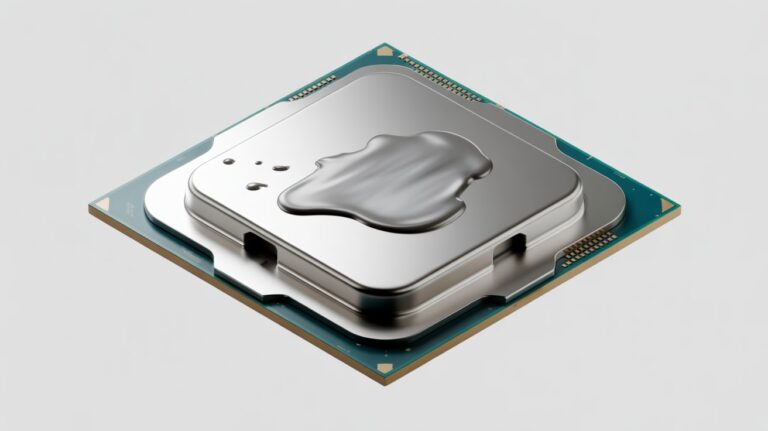
Too much thermal paste: Extra paste acts like an insulator trapping heat.
Wrong fan direction: Fans facing the wrong way push hot air back inside.
Cheap thermal paste: Low quality paste dries quickly and loses performance.
Running fans at very low speed: Quiet but unsafe for heavy users.
No yearly cleaning: Dust is the silent enemy of every processor.
When you avoid these mistakes your CPU stays protected automatically.
Long Term Tips To Protect Your Processor From Heat
Long term protection is more than cooling. It is about building habits that maintain a healthy temperature year after year.
Long Term Protection Habits
- Clean your PC every 4 to 6 months
- Replace thermal paste every 1 to 2 years
- Keep your PC in a cool room
- Do not run intensive apps together unnecessarily
- Keep drivers updated
- Use high quality fans and power supply
- Do not overclock unless cooling is strong
These habits protect the processor not just today but for the entire life of the device.
Why Understanding CPU Package Temperature Saves Your Processor Life
Your processor is the heart of your computer and heat is the biggest enemy. When you truly understand CPU package temperature you can catch overheating early fix issues quickly and avoid long term damage.
This knowledge keeps your system fast, stable, and healthy. More importantly it helps you to protect your processor ensuring it performs well for many years without slowing down or failing unexpectedly.
FAQs
Can a high CPU package temperature damage other parts of the computer?
Yes if the CPU stays too hot for a long time the heat spreads inside the case. This can affect the motherboard, SSD, VRMs, and even the GPU. Keeping the CPU temperature under control helps protect the whole system.
Does cleaning the fan really help reduce CPU temperature?
Yes it makes a big difference. Dust blocks airflow and forces the CPU to work hotter. Cleaning the fan and vents gives the processor fresh air helping it cool down much faster.
Can software bugs or driver issues increase CPU temperature?
Sometimes yes a faulty driver or buggy software can push the CPU to run at full power for no reason. Updating drivers and removing faulty apps can instantly reduce temperature.
Is it safe to use my PC when the CPU temperature rises suddenly?
Short spikes are normal but if the temperature stays high for several minutes it is not safe. Continuous heat puts stress on the CPU and shortens its lifespan. It is better to close heavy apps and let the system cool down.
Do bigger PC cases help with lower CPU temperature?
Often yes larger cases provide better airflow and more room for fans which helps cool the CPU more effectively. A spacious case keeps hot air from getting trapped around the processor.
Conclusion
Understanding your CPU package temperature is one of the easiest and most effective ways to protect your processor. By monitoring heat, identifying warning signs, and using proper cooling methods, you can prevent slow performance, system crashes, and long term damage.
Small habits like cleaning your PC, checking temperatures, and managing workloads keep your processor healthy, ensuring your computer stays fast, stable, and reliable for years.