Low Profile CPU Heatsink – Optimize Cooling
Many people use small PC cases but they do not realize how quickly the processor heats up during daily tasks. Extra heat can slow the system and quietly damage important parts over time.
A small and smart cooling part is often used to control this heat and keep the CPU safe without taking much space. This part is a low profile CPU heatsink that protects your processor from heat.
This article shows how hidden heat harms your small PC and helps you understand the smart part that quietly protects your processor.
What Causes Small PC Builds to Heat Up Fast
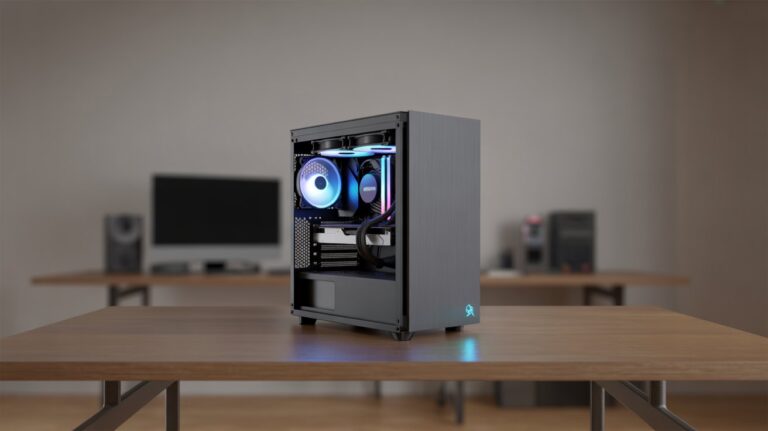
Small PC builds are popular because they save space and look neat. However their compact size makes airflow limited. The processor and other components generate heat when running tasks like gaming video editing or multitasking.
Without enough space this heat has no way to escape quickly. Components close to each other can trap heat, increasing the temperature of the CPU and other parts.
How Airflow Affects Heat
Airflow is one of the main reasons small PCs get hot. Fans inside the case push air to cool components. In tight cases air moves slowly reducing its cooling efficiency. Poor airflow means the CPU works harder and generates more heat than normal which can reduce the system’s lifespan.
Other Factors
Other reasons small PCs heat up fast include:
- Powerful processors in small cases.
- Using multiple components like GPUs that produce extra heat.
- Lack of quality cooling parts like heatsinks or fans.
How Extra Heat Damages Your Processor
CPUs are designed to handle a certain amount of heat but extra heat can be harmful. When a processor runs too hot its performance decreases. The CPU may slow down automatically to prevent damage. Over time high temperatures can reduce the lifespan of the processor.
Effects on Performance
Excessive heat can cause:
- Slower processing speed.
- Crashes during heavy tasks.
- Reduced efficiency of multi core processing.
Long Term Damage
Prolonged heat exposure may:
- Permanently damage internal circuits.
- Affect other components on the motherboard.
- Increase electricity usage due to inefficient processing.
The Role of Smart Cooling Parts
Smart cooling parts like fans and heatsinks are designed to remove heat from critical components. They help maintain optimal CPU temperature which keeps the processor safe. Without proper cooling even small tasks can generate heat that slowly harms the CPU.
How Heatsinks Work
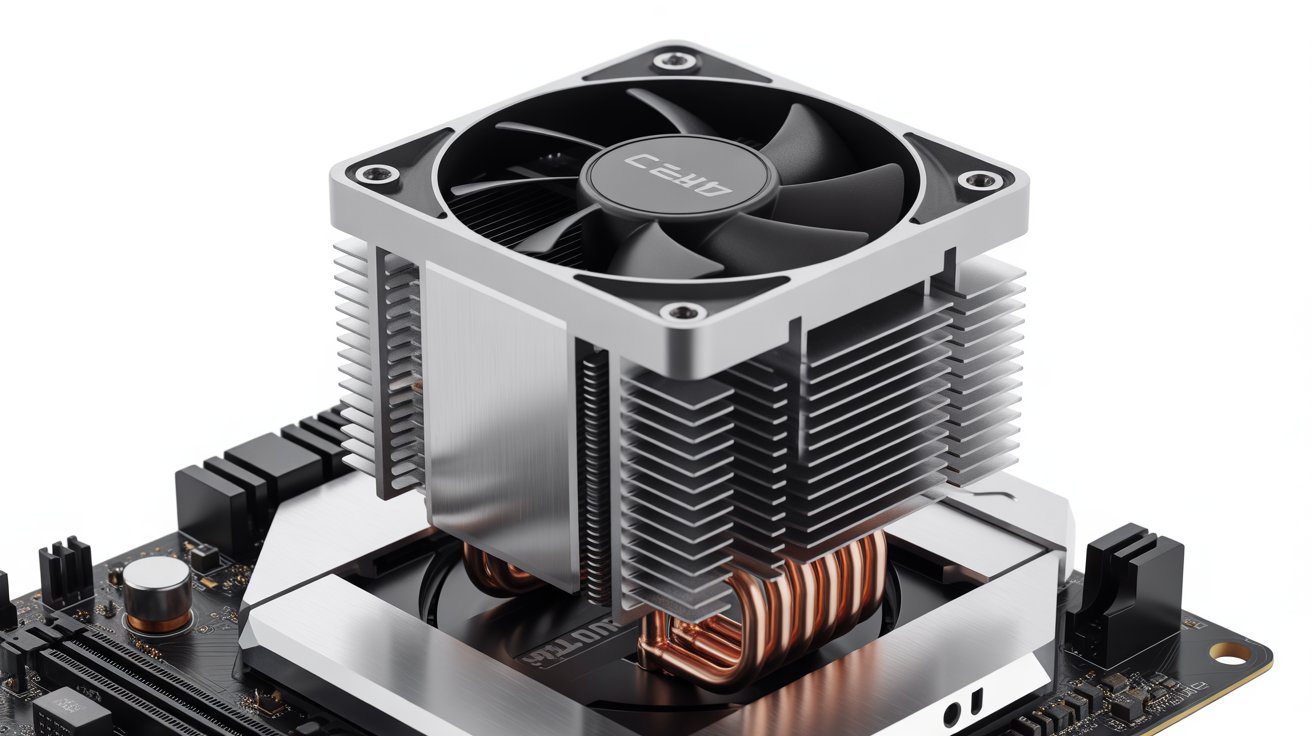
Heatsinks are metal pieces attached to the CPU. They absorb heat and release it into the surrounding air. Some heatsinks are paired with fans for faster cooling.
Why Smart Cooling Matters
Using proper cooling parts reduces stress on the processor, ensures stable performance and protects other nearby components from heat damage.
What Makes Low Profile Coolers Important
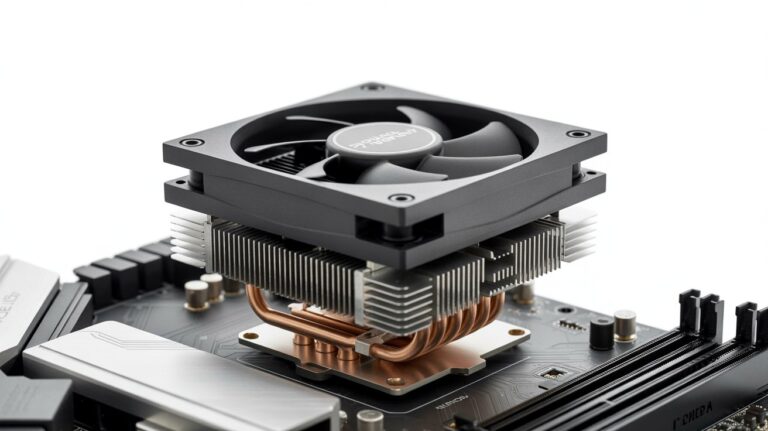
Low profile CPU heatsinks are compact cooling solutions designed for small PC cases. They fit in tight spaces where standard heatsinks cannot. Even though they are small they are highly efficient at keeping the processor cool.
Compact Design Benefits
- Fits small PC cases without blocking RAM or other parts.
- Lightweight reducing stress on the motherboard.
Efficient Cooling
Despite their size, low profile heatsinks use good metal conductivity and sometimes small fans to keep heat away from the CPU. This prevents overheating and maintains processor performance in compact builds.
Key Features You Should Look For
Low profile CPU heatsinks come in different shapes and designs. Some key features determine their effectiveness:
Material Quality
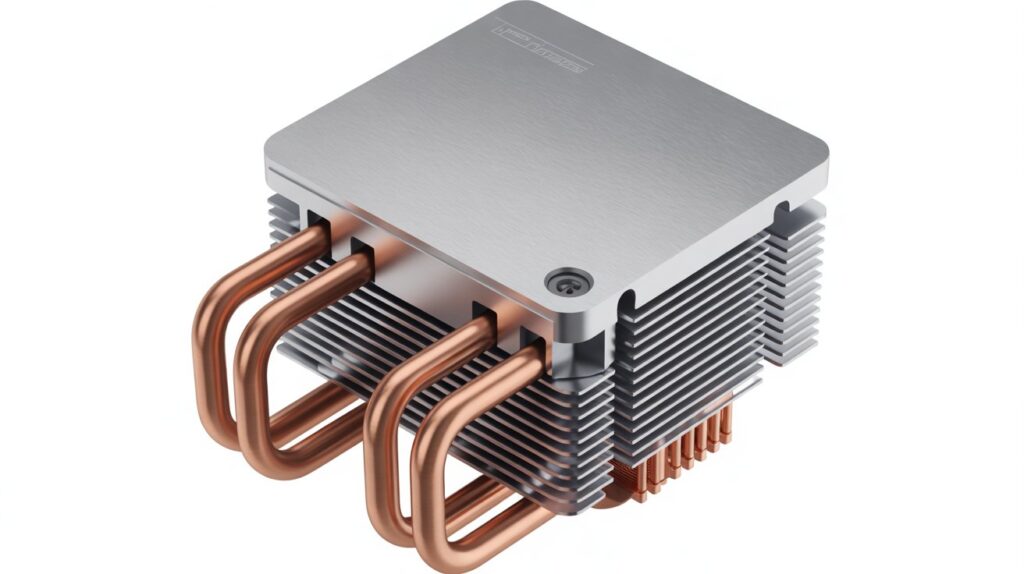
Heatsinks made of copper or aluminum transfer heat quickly. Copper is better at heat conduction while aluminum is lighter.
Fan Type and Size
Small fans improve airflow within the heatsink. Fans should be quiet and efficient. Even in a tiny space the right fan can prevent the CPU from reaching dangerous temperatures.
Design Shape
Fin design helps the heatsink release heat faster. Some models have stacked fins or heat pipes for better performance.
Best Situations to Use a Low Profile Cooler
Low profile heatsinks are ideal in situations where space is limited but performance is still important.
Mini ITX and Small Form Factor Builds
Small PC cases cannot fit large heatsinks or liquid cooling systems. Low profile coolers provide a perfect solution without compromising cooling.
Compact Workstations
Even professional PCs for video editing or programming can benefit from small heatsinks. They reduce heat buildup in crowded internal layouts.
Gaming PCs with Limited Space
Some gamers prefer compact builds. Low profile heatsinks help maintain CPU stability during long gaming sessions without using bulky cooling parts.
Common Mistakes in Small PC Cooling
Many PC users make mistakes that reduce cooling efficiency.
Ignoring Airflow
Placing components too close or blocking fan paths limits airflow. Even the best heatsink cannot work well if air cannot move freely.
Using Incompatible Heatsinks
A large heatsink in a small case may not fit properly or block other parts. This reduces its cooling efficiency.
Neglecting Dust and Maintenance
Dust accumulation can block airflow in fans and heatsinks. Over time this reduces cooling efficiency and increases CPU temperature.
Tips to Keep Your CPU Safe and Cool
Low profile heatsinks are just one part of CPU protection.
Importance of Proper Installation
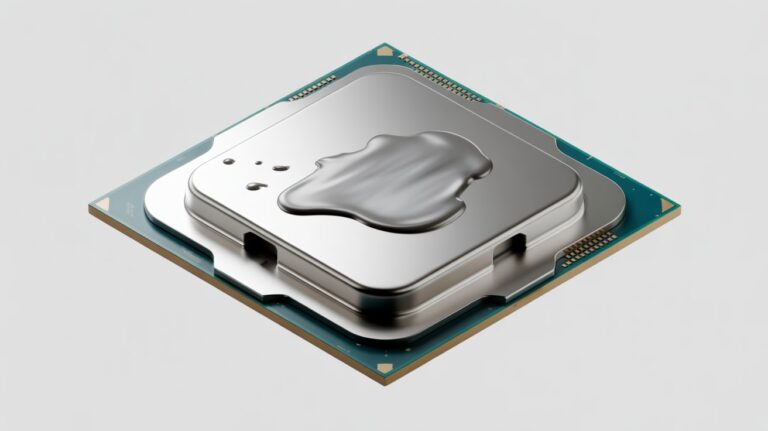
Installing the heatsink correctly ensures maximum contact with the CPU surface. Thermal paste must be applied evenly to improve heat transfer.
Monitoring Temperature
Regularly checking CPU temperature using software helps identify overheating issues early. This prevents long term damage and ensures stable performance.
Balancing Components
Choosing components that produce moderate heat in small cases reduces the risk of CPU stress. Even with a low profile heatsink extreme heat from multiple sources can overwhelm the cooling system.
How to Install a Low Profile Heatsink
Installing a low profile CPU heatsink is simple but requires care.
Steps for Installation
- Turn off the PC and unplug it from the power source.
- Remove the old heatsink carefully if present.
- Apply a thin layer of thermal paste on the CPU surface.
- Attach the low profile heatsink firmly but gently.
- Connect the fan to the motherboard header for power.
Checking After Installation
After installation power on the PC and check if the fan is spinning. Monitor CPU temperature to ensure the heatsink works correctly.
What You Need to Know to Protect Your Processor
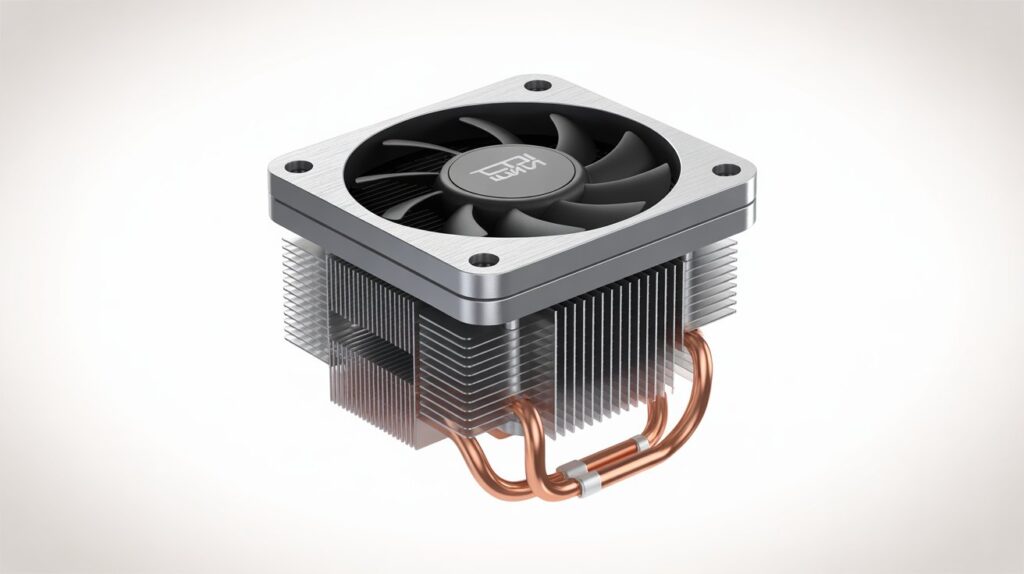
Protecting the processor in small PC builds requires understanding how heat affects performance. Low profile CPU heatsinks play a vital role in keeping the processor cool. Their compact design allows them to fit in tight spaces while efficiently removing heat.
By combining proper installation material quality and airflow awareness the CPU stays safe even in compact and high performance systems.
FAQs
Can a low profile heatsink work for overclocked CPUs?
Low profile heatsinks can help but extreme overclocking may require larger or liquid cooling for optimal safety.
Do low profile heatsinks make noise?
Most are designed to be quiet but fan speed and case airflow can slightly affect noise levels.
How often should I check my CPU temperature?
Checking once a month is enough for normal use or more frequently during heavy gaming or work.
Can low profile heatsinks fit in older PC cases?
They usually fit most cases but it’s important to measure space before buying.
Does the material of a heatsink affect its cooling speed?
Yes copper conducts heat faster than aluminum though aluminum is lighter and still effective.
Conclusion
Low profile CPU heatsinks are essential for keeping processors safe in compact PCs. They efficiently remove heat without taking much space protecting performance and extending the CPU’s life.
By understanding their design and proper installation users can maintain stable operation even in small builds. Choosing the right cooling part ensures quiet reliable performance. Compact PCs can stay powerful and cool with the right setup.