Is 50°C Hot for a CPU – Fix Overheating Issues
CPU temperature tells you how much heat your processor produces while working. Every task from simple browsing to heavy gaming increases this heat. Understanding CPU temperature helps you avoid overheating performance drops and hardware damage.
When you know what temperatures are normal and how cooling works. You can keep your system fast, stable and safe for years.
This article explains what CPU temperature really means what is safe, what is dangerous and how you can control heat to protect your processor and performance.
What Does CPU Temperature Mean?
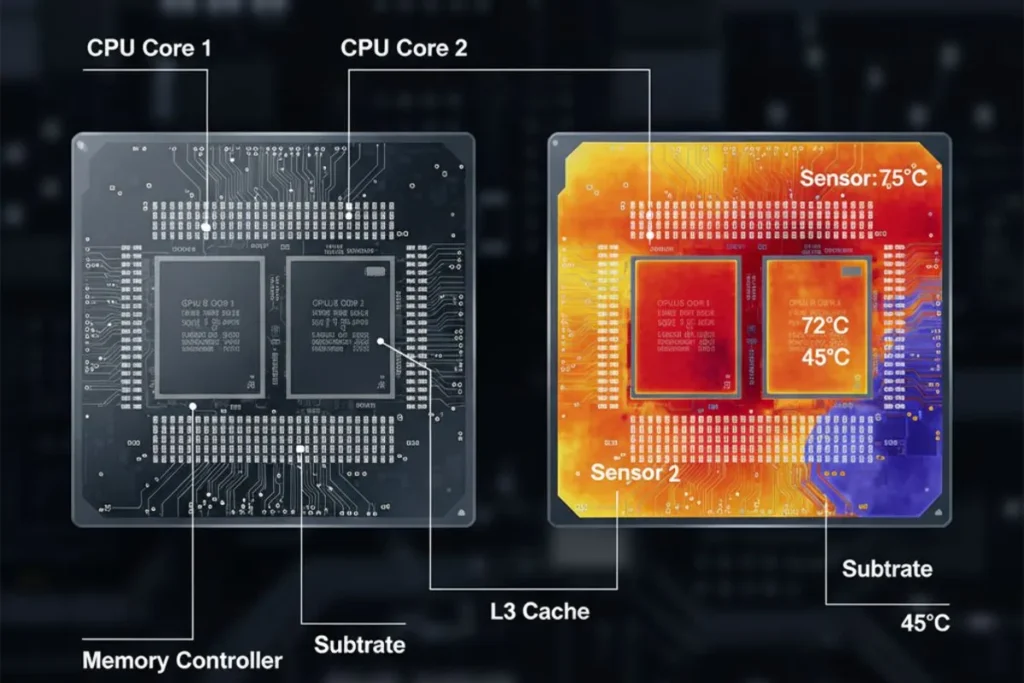
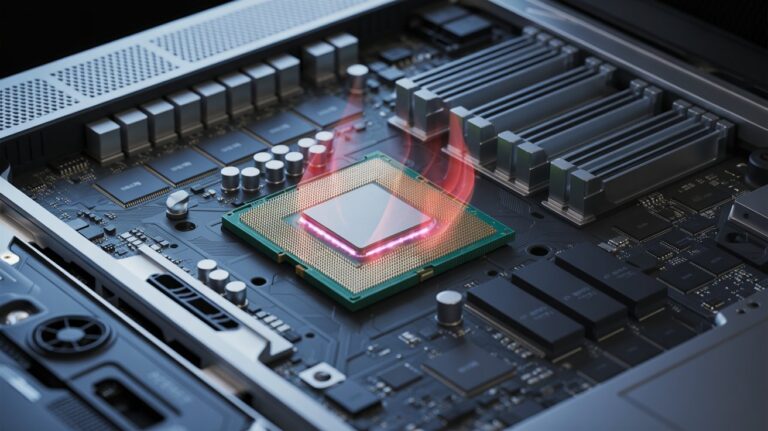
CPU temperature is simply how hot your processor gets while it works. Every time your PC runs programs, games, or videos, the CPU performs billions of calculations per second. This activity produces heat which is normal.
Understanding temperature is important because it tells you if your CPU is running safely or if there is a risk of overheating. A normal CPU can range from 30°C to 70°C, depending on use. By monitoring it you prevent long-term damage, improve performance, and increase your computer lifespan.
Why Do CPUs Get Hot While Running?
CPUs get hot because electricity flows through tiny circuits inside the processor. Every calculation creates small amounts of heat which adds up. Heavy tasks like gaming video rendering or running multiple applications at once make CPUs hotter.
Even simple things like internet browsing generate some heat. Factors like poor airflow dust or a weak cooler can increase temperature further. So seeing some warmth is normal but consistent high temperatures can be harmful if not addressed early.
Is 50°C Hot for a CPU? (The Real Explanation)
Many people panic when they see 50°C but it is usually normal. Modern CPUs are designed to handle temperatures up to 70–80°C safely. A reading of 50°C is typical for normal tasks like browsing, watching videos or light gaming.
Only worry if the CPU consistently reaches 80°C or more which can reduce performance or damage the processor. So yes 50°C is safe and your CPU is not at risk.
How CPU Cooling Systems Work
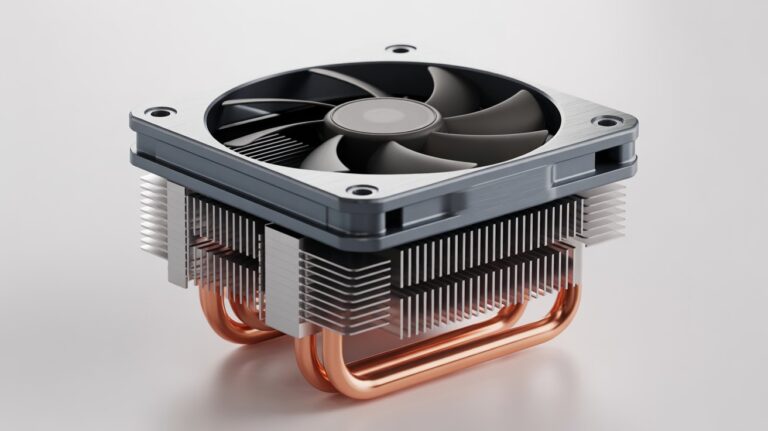
Cooling systems are designed to remove heat from your CPU. They usually include:
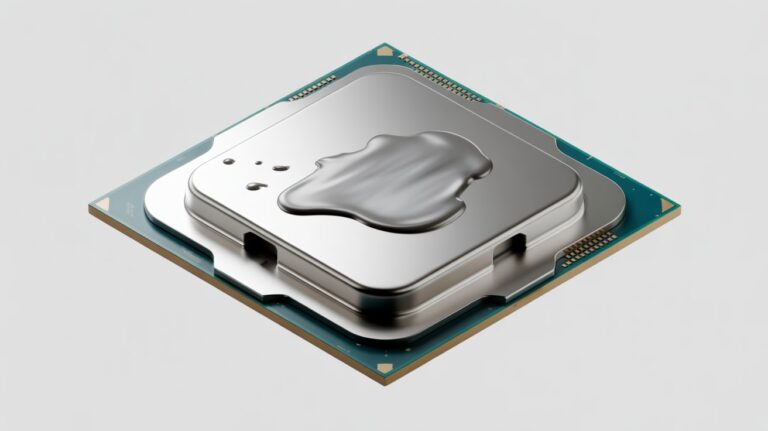
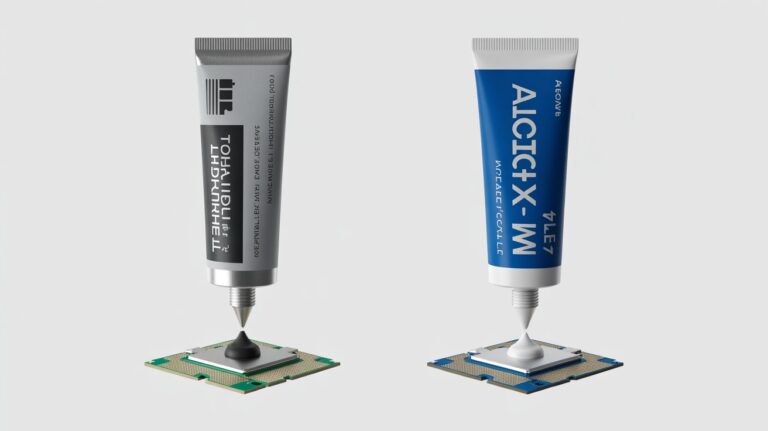
Heat spreaders and thermal paste: Transfer heat from CPU to cooler.
Air coolers (fans): Move hot air away from the processor.
Liquid coolers (water-based): More efficient used for high-performance PCs.
Good cooling prevents overheating, keeps performance steady and extends CPU life. Regular cleaning and proper airflow make a big difference in efficiency. Even small improvements like adding an extra fan can lower temperatures by 5–10°C.
Common Reasons Your CPU Heats Up
There are several reasons CPUs get hotter than normal:
Dust buildup: Blocks airflow and slows cooling.
Poor airflow in PC case: Hot air stays trapped.
Overclocking without proper cooling: Forces CPU to run faster than normal.
Heavy tasks for long hours: Gaming rendering or mining.
Old or poor-quality thermal paste: Reduces heat transfer efficiency.
Knowing these helps you prevent overheating and keeps your PC running smoothly.
Best Ways to Keep Your CPU Cool
You can protect your CPU with simple steps:
- Clean your PC regularly to remove dust.
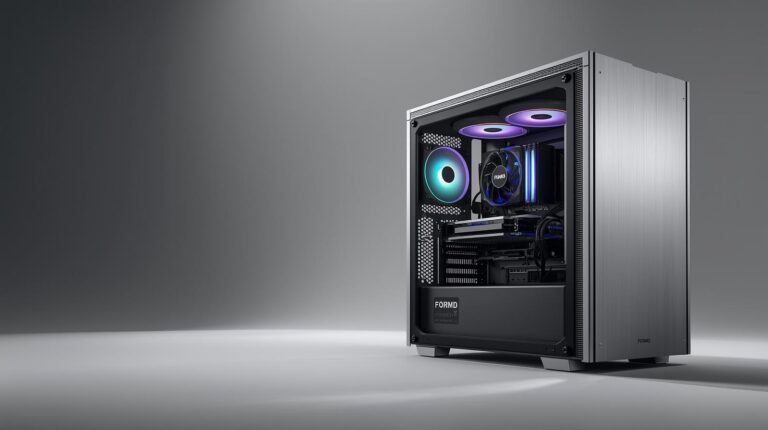
- Ensure proper airflow: intake and exhaust fans.
- Apply high-quality thermal paste between CPU and cooler.
- Avoid unnecessary overclocking unless you have good cooling.
- Keep the room temperature moderate and ventilated.
Even small steps can reduce temperature by several degrees and prevent long-term damage.
How to Check CPU Temperature Safely
Monitoring CPU temperature is easy:
- Use software like HWMonitor Core Temp or CPU-Z.
- Check while idle under load and after long use.
- Observe if temperatures spike quickly or stay high.
- BIOS readings are helpful but real-time software gives a better picture.
Monitoring helps you notice problems early and take action before overheating occurs.
Signs That Your CPU Is Overheating
Recognizing overheating early can save your CPU:
- Sudden shutdowns or restarts.
- Fans running constantly at full speed.
- Slow performance or lag.
- Unusual error messages or system crashes.
If you notice these signs, check temperatures immediately and improve cooling to avoid permanent damage.
Does Room Temperature Affect CPU Heat?
Yes, your environment matters. Hot rooms make cooling systems less effective. High humidity can slightly reduce airflow efficiency. Cooler ventilated rooms help maintain normal CPU temperatures.
Even a 5–10°C difference in room temperature can impact CPU heat. So keeping your room cool and tidy improves CPU performance and longevity.
How to Improve CPU Performance Through Cooling
Cooling not only prevents damage but also keeps performance stable:
- Better cooling reduces thermal throttling keeping the CPU fast.
- Invest in quality fans or liquid cooling if needed.
- Regularly clean your PC to prevent dust buildup.
- Use software to adjust fan speeds and monitor temperature.
Even minor improvements in cooling can increase CPU lifespan and efficiency.
How can I lower CPU temperature quickly?
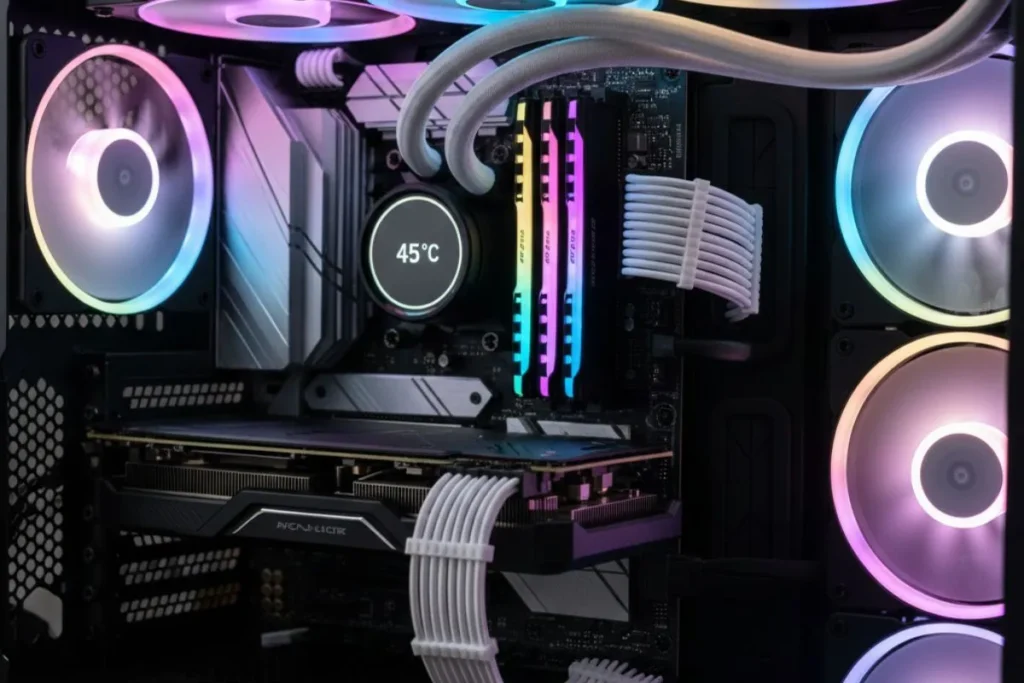
To quickly reduce CPU heat:
- Close unnecessary programs running in the background.
- Ensure your PC has proper airflow and fans are running.
- Clean dust from fans and vents.
- Apply or replace thermal paste if it is old.
- Lower overclocking settings if you are using them.
FAQs
What is the safe temperature range for a CPU?
Most modern CPUs are designed to run safely between 30°C and 70°C during normal use. Light tasks like browsing or watching videos usually keep the CPU around 40–50°C.
Can 50°C damage my processor?
No, 50°C is completely safe for most modern CPUs. Processors are built to handle higher temperatures without damage.
Does overclocking increase CPU heat?
Yes, overclocking makes your CPU run faster than its normal speed which generates more heat.
Conclusion
Maintaining the right CPU temperature is essential for stable performance and long hardware life. A reading of 50°C is completely normal during everyday tasks, yet many users worry due to a misunderstanding of safe temperature ranges.
By keeping your PC clean, improving airflow, using quality thermal paste, and monitoring temps with reliable software, you can avoid heat issues and prevent thermal throttling.
With proper care, your CPU will stay cool, fast, and dependable, giving you a smooth and worry-free computing experience.