Good CPU Thermal Paste – Improve Heat Transfer
Choosing a good CPU thermal paste becomes important for anyone upgrading a PC or trying to control heat. With so many products claiming “top cooling” or “best performance” it is hard to know what actually works. That is why understanding the differences between paste types is key.
Metal ceramic carbon and silicone pastes all perform differently depending on the system. Gaming PCs and overclocked setups need strong thermal conductivity while simple office computers do fine with affordable basic pastes.
Maintenance also matters. High quality pastes stay effective for years while cheaper ones dry out fast and need frequent replacement. Knowing these differences helps keep your CPU cool, stable and protected.
This guide reveals the real winners helping you choose the good CPU thermal paste that truly delivers strong cooling and long term protection.
What is CPU Thermal Paste?
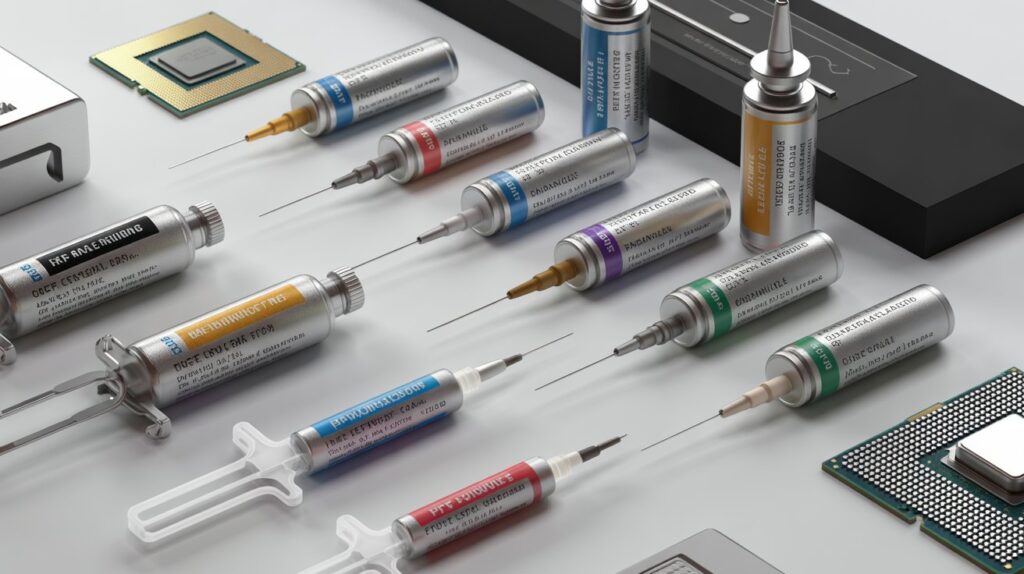
CPU thermal paste is a soft heat conducting compound placed between the CPU surface and the cooler. Its purpose is to remove the air gap that naturally exists between both surfaces.
Even if a CPU and a heatsink look smooth they contain tiny imperfections. These micro gaps trap air and air is a poor conductor of heat. This is where thermal paste does its job.
How It Works in Real Systems
When you apply a good thermal paste:
- Heat moves smoothly from the CPU into the cooler
- The heatsink can pull heat away faster
- The CPU stays cooler even during heavy tasks
- Thermal throttling becomes less likely
Without thermal paste the CPU overheats within seconds. Even a high quality cooler becomes useless if the contact is not properly filled.
When It Matters Most
- Gaming
- Video editing
- Rendering
- Overclocking
- Running multiple programs at once
Any PC that works under load needs a reliable paste layer to stay healthy and stable.
How to Make a Good CPU Thermal Paste?
You cannot make a good CPU thermal paste at home. Professional manufacturers engineer it with precision. But you can understand what makes a paste genuinely good so you know exactly what to buy.
Qualities of a Good CPU Thermal Paste
High Thermal Conductivity
It should efficiently carry heat from the CPU to the cooler. Higher W/mK means faster heat movement.
Stable Formula Under Heat
A good paste should not dry out or turn chalky under pressure and temperature changes.
Safe for Electronics
Ideally it should be non-conductive to avoid short circuits around CPU pins and SMD components.
Smooth Consistent Texture
A good paste spreads without leaving gaps or creating bubbles.
Long Operational Life
Premium pastes stay effective for several years even in high temperature environments.
Materials Found in Good Pastes
- Metal powders for high end conductivity
- Ceramic particles for safe everyday use
- Carbon micro structures for balanced performance
- Diamond powders for professional grade cooling
- Silicone oils that bind everything smoothly
Good pastes are engineered to survive heat cycles, motherboard pressure and years of continuous PC usage.
How Thermal Paste Improves Cooling Performance
The main job of thermal paste is to create a complete thermal bond between your CPU and heatsink. A cooler cannot do its job unless heat transfers properly and the paste is responsible for ensuring that transfer is efficient.
How It Improves Cooling
- It eliminates micro air gaps
- It forms an even thin thermal bridge
- It prevents heat “stalling” at the CPU surface
- It helps the cooler absorb heat faster
Performance Improvement: Real Example
| System Condition | Average CPU Temperature Under Load |
| No paste | 95–105°C (unsafe) |
| Cheap paste | 85–90°C |
| Good CPU thermal paste | 70–78°C |
| High end thermal paste | 60–70°C |
These differences directly affect:
- FPS in games
- Speed during video editing
- Rendering time
- CPU lifespan
Even a mid range cooler performs far better when paired with a good paste.
Types of Thermal Pastes and Their Differences
There is no “one perfect paste” for everyone. Each type works differently depending on the computer’s purpose.
Metal Based Thermal Paste
- Contains silver aluminum or other conductive metals
- Very high heat conductivity
- Best for heavy gaming overclocking and high end CPUs
- Slightly risky because metal particles can conduct electricity
Ceramic Based Paste
- Non conductive and safe
- Medium performance
- Long lifespan
- Great for office PCs and normal home use
Carbon Based Paste
- Includes carbon fiber graphite or nano carbon particles
- High stability under long heat cycles
- Great for gaming and creative workload
Diamond Based Paste
- The most premium option
- Diamond dust provides exceptional thermal transfer
- Longest lifespan
- Ideal for professionals and enthusiasts
Silicone Based Paste
- Most affordable
- Simple to apply
- Good for light duty systems
- Not suitable for heavy workloads
Each paste type has a clear purpose and choosing the right category prevents overheating while keeping costs balanced.
Why Conductivity Matters in CPU Thermal Paste
Thermal conductivity (measured in W/mK) tells you how effectively a paste can move heat.
Higher conductivity = better cooling.
Why It is Crucial
- CPUs generate extremely high heat quickly
- Without a fast heat transfer medium temperatures spike instantly
- A paste with strong conductivity can keep temps 10 to 15°C lower
- High conductivity reduces thermal throttling during gaming and editing
Typical Ranges
| Conductivity | Meaning |
| 3–5 W/mK | Basic use only |
| 6–10 W/mK | Good performers |
| 11–17 W/mK | High end cooling |
| 18+ W/mK | Premium enthusiast level |
Example
A CPU running at 88°C with a cheap paste may drop to 70 to 72°C with a good CPU thermal paste that has better conductivity. This difference protects your processor and increases system stability during heavy load.
How to Apply Thermal Paste
Correct application is essential for good cooling. Even the best paste fails if applied incorrectly.
Step by Step Method
- Clean the CPU and Cooler
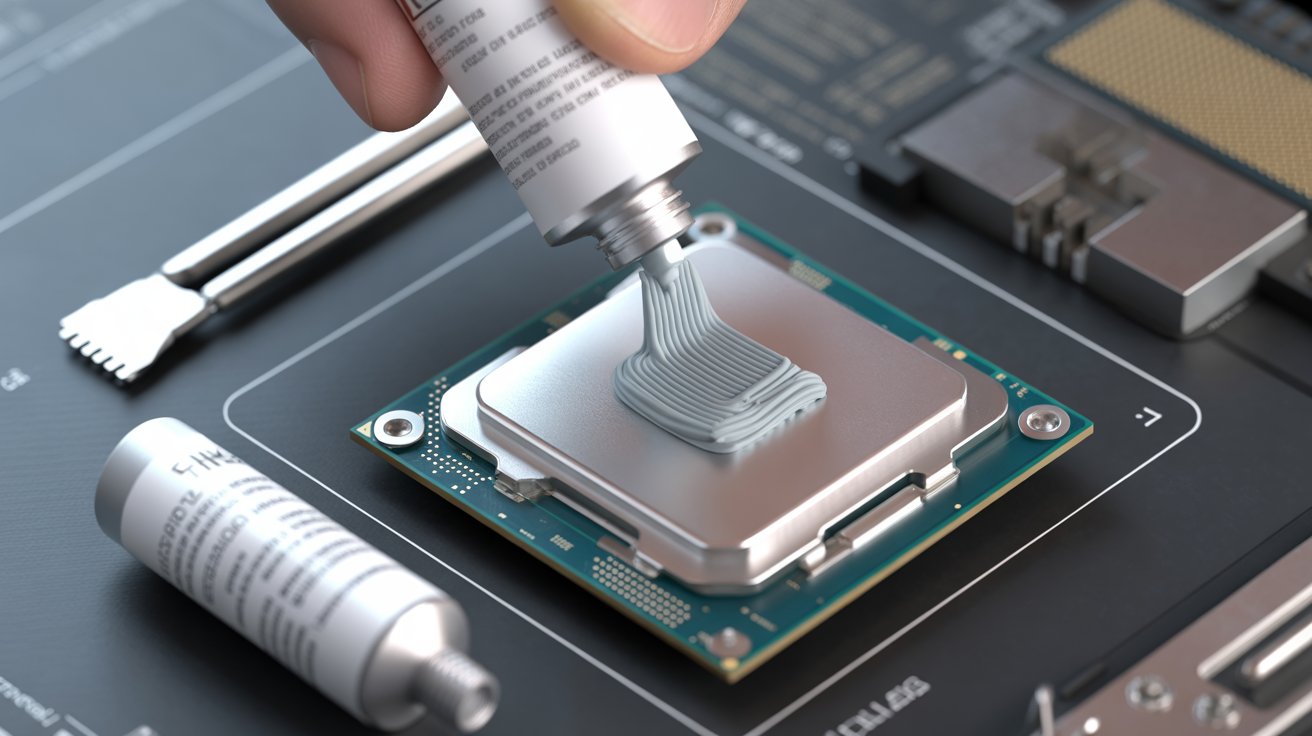
Use isopropyl alcohol and a microfiber cloth. - Add a Pea Sized Amount
Place a small dot in the center. - Mount the Cooler Straight Down
This spreads the paste evenly without bubbles. - Tighten Screws in Cross Pattern
Ensures even pressure distribution. - Check Temperatures After Boot
Make sure everything sits properly.
Common Recommended Patterns
- Pea sized dot (best for most CPUs)
- Small X (helpful for larger CPUs)
- Thin line (for rectangular CPU dies)
Avoid manual spreading because it can trap air inside.
Common Mistakes People Make When Applying Paste
Many temperature problems come from simple application errors.
Frequent Mistakes
Using Too Much Paste
Thick layers trap heat and cause temperature spikes.
Using Too Little Paste
Cannot fully fill gaps → overheating.
Not Cleaning Old Paste First
Mixing old and new paste lowers performance.
Using Fingers to Apply
Oil from skin reduces conductivity.
Uneven Cooler Mounting
Even a slight tilt can cause a 10 to 15°C temperature difference.
Cheap or Unknown Paste Brands
Many dry within months and damage long term cooling performance.
Fixing these mistakes makes a clear and immediate difference in temperature stability.
The Best Thermal Pastes – 2025 Ranking
Below is a helpful and realistic ranking based on thermal durability, price and user experience.
| Rank | Thermal Paste | Best For | Key Benefits |
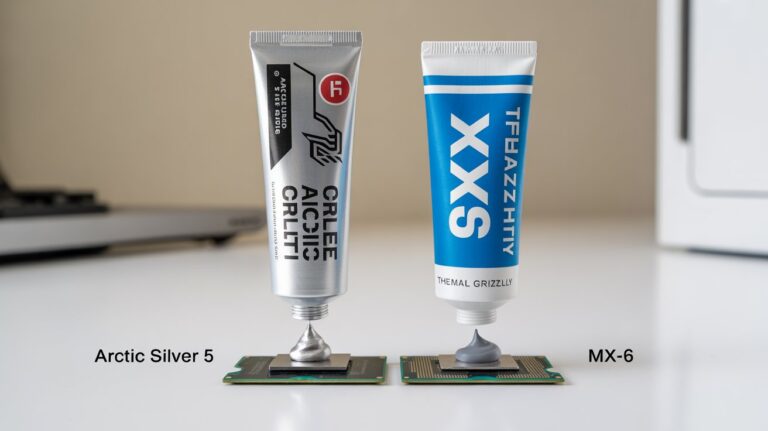
| 1 | Thermal Grizzly Kryonaut | Gaming Overclocking | Extreme cooling efficiency |
| 2 | Arctic MX6 | Long term reliability | Safe stable great all rounder |
| 3 | Noctua NT H2 | Quiet and cool builds | Smooth application strong durability |
| 4 | Cooler Master Master Gel Maker | General users | Balanced performance and price |
| 5 | ProlimaTech PK3 | Workstations | High performance carbon compound |
These products are trusted worldwide and consistently deliver stable temperatures.
How Long Does a Good CPU Thermal Paste Last?
Not all thermal pastes last the same amount of time. Lifespan depends on quality usage and temperatures.
Average Lifespan by Type
| Paste Type | Expected Lifespan |
| Silicone | 1–2 years |
| Ceramic | 2–4 years |
| Carbon | 3–5 years |
| Metal based | 3–6 years |
| Diamond | 5–7 years |
Signs You Need Replacement
- Sudden temperature spikes
- CPU running hotter than usual
- Random system shutdowns
- Fan noise increasing frequently
- Performance slowing during load
If these signs appear, replacing the paste can restore cooling immediately.
How to Maintain Stable CPU Temperatures Over Time
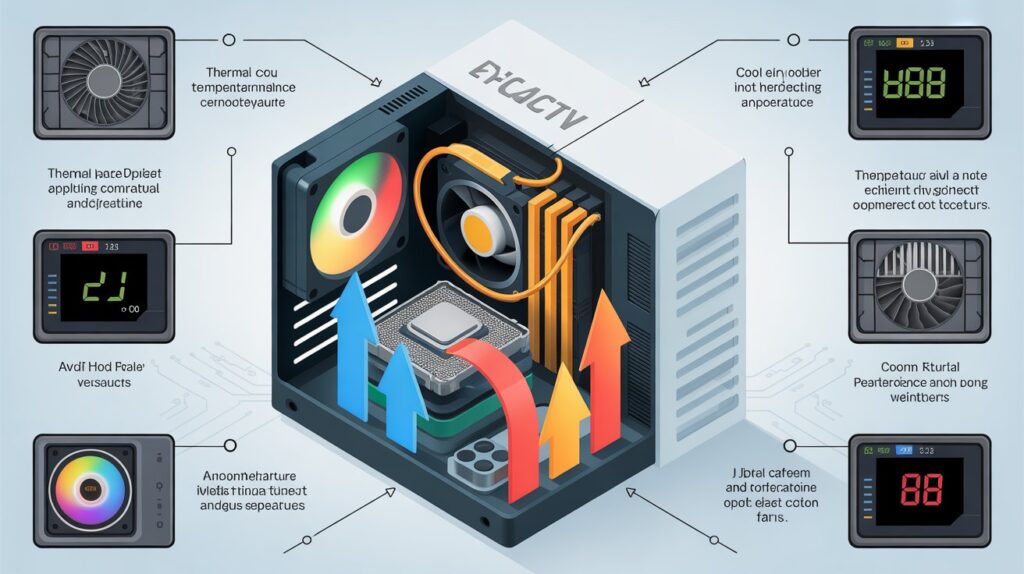
Thermal paste is only one part of a healthy cooling system. Proper maintenance keeps your temperatures stable throughout the life of your computer.
Best Practices
Clean Dust Regularly
Dust blocks airflow making fans work harder.
Check Airflow Direction
Balanced intake and exhaust fans keep cool air moving.
Monitor Temperatures Monthly
Simple tools like HWMonitor help catch problems early.
Ensure Proper Case Ventilation
A cramped case traps heat and stresses the CPU.
Replace Paste When Needed
Do not wait until performance drops replace proactively.
Long Term Benefits
- More stable CPU clocks
- Better FPS in games
- Faster rendering and editing
- Longer motherboard and CPU lifespan
Your PC becomes more reliable and less likely to fail under pressure.
FAQs
How often should I reapply good CPU thermal paste?
Every 2 to 4 years depending on paste quality and system temperature changes.
Can old thermal paste increase CPU temperatures?
Yes dried paste loses conductivity and can raise temperatures very quickly.
Is expensive thermal paste always better?
Not always mid range pastes often perform close to premium ones for normal users.
Does the shape of the application really affect cooling?
Yes the pea size or line method spreads evenly and reduces air bubbles for better heat transfer.
Can thermal paste fix overheating by itself?
It helps a lot but proper airflow and clean fans are also necessary for stable cooling.
Conclusion
A good CPU thermal paste makes a big difference in how safely and smoothly your processor runs. With the right type, proper application and timely replacement you can protect your system from unnecessary heat.
It keeps your CPU stable during gaming editing and heavy work. Understanding paste quality helps you avoid overheating and performance drops. Choose smart maintenance regularly and your PC will stay cool and reliable for years.