Do CPUs Need Drivers – Know CPU Basics
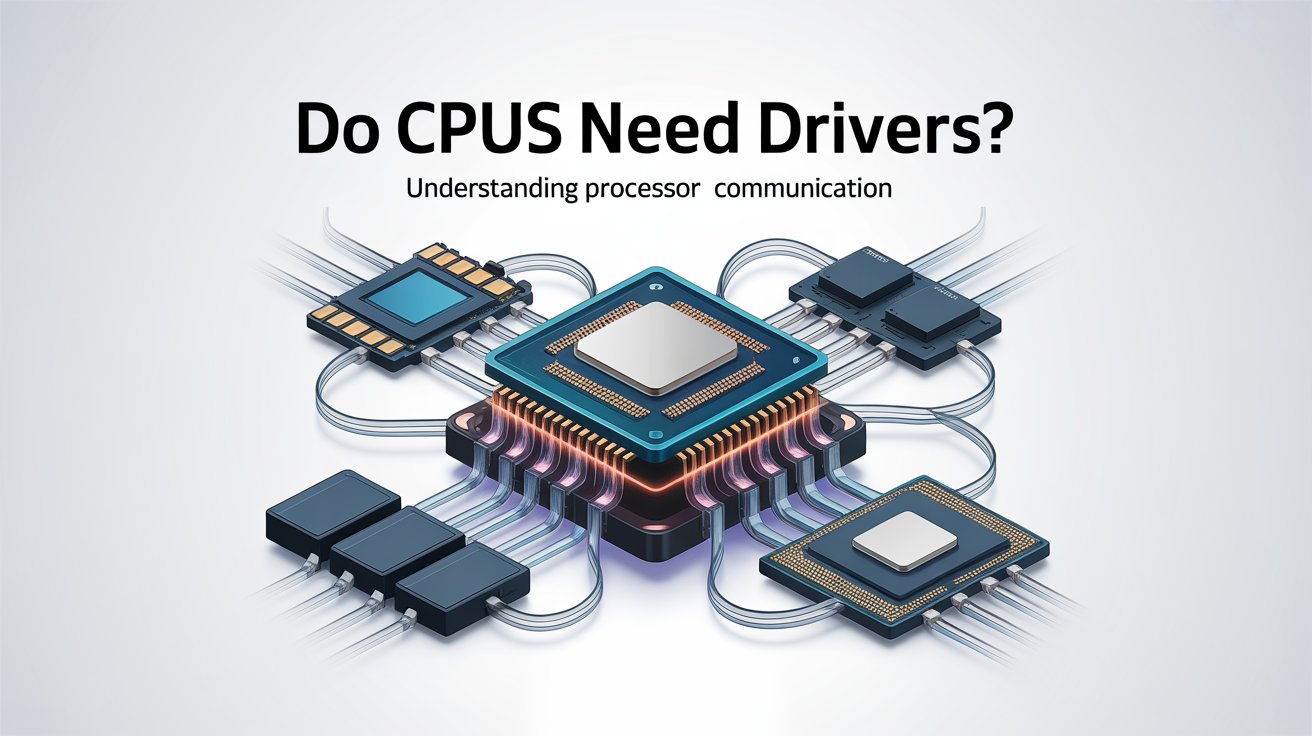
Many people hear the term “CPU drivers” and think it is something they must install to make their processor work correctly. Because of this users often worry about slow performance system errors or the fear that their processor is not fully protected.
These doubts create confusion especially for beginners who just want their computer to run safely and smoothly. CPUs do not need separate drivers. Your motherboard BIOS and operating system already manage and protect your processor automatically.
Your computer speed and safety depend on one simple truth. Most users still do not know it.
What Does “CPU Drivers” Really Mean?
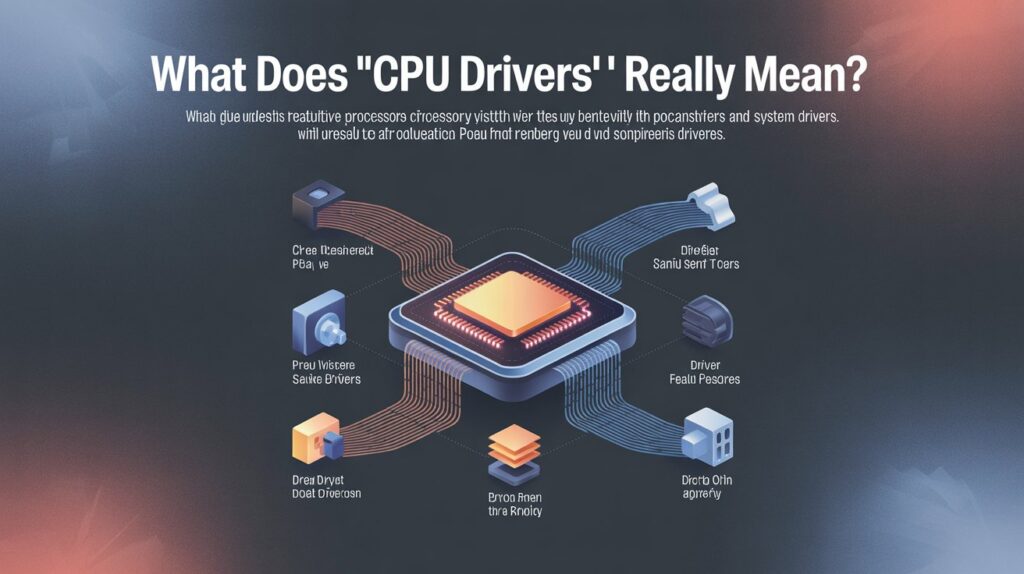
Many people hear the phrase “CPU drivers” and instantly assume it works the same way as graphics drivers or audio drivers. But the truth is a CPU does not use a separate driver that you download from anywhere.
The processor is built to work directly with the operating system using instruction sets that are already built into Windows Linux and macOS. When people talk about “CPU drivers” they usually mean the small system level files that help the OS.
The processor features things like power modes. Temperature limits or performance settings. These are not drivers in the traditional sense. They are support files already included inside the OS.
For beginners understanding this helps remove the confusion there is no separate CPU driver file you must install. Everything needed for basic CPU function is already inside your system.
Do CPUs Need Drivers to Work Properly?
Your CPU starts working the moment your system powers on even before Windows loads. This alone should tell you that the processor does not rely on a downloadable driver to function.
Modern CPUs contain their own instructions and built in capabilities that the operating system automatically recognizes.
Whether it is an Intel or AMD processor the OS already includes support for:
- Multicore operations
- Hyper Threading / SMT
- Turbo boost or precision boost
- Power saving modes
- Thermal management
- Virtualization
You do not need to install anything separately to enable these features. The CPU works smoothly because your operating system is designed to handle all major processors out of the box.
How Modern Operating Systems Handle CPU Support
Operating systems today are much more advanced compared to older versions. They automatically detect a processor architecture speed, energy modes and scheduling instructions. This means the OS controls how tasks are distributed across CPU cores.
When to boost performance, when to slow down to save power and how to manage temperature. Windows and Linux also include microcode updates which fix bugs or improve stability.
These updates come through regular system updates not manual driver installations. This built-in handling keeps the CPU performing consistently even under heavy load.
Why Most Users Think CPUs Require Extra Drivers
The confusion normally starts when users see drivers for other hardware graphic cards, Wi-Fi devices, printers etc. Because those devices need drivers many people think the CPU must need one too.
Another common reason is when users face issues like heat, slow performance or lag they assume installing a CPU driver will magically solve everything. Online myths and misleading software ads also play a major role.
Some websites falsely promote “CPU driver boosters” to scare beginners. In reality none of these tools add any driver or improve performance they only exploit confusion.
Common Problems People Face With CPU Performance
Most CPU related issues do not come from missing drivers. They usually come from easy to fix system problems such as:
- Excessive background tasks consuming CPU power
- Old or missing chipset drivers
- Lack of Windows updates
- Inadequate cooling or dust buildup
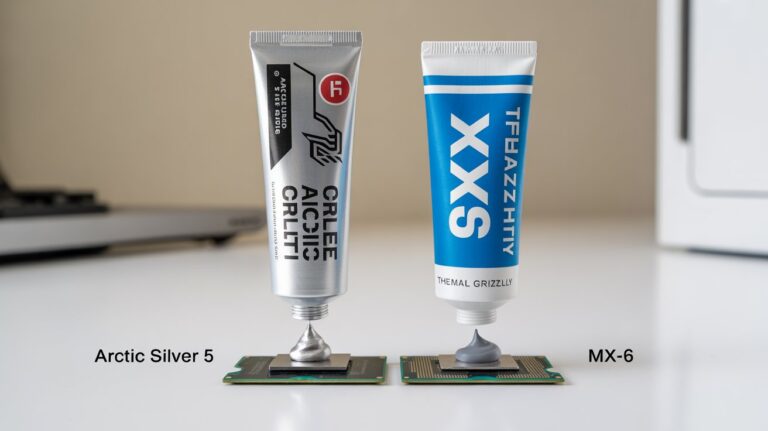
- Poor thermal paste condition
- Incorrect power settings (like “Power Saver” mode)
- Malware or heavy browser extensions
When these problems pile up users think the CPU needs some special driver. In reality solving these issues restores full performance no driver required.
How BIOS and Chipset Drivers Protect Your Processor
Even though CPUs do not have their own drivers they rely heavily on the BIOS and chipset drivers for proper support.
BIOS Protection
The BIOS controls voltage temperature fan speed and performance limits. It ensures your CPU never crosses unsafe levels. Every time your PC starts the BIOS checks that the processor is detected correctly and running at the right settings.
Chipset Driver Protection
The chipset driver acts like a communication bridge between the operating system and the motherboard. When this connection is efficient the CPU receives stable power.
Memory access is faster and temperature sensors work correctly. Together, BIOS + chipset drivers create a safe environment for your CPU keeping it healthy for years.
When You Actually Need to Update CPU-Related Files
Even though the CPU does not need its own driver there are situations where updating related components keeps everything stable and secure.
You may need updates when:
- You install a new processor or upgrade your motherboard
- Your system becomes unstable or shows random errors
- The manufacturer releases important BIOS or chipset updates
- Windows pushes a microcode patch for security or stability
- You face compatibility issues with new software or games
These updates optimize communication between the CPU motherboard and OS. They do not change how the CPU works. They only improve stability and performance.
Difference Between CPU Drivers and Chipset Drivers
This is where most users get confused. So it is important to separate both clearly:
CPU Drivers
- Not a real thing you download
- Built into the operating system
- Automatically installed during OS setup
- Require no manual update
Chipset Drivers
- Provided by motherboard manufacturers
- Improve system communication
- Help in managing USB ports PCIe RAM and storage
- Must be installed after fresh OS installation
- Can be updated for stability and performance boosts
Once you understand this difference the idea of “CPU drivers” becomes much clearer.
Signs Your Processor Is Working Fine Without Extra Drivers
If your CPU is running as it should you will notice:
- Smooth multitasking
- No overheating issues
- Stable performance in apps and games
- No unexpected restarts
- Normal temperatures
- Windows detecting the correct processor name
- No “missing driver” errors in Device Manager
These signs show your processor is perfectly healthy and does not need any separate driver installation.
What You Actually Need to Keep Your CPU Safe and Fast
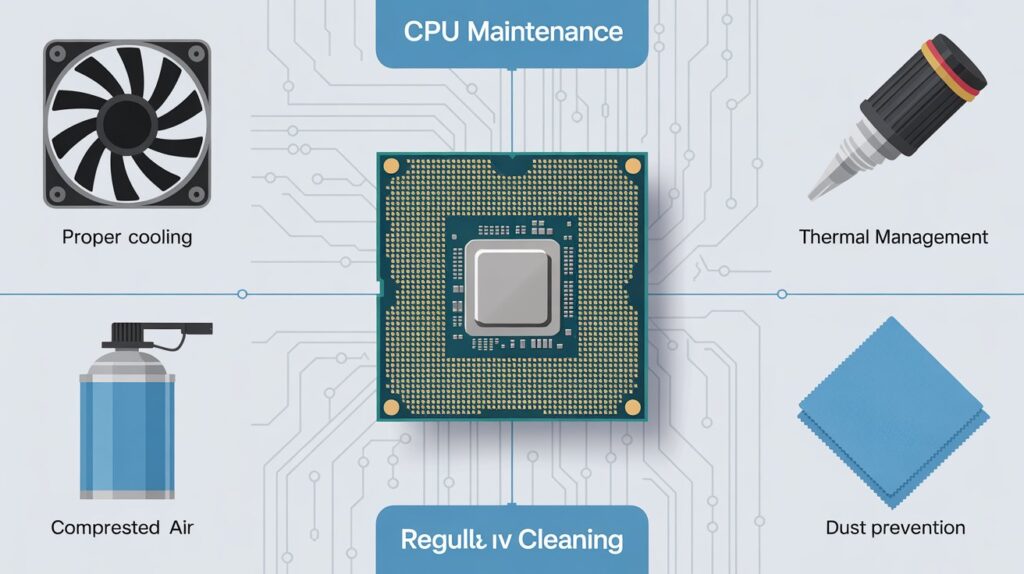
Protecting your CPU does not depend on installing a special driver. Instead it depends on the environment your system creates around it. Good airflow, clean fans, proper cooling and updated chipset drivers keep the processor running safely.
The BIOS ensures your CPU does not cross dangerous temperature limits while system updates fix bugs and improve stability. Avoiding unnecessary background apps using reliable thermal paste.
Keeping your PC dust free and maintaining healthy power settings also help your processor last longer. When these steps are followed your CPU stays fast, cool and fully protected without any need for a dedicated driver.
FAQs
Can installing third party CPU tools improve performance?
No most third party “CPU boosters” don’t improve performance and may cause system instability. Your OS already manages CPU performance efficiently.
How often should I clean my PC to protect the CPU?
Cleaning dust and debris every 3 to 6 months keeps airflow and cooling optimal, preventing overheating and long term damage.
Does overclocking require special CPU drivers?
No overclocking relies on BIOS settings not drivers. Proper cooling and stable voltage are what matter most.
Can a virus damage my CPU permanently?
Viruses affect system performance and may cause crashes but they cannot physically damage a CPU. Protection comes from security software and safe usage.
Is it safe to run a CPU at 100% for long periods?
Yes modern CPUs are designed to handle high loads. Ensuring proper cooling and ventilation prevents overheating.
Conclusion
CPUs do not require separate drivers to function or stay protected. Modern operating systems BIOS and chipset drivers automatically manage performance and stability. Regular system updates.
Proper cooling and a clean environment keep your processor safe and efficient. By understanding these basics you can maintain a fast stable and long lasting CPU without unnecessary downloads or software.