Can Low RAM Cause CPU Overheating in Laptop – Optimize Laptop
When your laptop slows down, freezes or the fan gets loud it may feel like something inside is struggling. Many people think only dust or old hardware causes heat, but there is another hidden reason that most users never notice.
This small issue can quietly push your processor to work harder than normal. Yes, low RAM can cause CPU overheating in a laptop because it forces the processor to handle extra tasks and protecting your processor becomes harder.
Is your laptop heating up for no clear reason? The real cause might be hiding in your RAM
What Really Happens When Your Laptop Has Low RAM

When a laptop has low RAM it means your system does not have enough fast memory to support the apps and tasks you are running. RAM acts like a working desk. The more space you have, the easier it is to work. But when the desk is small everything becomes crowded.
In the same way low RAM makes your laptop struggle to keep multiple apps open. The system starts shifting data from RAM to storage again and again. This is called “memory swapping” and it slows down everything, even simple tasks like browsing or opening folders.
Because the system must constantly move data your laptop becomes less efficient. Apps take longer to respond. Especially heavy ones like browsers editing software or gaming apps. And when RAM fills up completely your laptop freezes or stops responding.
This continuous overload does not just slow your laptop it puts pressure on the CPU. The processor has to work harder to keep everything running smoothly which begins the heating cycle.
Can Low RAM Really Cause CPU Overheating in Laptops?
Low RAM does not directly heat the CPU but it creates a chain reaction that forces the processor to work harder than normal. When your laptop has very little RAM available it cannot store all the apps tabs or background tasks in fast memory. Instead the system starts using your hard drive or SSD as “virtual memory.”
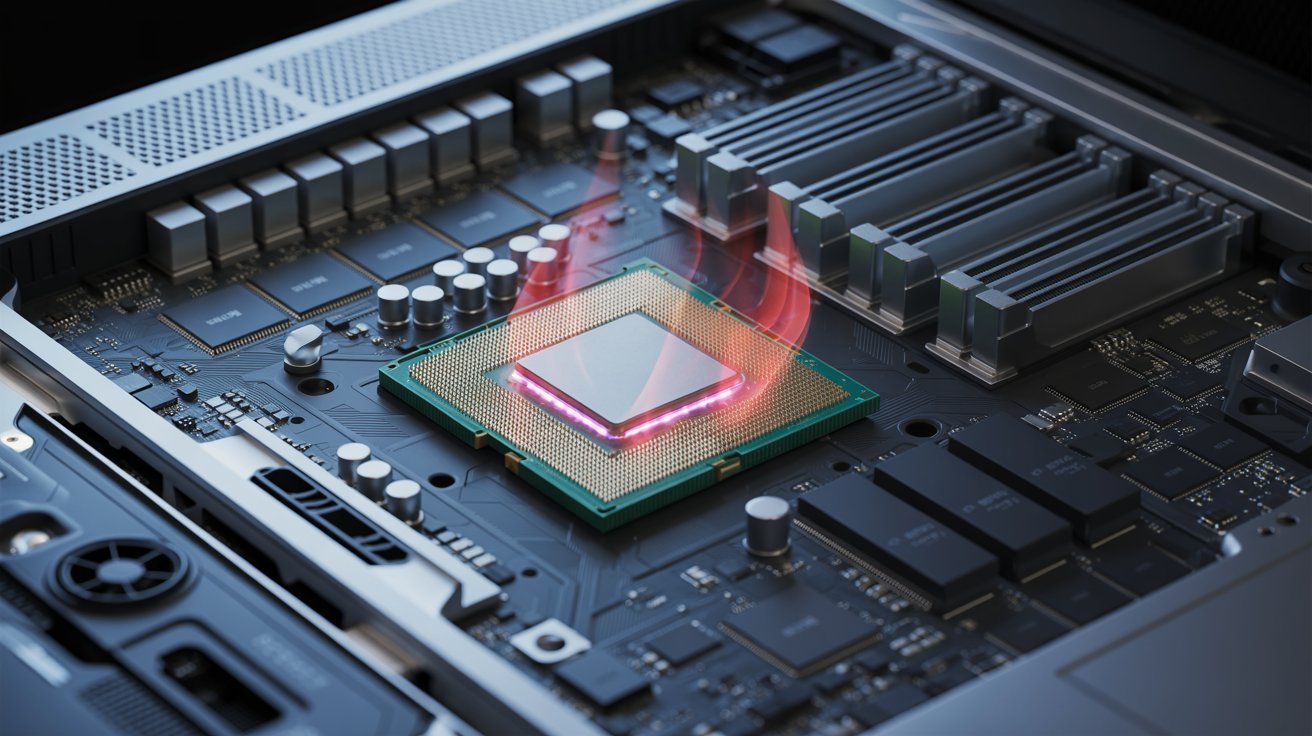
But storage drives are much slower than RAM so every time you open or switch tasks the CPU must wait longer and process the same job repeatedly. This extra waiting and repeated processing makes the CPU run at higher usage for longer periods. More usage means more heat.
In simple words:
Low RAM → More load on storage → CPU works harder → CPU stays busy → Temperature rises.
Because of this cycle laptops with low RAM often freeze easily and become warm very quickly. So while low RAM is not the direct reason for overheating it indirectly pushes the CPU into heavy nonstop work which causes the laptop to heat up faster than usual.
Why Low RAM Often Leads to Laptop Overheating
Overheating happens when internal parts, especially the CPU work more than they are designed to. Low RAM increases this load because your system must constantly move data from fast memory to slow storage.
This creates three heat producing problems:
CPU Gets Overworked
The CPU works harder because RAM is not helping enough. More work means more heat.
Storage Starts Overworking Too
Your hard drive or SSD also becomes active because it is used as temporary memory. HDDs heat up quickly during heavy use.
Fan Runs at Maximum Speed
The laptop fan attempts to cool the CPU but if the processor stays overloaded the cooling system cannot keep up.
Slow performance, fast battery drain and constant heating are the natural results of this situation. If overheating happens often it can damage the motherboard and reduce the laptop lifespan.
Also Read: Can I Keep My Ryzen CPU At 80 Degrees – Enhance Cooling
Signs Your Laptop Is Heating Because of Low RAM
You can tell if low RAM is causing heat by watching how your laptop behaves. Some common signs include:
Heat increases when many tabs or apps are open
If your laptop stays cool with one tab but gets hot with 5 to 10 tabs. It is a RAM issue.
Apps freeze or show “Not Responding”
Low RAM makes the system slow and unstable.
Laptop fan becomes loud even during light tasks
This usually happens when the CPU is overworked because RAM is full.
Slow app opening time
If apps take long to open or switch. RAM is being overloaded.
Laptop heats up during multitasking
Opening a browser Zoom and a few background apps can push the system over its limit.
These signs are very common in older laptops or laptops with 4GB or 8GB RAM especially Windows devices.
Difference Between RAM Usage and CPU Stress
RAM and CPU work together but perform different jobs.
RAM = Short term storage
It keeps the data your apps need right now.
CPU = Main processor
It does all the calculations and tasks.
When RAM is full data travels slower. The CPU receives information late and has to wait. This delay forces the CPU to redo tasks. Manage extra background processes and keep trying to complete work with limited memory support.
It is like trying to work with a small desk and slow assistants when the boss (CPU) gets stressed. This stress directly increases CPU temperature.
So even though RAM is the main issue the CPU suffers the consequences.
How Low RAM Slows Your Laptop and Builds Heat
Low RAM affects almost every part of your laptop’s performance. Here’s how:
Apps open slowly
When RAM is low the laptop must move other data first causing delays.
Multitasking becomes difficult
Opening multiple apps fills RAM quickly causing lag and heat.
CPU stays active for longer periods
Even simple tasks take more processor time.
Battery drains faster
When the CPU overheats the system uses more power to cool it.
Laptop becomes hot from the inside
More CPU cycles = more heat.
More background processes = even more heat.
This heat cycle keeps repeating until you close apps or restart your laptop. Long term overheating can also damage internal parts especially in thin laptops where airflow is limited
Simple Ways to Check RAM Problems in Your Laptop
You don’t need to be a tech expert to check RAM issues. Here’s how:
Windows Users:
- Press Ctrl + Shift + Esc to open the Task Manager.
- Go to the Performance tab.
- Check Memory usage.
If usage is above 80% with only a few apps open your RAM is low.
Mac Users:
- Open Activity Monitor.
- Click Memory.
- Check Memory Pressure.
If the graph is yellow or red RAM is being overloaded.
Other signs include:
- Slow startup
- Frequent freezing
- Fans running at high speed
- High CPU usage without heavy tasks
These signs confirm that RAM is causing performance and heating issues.
How Upgrading RAM Helps Reduce CPU Temperature
Upgrading RAM is one of the best ways to make your laptop fast and cool again. When you add more RAM:
CPU gets proper support
RAM handles background tasks so the CPU can focus on main jobs.
Multitasking becomes smoother
More apps can run without freezing.
Less data swapping
Your laptop stops using slow storage as temporary memory.
Lower heat
When CPU workload reduces, temperature naturally drops.
Longer laptop life
Less heat = healthier hardware.
Less stress = stable performance.
A RAM upgrade from 4GB to 8GB or 8GB to 16GB can completely change the way your laptop performs, especially for Windows users.
Extra Tips to Keep Your Laptop Cool and Stable
Even if you upgrade RAM you should take care of your laptop to avoid overheating. Here are simple and effective tips:
Clean air vents
Dust blocks airflow and traps heat inside.
Use your laptop on a hard surface
Beds sofas and blankets block ventilation.
Close background apps
Apps like Chrome Zoom and Discord use RAM heavily.
Use a cooling pad
This helps push cool air inside and hot air outside.
Update drivers and system
Updates fix bugs that may cause overheating.
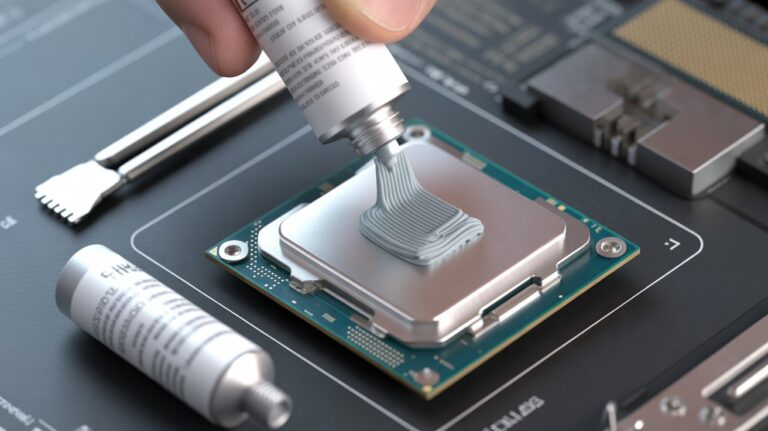
Replace old thermal paste
If your laptop is 3 to 4 years old, thermal paste may be dry and needs replacement.
Avoid using your laptop in very hot rooms
High room temperature increases CPU temperature.
Using these tips along with enough RAM can keep your laptop safe and cool for a long time.
Does Low RAM Really Make a Laptop Overheat? Here’s the Clear Answer

Low RAM does not directly create heat but it forces your CPU to work harder. When the CPU handles extra load it naturally gets hotter. So yes, low RAM can indirectly cause CPU overheating in a laptop. When memory is too small your laptop cannot support your apps properly.
The processor must run more tasks, manage background processes and shift data repeatedly. This extra workload raises CPU temperature, slows performance and reduces your laptop life.
Keeping enough RAM is one of the easiest ways to protect your processor, maintain smooth performance and prevent long term overheating issues.
FAQs
Can adding more RAM improve laptop battery life?
Yes. More RAM reduces CPU stress so the processor uses less power. This helps your laptop run cooler and improves battery life during multitasking.
Does low RAM affect gaming performance?
Low RAM causes stuttering frame drops and long loading times in games. When RAM is full the CPU and GPU cannot work smoothly which leads to overheating and lag.
Can low RAM cause my laptop to shut down suddenly?
It can. When the CPU overheats due to extra workload caused by low RAM the system may auto shut down to protect internal parts like the motherboard and battery.
Is upgrading RAM better than adding an external cooling pad?
Yes. A cooling pad only helps with airflow but RAM directly reduces CPU workload. Upgrading RAM makes the laptop faster, cooler and more stable.
How do I know if I need 8GB or 16GB RAM?
If you only browse, watch videos or use office apps, 8GB is enough. For gaming editing or multitasking with many tabs 16GB provides much better speed and temperature control.
Conclusion
Low RAM may look like a small issue but it quietly puts extra pressure on your CPU and makes your laptop heat up faster than normal. When memory is low the processor has to handle more tasks which increases temperature and slows everything down.
Upgrading RAM is one of the easiest ways to protect your processor and improve laptop speed. With enough memory your system runs smoother, cooler and with fewer errors. Taking simple steps to keep your laptop cool ensures long term performance and a longer device life.