Can I Keep My Ryzen CPU At 80 Degrees – Enhance Cooling
A Ryzen processor creates heat while running and knowing the safe temperature range helps keep it strong for a long time. Among all temperature levels one number is often discussed the most. Can I keep my Ryzen CPU at 80 degrees.
This line makes many users think about safety and protection. Yes 80°C is mostly safe but cooler temps protect your processor better.
“Your PC health starts with understanding one critical heat point.”
Understanding Safe Temperature Limits for Ryzen CPUs
Every Ryzen processor has a specific heat range in which it performs at its best. These limits are not random. They are set by AMD after testing thousands of chips under different workloads.
A processor creates heat every second it is active and this heat increases when the workload becomes heavier. That is why understanding safe temperature limits is important for anyone who wants stable performance and long lifespan.
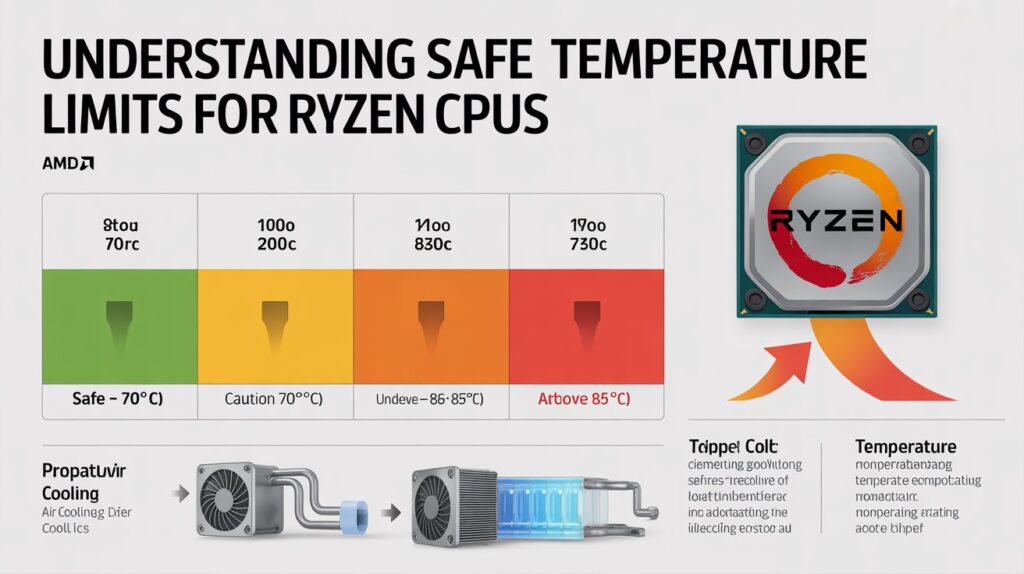
Most Ryzen CPUs are built to handle temperatures up to around 95°C. Which is considered their emergency or maximum safe point. However this does not mean running near 95°C is ideal or healthy for daily use.
The real comfort zone for long-term performance is much lower. A safe and recommended range for everyday tasks is usually 40 to 70°C and during intensive tasks like gaming or editing temperatures around 70 to 85°C are normal.
Knowing these numbers helps you understand whether your CPU is behaving normally or overheating. When temperatures remain within these safe limits the CPU works efficiently and stays protected from long-term damage.
Why Ryzen Processors Run Hot Under Load
Many people get worried when their Ryzen CPU heats up during heavy work but this is a natural part of how these processors are designed. Ryzen CPUs use something called Precision Boost which automatically increases the clock speed when more performance is needed.
This boost is great for speed but it also increases temperature. Another reason Ryzen processors run hot is their efficient design. They are built using advanced technology that packs a lot of power into a small chip.
This powerful performance creates heat especially when multiple tasks run at the same time. Gaming video rendering, streaming and multitasking can all push the processor to high temperature levels. This heat does not always mean something is wrong.
It simply shows that the CPU is working at its full potential. As long as you have good cooling, these temperatures are normal and expected.
Ideal Operating Temperature Range for Long Term CPU Health
Every CPU has a “comfort zone” where it performs the best without affecting long term health. For Ryzen this comfort zone is quite flexible but still clearly defined. During simple activities like browsing or watching videos the temperature should stay between 40 to 60°C.
This is perfectly healthy and shows that the processor is not under stress. When you start gaming or performing heavier tasks temperatures naturally rise. A healthy range for medium to heavy workloads is 65 to 80°C.
This is where the CPU does most of its performance work safely. Going up to 85°C is still acceptable especially for short periods. The reason these temperature ranges matter is because constant high heat can shorten the lifespan of electronic components.
Even though the CPU can survive extreme temperatures, staying in the ideal zone for most of its life keeps its performance stable, prevents slowdowns and reduces long-term wear.
How 80°C Affects Ryzen Performance and Lifespan
80°C is a temperature many users see during gaming or multitasking and it often raises concern. The truth is that 80°C is generally safe for Ryzen processors but context is important. If your CPU touches 80°C for a short time or during heavy tasks it is not dangerous.
Ryzen chips are made to handle this without any performance issues. However if your CPU stays at 80°C all the time even during light tasks then it might indicate poor airflow or weak cooling. Long term continuous heat can slowly affect the lifespan of a processor.
While the effects are not immediate, sustained temperatures close to the upper limit may reduce efficiency over years of use. So while 80°C is safe, keeping your CPU a bit lower when possible is better for long-term protection. Cooling good airflow and maintenance help keep the CPU in a healthier range.
Common Reasons Your Ryzen CPU Reaches High Temperatures
Many factors contribute to a Ryzen processor reaching high temperatures. Understanding these helps you fix the issue more effectively.
Heavy Workloads
Games development tools, editing software and streaming all push the processor to use more power. More power creates more heat.
Poor Airflow Inside the Case
Even the best CPU cooler cannot work well if air inside the case cannot flow freely. Hot air gets trapped and keeps temperatures high.
Dust Buildup
Dust blocks fans, heatsinks and vents. This reduces cooling and makes the system heat up quickly.
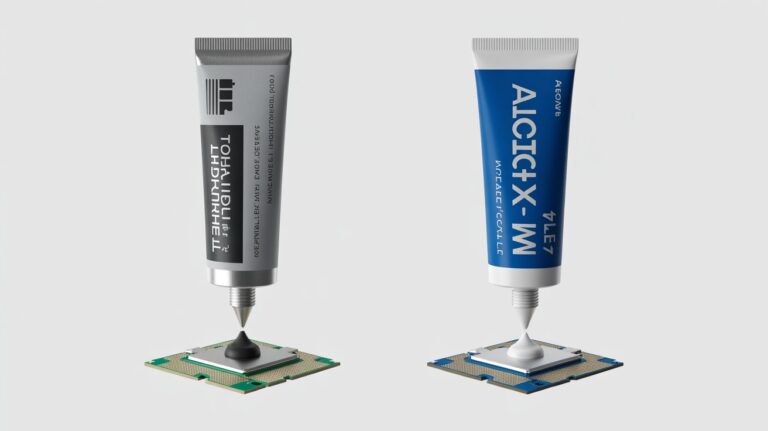
Old Thermal Paste
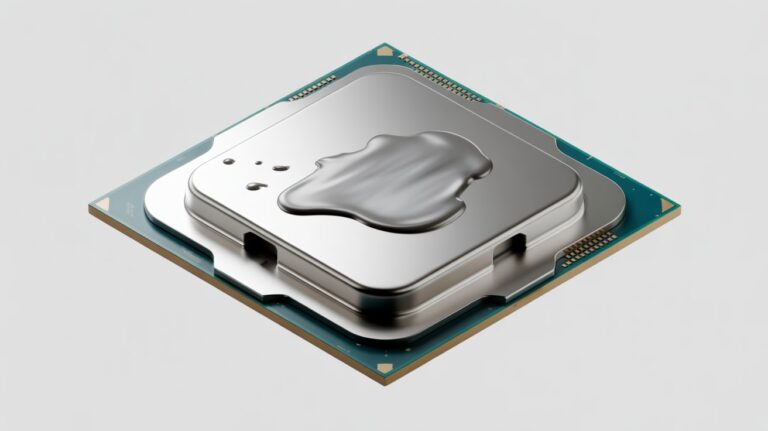
Thermal paste transfers heat from the CPU to the cooler. If it dries out heat cannot move properly causing higher temperatures.
High Room Temperature
Your CPU depends on surrounding air to cool down. A hot room naturally increases CPU temperature.
Weak or Small Coolers
Stock coolers are fine for light work but not ideal for heavy tasks. A small or low quality cooler cannot manage heat effectively.
Fixing these common issues often brings temperatures down by a large margin.
Best Cooling Methods to Keep Ryzen CPUs Stable
A good cooling system is the heart of a healthy processor. Cooling is not only about keeping temperatures low it is about maintaining performance and preventing long term damage.
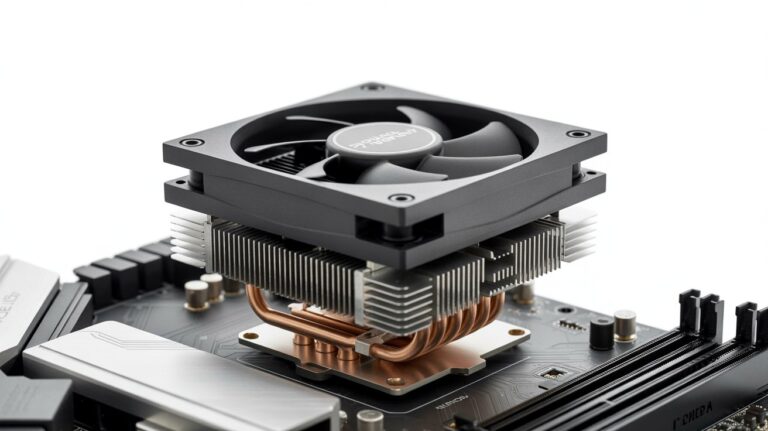
Air Coolers
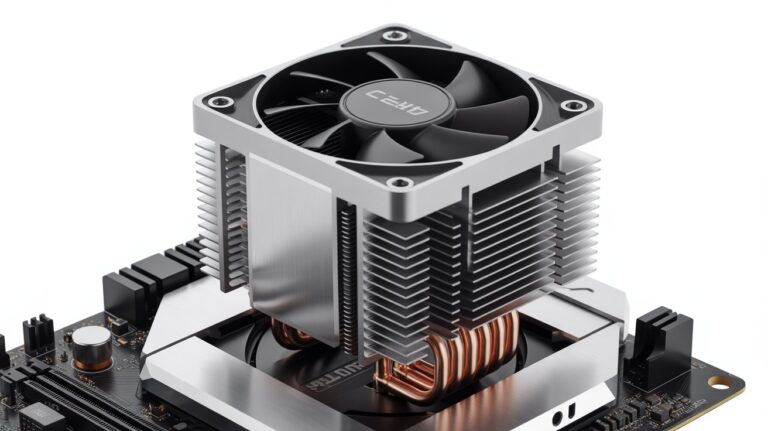
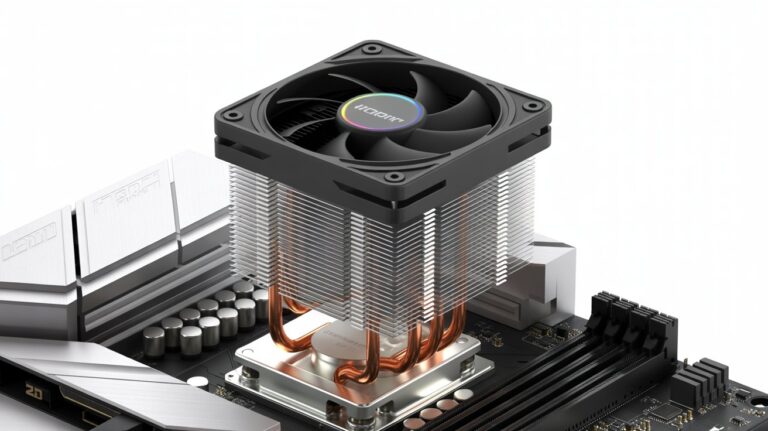
Good air coolers offer excellent performance at a reasonable price. They are easy to install and maintain. Large tower coolers with heat pipes provide great cooling for most users.
Liquid Coolers (AIOs)
Liquid coolers are ideal for people who push their CPU to high limits. They offer better temperature control under heavy workloads and keep the system quieter. A 240mm or 360mm AIO cooler works well for gaming and editing.
Fan Positioning
For best airflow front fans should bring cool air in while top and rear fans should push hot air out. Balanced airflow can lower CPU temperatures by 5 to 10°C.
Quality Thermal Paste
A small step like applying good thermal paste can improve heat transfer. Replacing old or dry paste every 1 to 2 years is recommended.
Case Size and Design
A spacious case with proper ventilation helps cool air move freely allowing the entire system to breathe.
Together these methods keep your Ryzen CPU cool and stable.
Importance of Proper Airflow in CPU Temperature Control
Airflow is just as important as the CPU cooler itself. Without proper airflow heat collects inside the case and has nowhere to escape. This results in higher temperatures even if your CPU cooler is powerful.
When the airflow is balanced, cool air enters the system and pushes hot air out efficiently. This allows the CPU GPU and motherboard to stay within safe temperatures.Good airflow also prevents other components from overheating such as VRMs and SSDs.
Keeping cables clean and organized inside the PC also helps airflow. A clutter free case lets air move smoothly improving heat control. This simple step can make a noticeable difference in overall cooling.
When High CPU Temps Become a Real Problem
High temperatures are not always dangerous but they become a real problem when they stay above 85° to 90°C for long periods. At this point the CPU may start to throttle meaning it reduces its own speed to avoid damage.
This slowdown affects gaming performance editing tasks and general responsiveness. If a CPU stays too hot for too long it can also affect surrounding components. VRMs, motherboard parts and even RAM can get stressed by constant heat. This leads to instability crashes or unexpected shutdowns.
When temperatures reach these critical levels it is important to act quickly to improve cooling, clean the system or change thermal paste. Immediate attention can prevent long term damage.
Tips to Reduce Heat and Protect Your Processor
Keeping your CPU cool is not complicated. Here are some simple but effective solutions:
Clean dust regularly
Dust is the biggest cause of rising temperatures. Cleaning every 1 to 2 months helps performance.
Replace thermal paste
Old paste loses its ability to transfer heat. New paste can reduce temps by several degrees.
Improve airflow
Adding or repositioning fans can dramatically lower heat.
Use cooling modes
Some software lets you reduce CPU boost levels which lowers temperature while keeping performance stable.
Keep your room cool
A small drop in room temperature can improve CPU temps noticeably.
Avoid blocking vents
Make sure your PC is not pushed against a wall or inside a closed cabinet.
With these small steps you can protect your processor for years.
Monitoring Tools to Check Ryzen CPU Temperatures Safely
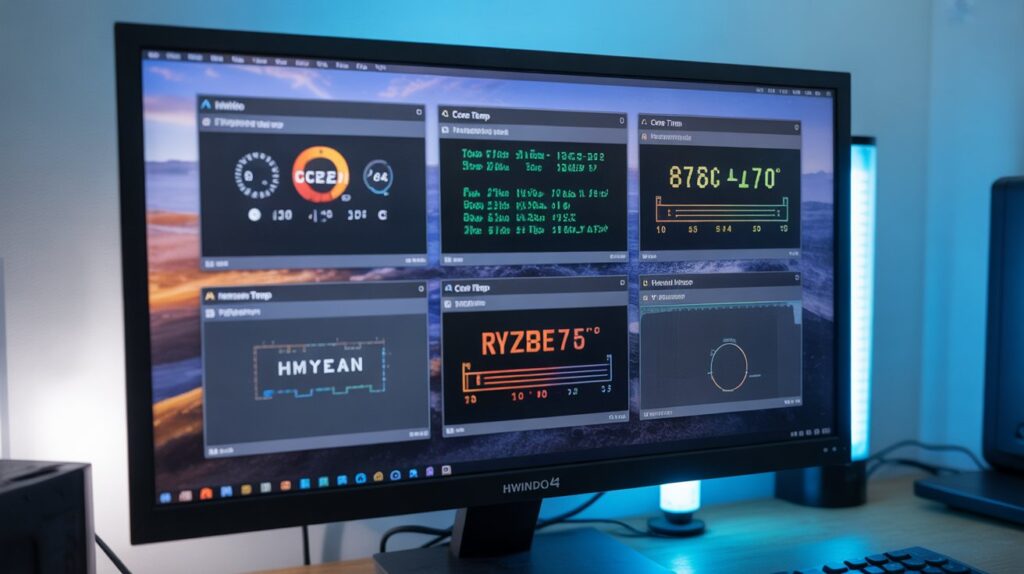
Monitoring your CPU temperature helps you detect problems early. Tools like Ryzen Master HWiNFO HWMonitor and Core Temp show real time temperatures, voltages and loads. These tools help you understand how your CPU behaves under different tasks.
By checking temperatures regularly you can see if your cooling system is working well. If you notice a sudden temperature rise it might be time to clean your PC or check the thermal paste.
Monitoring tools also help you compare changes before and after upgrades like adding new fans or switching coolers. This helps you make smarter decisions and keep your system healthy.
FAQs
Can using high performance apps damage my Ryzen CPU immediately?
No modern Ryzen CPUs handle heavy apps safely but prolonged extreme use may increase wear over time.
Is it safe to overclock my Ryzen CPU if it reaches 80°C?
Overclocking is fine with proper cooling but constantly running near 80°C can reduce CPU lifespan.
Does room temperature affect my CPU heat significantly?
Yes higher room temperatures make the CPU hotter even if the cooler is working well.
Can software settings help lower CPU temperatures?
Yes adjusting performance modes or fan curves can reduce heat without affecting normal usage.
How often should I check my CPU temperature?
It is best to monitor temperatures regularly especially during gaming or heavy workloads.
Conclusion
Maintaining safe CPU temperatures is key to a stable and long lasting Ryzen system. While 80°C is generally safe, aiming for cooler temperatures protects your processor even more.
Proper cooling airflow and maintenance ensure your CPU performs efficiently for years. Regular monitoring helps detect any heat issues early. By following these steps you can keep your Ryzen running smoothly and reliably.