Best Low Profile CPU Cooler – Discover Top Coolers
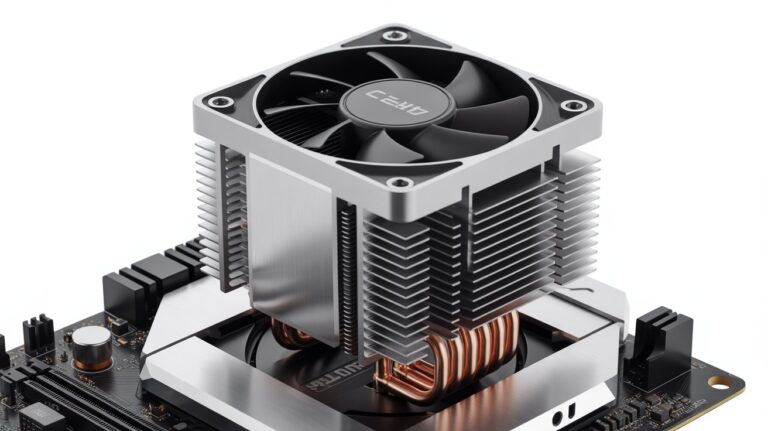
The best low profile CPU cooler is the one that safely protects your processor by giving strong cooling in a small design. It pulls heat away fast, fits perfectly in tight PC cases and prevents overheating during gaming editing or heavy work.
A good low-profile cooler also stays quiet, uses high-quality materials and keeps airflow steady. Choosing the right cooler means your processor stays safe, works faster and lasts longer without any heat problems.
Stay with me. I will show you which low profile cooler truly keeps your processor safe.
What Is a Low Profile CPU Cooler?
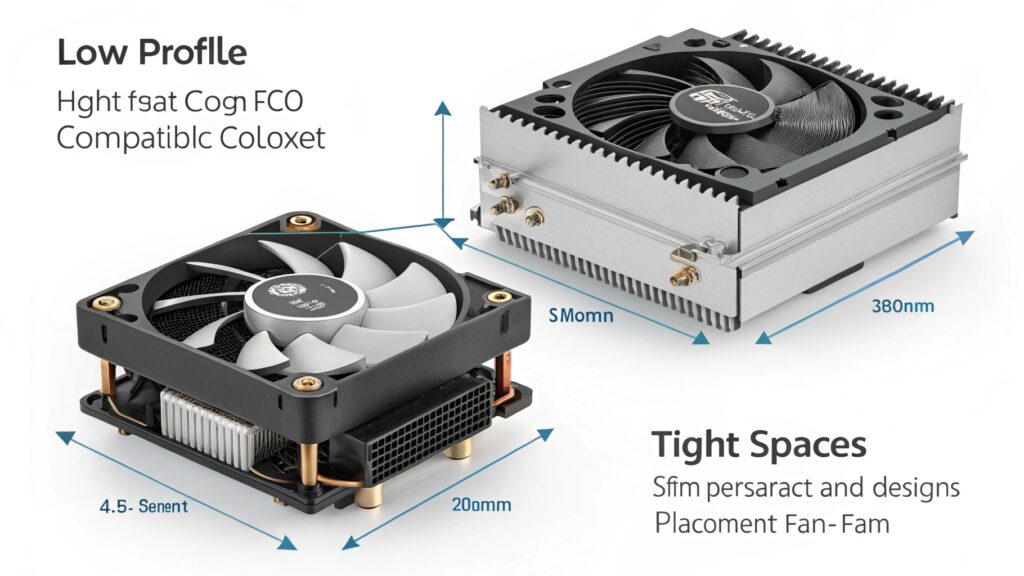
A low profile CPU cooler is a cooler designed for computers with limited vertical space. Unlike standard tower coolers which are tall and can block RAM or fit only in large cases low profile coolers are compact close to the motherboard and lightweight.
They are ideal for mini ITX or micro-ATX cases, where a standard cooler might not fit. Despite their small size, modern low profile coolers use advanced heat pipe technology and efficient fans to keep processors cool.
Why It Matters
Many PC builders underestimate the heat generated by modern CPUs. Even a small processor like Intel’s i5 or AMD’s Ryzen 5 can produce enough heat to throttle performance or reduce lifespan. A low profile cooler allows you to build small PCs without sacrificing cooling efficiency.
Why You Need the Best Low Profile CPU Cooler
It is easy to buy any compact cooler but choosing the best one matters for long term processor health. Small cases often have limited airflow and cheap coolers may not dissipate heat efficiently.
Without proper cooling:
- Your CPU can overheat under heavy tasks like gaming or video editing.
- Noise levels can become distracting especially if the fan spins fast to compensate for poor cooling.
- The CPU may experience thermal throttling slowing down performance when it reaches high temperatures.
The best low profile cooler solves all these issues by balancing airflow quiet operation and heat dissipation ensuring your PC is stable, safe and efficient.
Key Features to Look for in a Low Profile Cooler
Choosing the right cooler is not just about size. Here is what really matters:
- Cooling Capacity: Measured in TDP (Thermal Design Power) it must match or exceed your CPU’s heat output.
- Fan Quality: Larger fans can move more air quietly while small fans may be louder at high RPM.
- Material: Copper bases and heat pipes transfer heat quickly while aluminum fins are lightweight and durable.
- Size & Compatibility: Check height motherboard and RAM clearance. A few millimeters make a difference in small cases.
- Reliability: Established brands like Noctua Cryorig or Be Quiet! use quality materials and long lasting fans.
How to Pick a Low Profile CPU Cooler for Maximum Cooling
This section explains how to choose a cooler that truly protects your CPU step by step.
Step 1: Understand CPU Heat Output
Your CPU’s TDP tells you how much heat it produces under load. Example:
- Intel Core i5-12400: 65W TDP
- AMD Ryzen 5 5600X: 65W TDP
A cooler must at least match this TDP. For overclocked CPUs pick a cooler with a higher rating to prevent overheating.
Step 2: Measure Your Case Space
Low profile coolers usually range 37 to 75 mm in height. Measure carefully:
- RAM clearance: Some taller heat sinks may block RAM slots.
- GPU space: Especially for mini ITX builds ensure the cooler does not touch the graphics card.
Step 3: Fan Size and RPM
- Larger fans move more air at lower RPM reducing noise.
- Smaller fans spin faster but generate more sound.
- Fans with PWM control adjust speed based on CPU temperature.
Step 4: Heat Pipes and Material
- Copper heat pipes are excellent at transferring heat from CPU to fins.
- Aluminum fins are lightweight and help dissipate heat quickly.
- More heat pipes generally improve cooling, but make sure they fit inside the case.
Step 5: Noise Levels
Even small PCs can be noisy if the fan spins too fast. Look for:
- 20 to 30 dB under normal load for quiet operation.
- Anti vibration mounting to prevent buzzing.
Step 6: Brand and Reliability
- Noctua Be Quiet Scythe and Cryorig are known for high quality low profile coolers.
- Reviews help understand long term reliability and look for models with years of user tested performance.
Quiet and Efficient
Noise is one of the main problems in small PCs because small fans often spin fast. A properly designed low profile cooler achieves:
- Quiet operation through larger fan blades moving air efficiently.
- Stable temperatures so the fan does not need to ramp up constantly.
- Long lasting performance since low stress on the fan reduces wear.
In small builds this balance is essential. A cooler that is quiet and efficient ensures your PC stays pleasant to use while keeping the CPU safe.
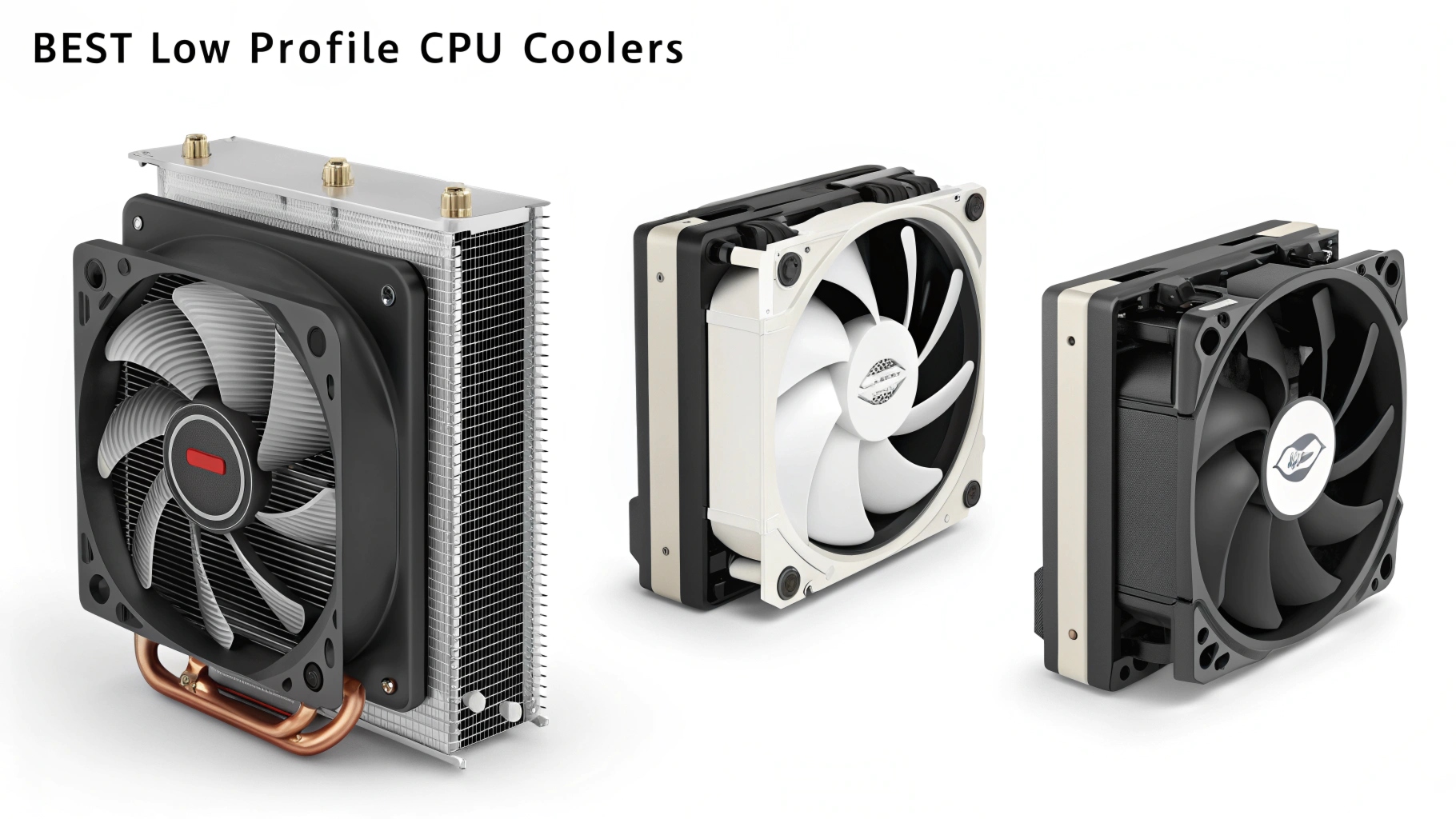
Best Low Profile CPU Cooler for Small PC Cases
| Cooler Model | Height | TDP Support | Noise Level | Price Range | Special Feature |
| Noctua NH L9i | 37mm | 65W | 23 dB | $$$ | Ultra compact |
| Cryorig C7 | 47mm | 100W | 28 dB | $$ | Easy installation |
| Be Quiet! Shadow Rock LP | 75mm | 120W | 26 dB | $$$ | High airflow |
| Scythe Big Shuriken 3 | 69mm | 95W | 25 dB | $$ | Dual fan support |
Explanation:
- Noctua NH L9i is ideal for ultra compact cases providing decent cooling with almost no noise.
- Cryorig C7 handles moderate CPUs good for gaming or office builds.
- Shadow Rock LP and Big Shuriken 3 are slightly taller but provide higher performance suitable for stronger CPUs.
Best Low Profile CPU Cooler for Gaming Builds
Gaming CPUs produce high heat even in small cases. Low profile coolers must combine efficiency and compactness:
- Cryorig C7 Cu: Copper version improves heat transfer.
- Noctua NH L12S: Compact but supports moderate overclocking.
- Scythe Big Shuriken 3: Handles high TDP CPUs in micro ATX builds.
Best Budget Low Profile CPU Coolers
Not everyone can spend $50 to $80 on a cooler. Affordable options include:
- Cooler Master GeminII M4: 47mm 65W quiet fan.
- DeepCool Gamer Storm GS 90: 50mm 60W aluminum fins.
- ID COOLING IS 50: 50mm suitable for light workloads.
Installation Tips for Low Profile Coolers
Installing low profile coolers can be tricky in tight cases:
- Remove the old cooler carefully.
- Apply thermal paste evenly on the CPU.
- Align screws or clips without forcing them.
- Check clearance with RAM GPU and case side panel.
- Test the fan before closing the case.
Even small mistakes can reduce airflow or prevent proper seating causing higher CPU temperatures.
Choosing the Best Low Profile CPU Cooler for Long-Lasting Protection
Your CPU is expensive. A low profile cooler is not just about size. It is about protection stability and reliability:
- Proper cooling prevents thermal throttling.
- Good airflow ensures a long CPU lifespan.
- Quiet operation makes using your PC comfortable.
Choose a cooler based on:
- CPU TDP compatibility
- Case clearance
- Cooling performance and fan design
- Reliable brand and long term durability
A well chosen cooler protects your investment, keeps your system stable and allows you to enjoy your PC without worrying about overheating.
FAQs
Can a low profile cooler handle overclocked CPUs?
Yes some high quality low profile coolers can manage moderate overclocking without overheating.
Do low profile coolers require special thermal paste?
No standard thermal paste works fine. Just apply it evenly for best heat transfer.
Will a low profile cooler fit in every mini ITX case?
Not always check the cooler’s height and clearance before buying.
Are low profile coolers noisier than standard tower coolers?
If designed well they can be quiet and produce minimal noise.
How often should I clean a low profile cooler?
Clean it every 6 to 12 months to maintain airflow and cooling efficiency.
Conclusion
Choosing the right low profile CPU cooler ensures your processor stays safe, cool and quiet. It protects your CPU from overheating, improves performance and fits even in tight cases.
By focusing on quality cooling efficiency and reliable brands you can enjoy a long lasting and stable PC. A well chosen cooler keeps your system efficient without any compromise.