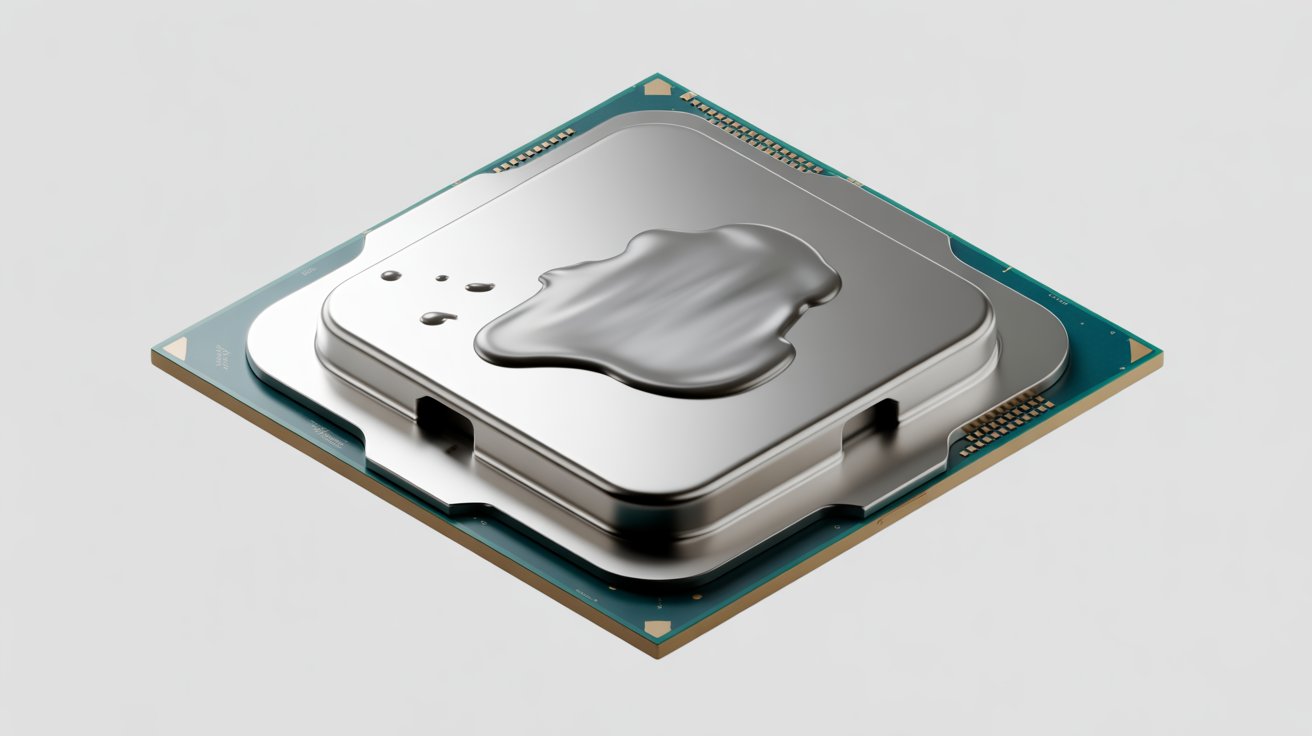
Best CPU TIM – Complete Guide for Better Cooling and Performance
CPU overheating is a common hidden problem in computers. Many users upgrade fans or coolers but still face high temperatures because they ignore a small yet important detail.
The thin layer between the CPU and the cooler called Thermal Interface Material (TIM) controls how efficiently heat leaves the processor. Choosing the right CPU TIM is important for everyone, not just gamers.
Without proper heat transfer CPUs slow down fans get louder and hardware life shortens. A good TIM keeps temperatures stable, protects the processor and maintains smooth performance over time.
A small layer between your CPU and cooler decides whether your system stays cool or slowly burns itself out.
What Is CPU TIM?
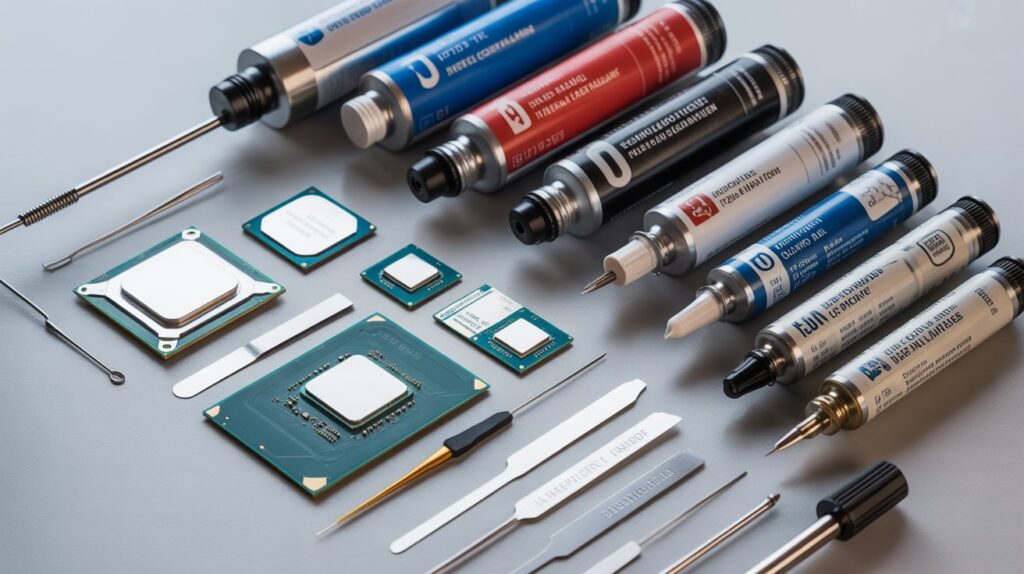
CPU TIM stands for Thermal Interface Material. It is a special heat conducting material placed between the CPU (processor) and the cooler. Its main job is to help heat move away from the CPU quickly and safely.
Even though the CPU surface and the cooler look smooth they have tiny microscopic gaps. These gaps trap air and air is very bad at transferring heat. CPU TIM fills those tiny spaces and removes trapped air.
This creates a solid thermal path that allows heat to pass from the CPU into the cooler more efficiently. When CPU TIM works properly the processor stays cooler, performs better and avoids thermal throttling.
Without proper TIM heat builds up inside the CPU fans run faster performance drops and long term hardware damage can occur. That is why CPU TIM is a critical part of every computer whether it is a laptop gaming PC or office system.
How Heat Moves From the CPU to the Cooler
Heat generated by the CPU must leave the chip as quickly as possible. The faster heat moves away the cooler the processor stays.
Role of Contact Quality
Metal to metal contact alone is never perfect. TIM improves this contact by filling uneven surfaces. When using a high quality thermal compound heat flows evenly across the cooler base reducing hot spots and temperature spikes during heavy load.
Common Types of Thermal Compounds
Different thermal compounds exist for different needs. Understanding these types helps you choose wisely.
Silicone Based Compounds
These are affordable and widely used. They work fine for basic systems and office computers. However they dry out faster under high heat.
Ceramic Based Compounds
Ceramic TIMs are non conductive and very safe. They offer stable performance and longer lifespan compared to silicone pastes.
Carbon Based Compounds
Carbon based materials provide excellent heat transfer without electrical risk. They are popular among gamers and power users.
Liquid Metal Compounds
Liquid metal offers extreme cooling performance but is electrically conductive. It requires expert handling and is not recommended for beginners.
Cooling Needs for Gaming and Heavy Workloads
Gaming systems and workstations generate more heat than regular PCs. Continuous load pushes the CPU close to its thermal limits.
Using the best CPU TIM in such systems helps maintain consistent temperatures during long gaming sessions or rendering tasks. A reliable thermal compound prevents sudden performance drops caused by thermal throttling and keeps the CPU running at full potential.
Thermal Solutions for Laptops and Small Builds
Laptops and compact PCs have limited airflow and space. Heat builds up quickly in these systems.
Why TIM Choice Matters More Here
Because cooling options are limited the quality of thermal material becomes even more important. Non conductive and long lasting compounds are safer and more effective in tight environments. Replacing old factory applied paste with a better option often results in noticeable temperature drops.
Lifespan of Thermal Interface Materials
Many people assume TIM lasts forever. In reality thermal compounds degrade over time.
What Causes TIM to Wear Out
Repeated heating and cooling cycles dry out the compound. Over time it loses flexibility and no longer fills gaps properly.
When Replacement Is Necessary
If CPU temperatures slowly increase without hardware changes, old TIM is often the reason. Replacing it restores proper heat transfer and system stability.
Problems Caused by Low Quality Thermal Paste
Poor thermal compounds create issues that appear slowly but cause serious damage in the long run.
Real World Issues
- Constant high CPU temperatures
- Loud and overworking fans
- Reduced performance under load
- Shortened processor lifespan
Using a high quality solution avoids these problems and keeps the system reliable.
Correct Way to Apply Thermal Compound
Even the best material will fail if applied incorrectly.
Step by Step Basics
- Remove old compound completely
- Clean the CPU surface properly
- Apply a small centered amount
- Let cooler pressure spread the paste evenly
Too much paste traps heat while too little leaves air gaps. Balanced application is key.
Factory Paste vs Aftermarket Solutions
Many coolers come with pre-applied thermal paste. While convenient it is often basic in quality.
Aftermarket compounds usually perform better, last longer and handle heat more effectively. For users who care about long term performance upgrading the thermal compound is a smart decision.
Choosing the Right Thermal Compound for Your System
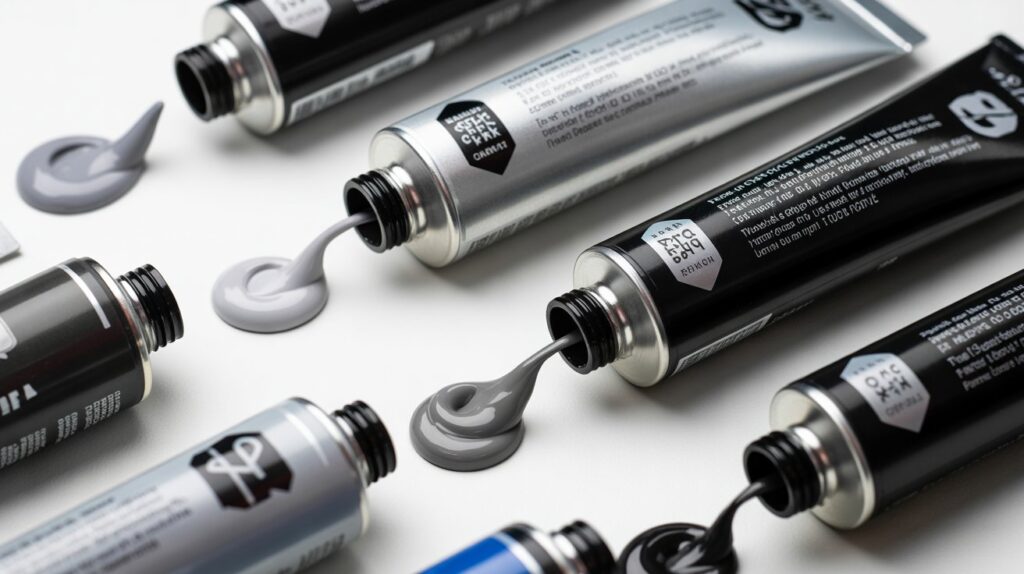
There is no single solution that fits everyone.
Based on Usage
- Office and home PCs: Ceramic or silicone
- Gaming systems: Carbon based compounds
- Professional workloads: High performance carbon
- Advanced users: Liquid metal with caution
Matching the compound to your system ensures the best balance between safety and performance.
FAQs
Can changing thermal paste really lower CPU temperature?
Yes replacing old or poor paste often reduces temperatures instantly.
How often should thermal paste be replaced?
Usually every 2 to 4 years depending on heat usage.
Is thermal paste important for low power CPUs?
Yes even low power CPUs benefit from proper heat transfer.
Can too much paste cause overheating?
Yes excess paste can block proper heat flow.
Is liquid metal safe for normal users?
No it is best used only by experienced users.
Conclusion
The best CPU TIM may look like a small detail but it plays a huge role in system health. Good thermal material improves heat transfer prevents throttling and protects your processor from long term damage.
Real world experience shows that many overheating issues are solved simply by choosing the right compound and applying it correctly. Whether you use a laptop gaming PC or workstation, investing in quality thermal material ensures stable performance, quieter operation and longer hardware life. A cool CPU is a healthy CPU and TIM is the silent hero behind it.