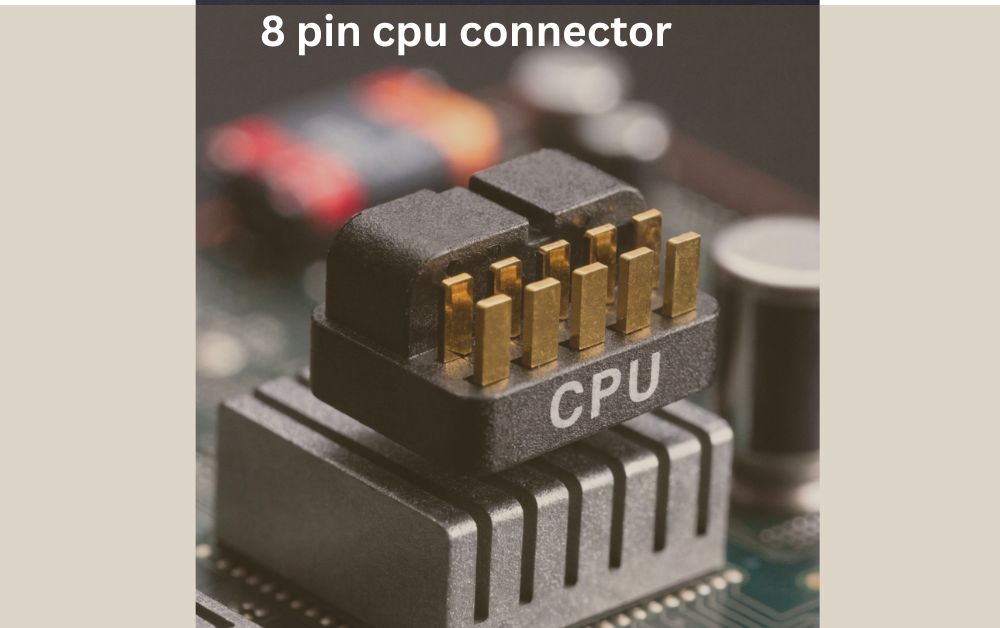
8 pin cpu connector – Improve PC Performance
If your PC is not turning on or facing sudden shutdowns the 8 pin CPU connector could be the missing link this guide will show you how it powers your processor and why it matters for stable performance.
The 8 pin CPU connector is an important part of your computer’s power system. It connects the power supply to the motherboard and delivers stable power to the processor. Without it your CPU cannot run properly and your PC may not even start.
Many users ignore this small cable but it plays a big role in system performance and stability. Whether you are building a new PC or upgrading your system, understanding the 8 pin CPU connector helps you avoid common power issues and keeps your computer running smoothly.
What is an 8 Pin CPU Connector
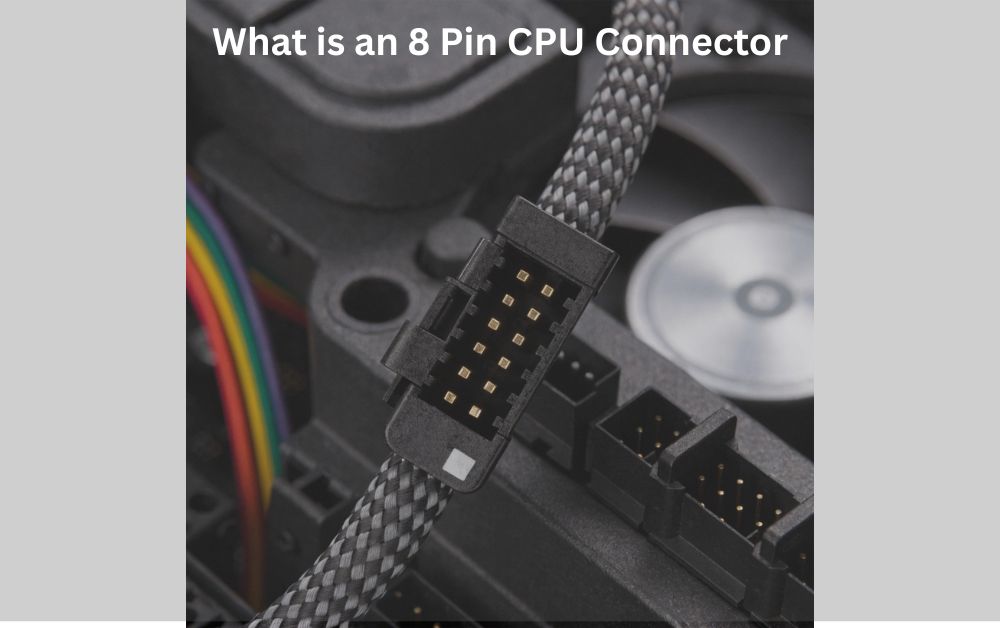
The 8 pin CPU connector is a small but very important cable inside your computer. It connects the power supply unit (PSU) directly to the motherboard and delivers power to the CPU. Many beginners think the motherboard alone powers the processor but that is not true.
The CPU needs a separate and stable power source and this connector handles that job. You will usually find the 8 pin CPU connector at the top side of the motherboard close to the processor socket. It is designed in a way that it only fits in one direction.
so users cannot plug it in incorrectly. This connector is especially important for modern systems because today processors require more power to handle gaming editing and multitasking. Without this connector, your system may not start at all or it may behave in an unstable way. That is why understanding its role is very important for anyone building or upgrading a PC.
How an 8 Pin CPU Connector Works
The working of the 8 pin CPU connector is simple but very important. It takes power from the PSU and sends it directly to the CPU through the motherboard. This power is carefully controlled so that the processor gets a stable and safe voltage.
Power Flow to CPU
When you turn on your PC electricity flows from the power supply through the 8 pin connector to the CPU power section on the motherboard. This section then manages the voltage before sending it to the processor.
Handling Heavy Load
When you run heavy software like games or video editing tools your CPU needs more power. The 8 pin connector helps provide that extra power smoothly so your system does not crash or slow down. Because of this direct power delivery the CPU can perform better and stay stable even during long hours of use.
Why the 8 Pin CPU Connector is Important
The 8 pin CPU connector plays a key role in keeping your system stable and reliable. It is not just a cable it is a core part of your computer power system. One of the main reasons it is important is that it prevents system failure. If your CPU does not receive enough power your PC may not boot or it may shut down suddenly.
This can be very frustrating especially during important work. Another reason is performance. Modern processors are powerful and need a steady flow of electricity. The 8 pin connector ensures that the CPU gets enough power to run smoothly without lag or errors.
It also improves overall stability. Whether you are gaming or working a proper CPU power connection keeps your system running without unexpected issues.
Types of CPU Power Connectors Explained
There are different types of CPU power connectors and understanding them helps you choose the right setup for your PC.
4 Pin Connector
The 4 pin connector is an older type used in low power systems. It can handle basic tasks but is not suitable for modern high performance CPUs.
8 Pin Connector
This is the standard connector used in most modern computers. It provides more power and better stability making it ideal for gaming and heavy workloads.
4+4 Pin Connector
This is a flexible option that can be used as either a 4 pin or an 8 pin connector. It is commonly found in modern power supplies and works with different motherboard types. Choosing the right connector depends on your system requirements but for most users the 8 pin connector is the best choice.
Common Problems with 8 Pin CPU Connector
Even though the 8 pin CPU connector is simple it can still cause problems if not used correctly. One common issue is a loose connection. If the cable is not fully inserted your PC may fail to start or shut down randomly.
Another problem is using the wrong cable. Some users confuse CPU cables with PCIe cables which look similar but are not the same. Using the wrong one can damage your motherboard. Power supply issues are also common.
If your PSU is low quality or does not provide enough power the CPU may not work properly. This can lead to performance drops or system instability.
Signs of a Faulty CPU Power Connection
A faulty 8 pin CPU connector can show several clear signs. One of the most obvious is that the PC does not turn on at all. Even if other components are working the system may stay completely off. Another sign is random shutdowns.
If your PC turns off during gaming or heavy tasks it could be due to unstable CPU power. You may also see no display on the screen. Sometimes the fans spin but nothing appears on the monitor. This often points to a CPU power issue. Recognizing these signs early can help you fix the problem before it gets worse.
How to Install an 8 Pin CPU Connector Properly
Installing the 8 pin CPU connector correctly is very important for system safety and performance. The process is simple but it must be done carefully.
Step by Step Installation
First turn off your PC and unplug the power cable. Then locate the CPU power socket on the motherboard. Align the connector with the slot and gently push it in until it clicks into place.
Safety Tips
Never force the connector as it only fits one way. Make sure it is fully inserted because a loose connection can cause serious issues. Also double check that you are using the correct CPU cable from your PSU. Taking a few extra seconds during installation can save you from major problems later.
4 Pin vs 8 Pin CPU Connector Comparison
Understanding the difference between these two connectors helps you make better decisions when building or upgrading your PC.
| Feature | 4 Pin Connector | 8 Pin Connector |
| Power Output | Low | High |
| Usage | Older systems | Modern systems |
| Performance Support | Basic tasks | Heavy tasks |
| Stability | Less stable | More stable |
| Overclocking Support | Not suitable | Suitable |
The 8 pin connector clearly offers better performance and stability making it the preferred choice for modern users.
Choosing the Right Power Supply for CPU Connector
Choosing the right power supply is just as important as the connector itself. A good PSU ensures that your 8 pin CPU connector delivers stable and safe power to your processor.
Check Power Requirements
Always select a PSU with enough wattage for your system. High performance CPUs and GPUs need more power.
Look for Compatibility
Make sure the PSU includes an 8 pin or 4+4 pin CPU cable. This ensures it will work with your motherboard.
Focus on Quality
A high quality power supply from a trusted brand provides better stability and protects your components from damage. Investing in a good PSU is always a smart decision for long term performance and safety.
FAQs
Is an 8 pin CPU connector the same as a PCIe connector.?
No they are not the same. Although they may look similar an 8 pin CPU connector is designed to power the processor while a PCIe connector is used for graphics cards. Using the wrong one can damage your system.
Can I use a 6+2 pin cable instead of an 8 pin CPU connector.?
No a 6+2 pin cable is made for GPUs not CPUs. Even if it fits it should not be used as a CPU power connector because it delivers power differently.
Does every motherboard require an 8 pin CPU connector.?
Most modern motherboards require an 8 pin CPU connector but some low end or older boards may work with a 4 pin connection. However using the full 8 pin is always recommended for better performance.
What happens if the 8 pin CPU connector is partially connected.?
If the connector is not fully plugged in your PC may fail to boot restart randomly or show no display. A loose connection can also cause long term hardware issues.
How do I know if my power supply has an 8 pin CPU connector.?
You can check the PSU cables or its specifications. Most modern power supplies come with a 4+4 pin cable which can be combined to form an 8 pin CPU connector.
Conclusion
The 8 pin CPU connector is a small but essential part of your PC. It provides stable power to the processor which keeps your system running smoothly and prevents shutdowns or boot issues. Ignoring it or installing it incorrectly can cause serious problems.
Always make sure it is properly connected and your power supply is reliable. A good 8 pin CPU connector setup ensures better performance stability and long term safety for your PC.