Best Thermal Compound Paste – Improve Heat Transfer
Heat and pressure slowly damage a processor often without clear warning. Many people focus on fans and airflow but ignore the small layer that sits between the CPU and cooler. That layer decides how well heat moves away.
At the end the best thermal compound paste becomes the simple solution that helps protect your processor and keep it safe longer.
What makes the best thermal compound paste effective? How does it protect your processor from heat and why choosing it correctly can save your CPU long term?
What Is Best Thermal Compound Paste
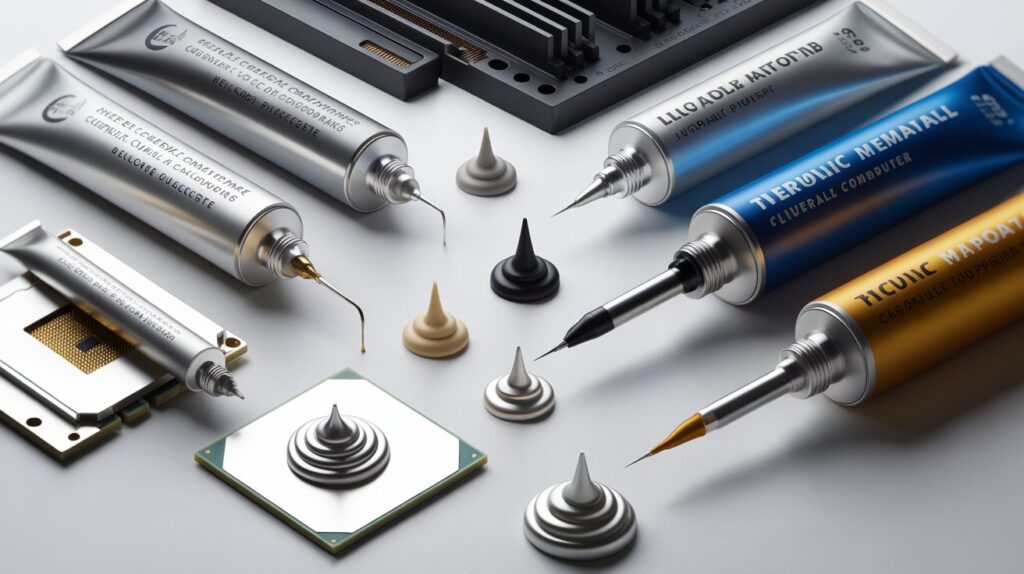
Thermal compound paste is a specially formulated material designed to improve heat transfer between the CPU and the cooling system. Every processor generates heat while performing tasks and this heat must move efficiently to prevent damage.
Even the flattest metal surfaces of the CPU and cooler have microscopic imperfections. These small gaps trap air which is a poor conductor of heat.
The Science Behind Thermal Paste
Thermal paste works by filling these tiny gaps and creating a continuous heat conductive path. Its composition can include metal oxides, ceramic compounds or carbon based materials all of which enhance the efficiency of heat transfer. Without this layer even advanced cooling systems cannot prevent temperature buildup.
How It Protects Your Processor
A processor works under constant pressure performing millions of calculations per second. This activity produces heat and prolonged exposure to high temperatures can reduce the CPU’s efficiency, degrade components or shorten its lifespan.
Maintaining Safe Operating Temperatures
Thermal paste ensures that heat moves quickly from the CPU to the cooler maintaining a stable operating temperature. Consistent cooling prevents thermal throttling where the processor automatically reduces its speed to avoid damage.
By creating an efficient path for heat the paste acts as a silent protector maintaining both the performance and health of the processor over time.
Long Term Stability
Processors can handle occasional high temperatures but prolonged exposure to heat can cause micro damage in circuits. Thermal paste prevents this silent degradation by improving heat dissipation. This ensures that even under heavy workloads the CPU maintains its stability and reliability for years.
Understanding Its Core Purpose
The core purpose of thermal paste is to create maximum contact efficiency between the CPU and the cooler. Even small gaps filled with air act as insulators drastically reducing cooling performance.
Heat Conduction at the Microscopic Level
Microscopic air pockets can prevent proper heat conduction forcing the CPU to operate at higher temperatures. Thermal paste fills these gaps with a material that conducts heat far better than air. Its consistency and spreadability are designed to ensure that no part of the CPU surface is left uncooled.
Ensuring Performance Under Load
When the CPU is under heavy stress such as during gaming rendering or data processing any inefficiency in heat transfer can reduce performance. By maintaining a smooth thermal interface thermal paste ensures the CPU can operate at full potential without performance dips.
How Heat Transfer Works Between CPU and Cooler
Heat naturally flows from a hot surface to a cooler one. In a computer the CPU generates heat while the cooler absorbs it and disperses it into the surrounding air.
Role of Thermal Paste in Heat Flow
The thermal paste acts as a bridge for heat eliminating microscopic air gaps that impede conduction. With a proper paste layer heat moves efficiently from the processor to the cooler. This reduces temperature spikes and keeps the CPU running steadily.
Effects on System Efficiency
A CPU that stays cooler requires less fan speed to maintain stability. This reduces power consumption and noise contributing to a more efficient and reliable system. Without thermal paste even high quality fans cannot prevent thermal buildup.
Common Mistakes During Application
Even the best thermal paste can fail if applied incorrectly. Incorrect application reduces its effectiveness and can lead to overheating.
Over Application Issues
Applying too much paste creates a barrier instead of a conduit reducing heat transfer. It can also spread to other components potentially causing conductivity issues in rare cases.
Under Application Issues
Too little paste leaves gaps unfilled, preventing heat from moving efficiently. Uneven application can cause hotspots on the CPU increasing stress on certain circuits.
Aging and Deterioration
Old or dried out paste loses its conductive properties. Using paste beyond its effective lifespan reduces heat transfer which can silently increase processor temperatures over time.
Problems Caused by Low Quality Paste
Not all thermal pastes are created equal. Low quality compounds may not provide effective thermal conductivity, degrade quickly or become hard over time.
Inefficient Heat Transfer
Poor quality paste slows down heat dissipation which causes the CPU to operate at higher temperatures. Higher temperatures reduce efficiency and can trigger thermal throttling lowering performance during heavy workloads.
Long Term CPU Damage
Continual exposure to elevated temperatures gradually weakens CPU components. Low quality paste cannot protect the processor adequately potentially shortening its usable lifespan.
Reduced System Reliability
A CPU running hotter than intended forces cooling systems to work harder, increasing wear and energy consumption. This can affect not only the processor but other components dependent on stable thermal conditions.
Choosing the Right Paste for Your CPU
Selecting the correct thermal paste is crucial for maintaining CPU health and performance. Factors include material type thermal conductivity and longevity.
Material Considerations
Metal based pastes conduct heat exceptionally well but can be slightly risky if misapplied. Ceramic and carbon based pastes are safe and still provide excellent heat transfer. Choosing the right material balances performance with safety.
Matching Performance Needs
High performance PCs overclocked CPUs and heavy computing systems benefit more from top quality compounds. Regular office computers can perform reliably with standard trusted pastes.
Longevity and Maintenance
Some pastes maintain efficiency for years while others require frequent replacement. Choosing a paste with long term stability reduces maintenance efforts and ensures consistent CPU protection.
Step by Step Application Guide
Correct application is essential for the thermal paste to work effectively.
Preparing the Surfaces
The CPU and cooler surfaces must be clean and free from dust or old paste. Even small particles can prevent proper contact.
Applying the Paste
A controlled small amount should be placed in the center of the CPU. The cooler naturally spreads the paste evenly when mounted creating a uniform heat conductive layer.
Securing the Cooler
Proper mounting ensures even pressure across the CPU maximizing contact efficiency and maintaining optimal heat transfer. Uneven mounting can lead to hotspots and reduce the paste’s effectiveness.
When and How Often to Replace It
Thermal paste degrades over time losing its efficiency. Replacing it regularly is essential to maintain safe CPU temperatures.
Recommended Replacement Intervals
- Desktop CPUs: Every 2–3 years
- Laptops: Every 2–3 years or upon overheating
- High performance or overclocked systems: Annually
Signs It Needs Replacement
Increased CPU temperatures, frequent thermal throttling or fan overactivity indicate that the thermal paste may no longer be effective. Timely replacement ensures continued protection and stable performance.
Do Expensive Options Really Make a Difference?
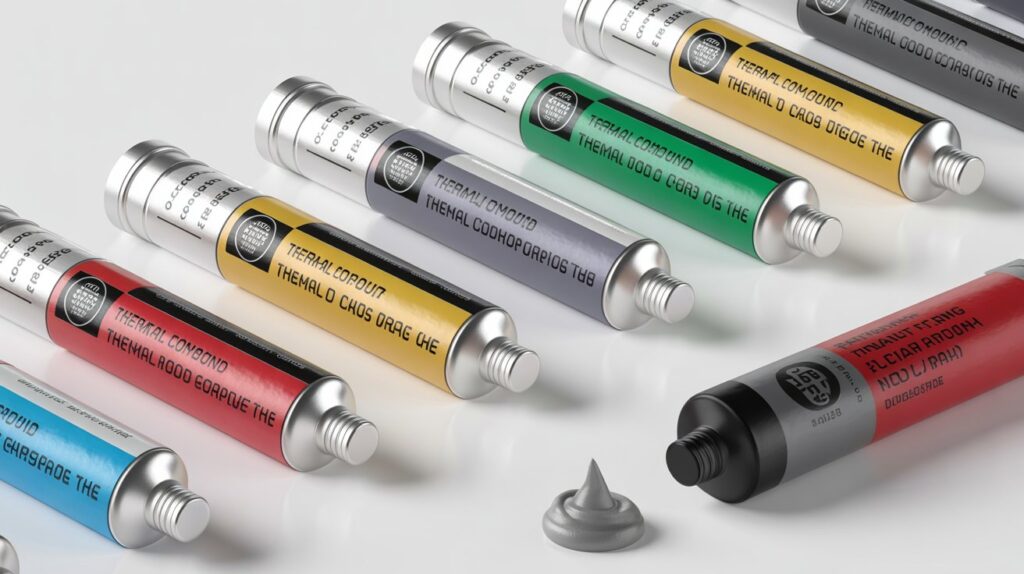
High priced thermal pastes often offer slightly higher thermal conductivity or longer lifespan. However their benefits are mostly noticeable in extreme workloads.
When Price Matters
Expensive pastes benefit gaming rigs overclocked PCs or professional workstations handling heavy data or rendering tasks.
Practical Choices for Regular Use
For everyday computers mid range trusted pastes provide sufficient protection and efficiency. The primary goal is reliable heat transfer, not unnecessary premium pricing.
Balancing Performance and Cost
Choosing a paste that balances performance safety and longevity ensures CPU protection without overspending. The right selection guarantees optimal performance for any system type.
FAQs
Can thermal paste improve laptop battery life?
Yes indirectly. Efficient heat transfer keeps the CPU cooler reducing energy use and helping the battery last longer.
Does humidity affect thermal paste performance?
No most quality pastes are resistant to moisture and maintain their efficiency in normal environments.
Can I apply thermal paste on a GPU?
Yes thermal paste works on GPUs to improve heat transfer between the chip and its cooler.
Will thermal paste prevent CPU dust buildup?
No thermal paste does not stop dust but it helps the cooling system work more efficiently despite dust accumulation.
Can old thermal paste be reused?
No once paste dries or is removed it loses effectiveness and should always be replaced with a fresh layer.
Conclusion
Choosing the right thermal paste is a simple but crucial step in protecting your processor. It ensures efficient heat transfer prevents long term damage and maintains stable CPU performance.
Even small gaps between the CPU and cooler can create major problems and the correct paste fills these gaps perfectly. Regular replacement and proper application guarantee your processor stays safe, cool and reliable for years. Proper care now saves costly repairs later.
Also Read:-